
Printer Repair Long Beach CA
Onsite HP LaserJet Service for Long Beach Businesses
Printer Repair Long Beach CA service from Printer Repair Experts brings a technician to your business to diagnose and repair supported HP LaserJet, HP Color LaserJet, and HP LaserJet MFP printers where they already work. Every printer repair Long Beach CA visit we make is aimed at the faults that actually stop printing: recurring paper jams, fuser errors, worn pickup and separation rollers, maintenance messages, and print-quality defects.
Long Beach runs on paperwork that has to print correctly the first time. Shipping and logistics offices print packing lists and bills of lading, warehouse administrators print pick tickets and receiving reports, and professional offices print contracts, invoices, and client statements. When the HP LaserJet behind that paperwork starts failing, the fix depends on an accurate diagnosis, not guesswork.
This page walks through the HP LaserJet families we support, how we isolate the most common failures, which components are usually involved, and what to expect when you request onsite printer repair Long Beach CA service from our team.
Preview Snapshot
- Printer repair Long Beach CA service covers supported HP LaserJet, HP LaserJet Enterprise, HP Color LaserJet, and HP LaserJet MFP models at your location.
- Paper jams, fuser errors, roller wear, maintenance kits, and print defects are diagnosed by symptom, error code, and event log before any part is recommended.
- Failed fuser assemblies are replaced with the correct assembly for the model, never rebuilt on site.
- Service and installed parts carry a 6-month / 180-day warranty.
- Same-day service may be available, depending on scheduling and parts.
1. Printer Repair Long Beach CA: What Our Onsite Visits Cover
Our onsite work centers on mechanical and imaging repairs for HP laser equipment. Monochrome models fall under our HP LaserJet printer repair service, and color models are handled through our HP Color LaserJet printer repair work, from compact HP LaserJet Pro units to floor-standing HP LaserJet Enterprise MFPs.
Repairs commonly performed during a printer repair Long Beach CA visit include:
- HP LaserJet paper jam repair for Tray 1, Tray 2, optional input trays, and the registration, fuser, duplex, and exit areas.
- HP LaserJet fuser error repair, including replacement of failed fuser assemblies.
- HP LaserJet pickup roller replacement, feed roller service, and HP LaserJet separation roller replacement.
- Maintenance kit installation on models that use a maintenance kit or fuser kit.
- Print-quality diagnosis for lines, streaking, splotches, faded prints, toner smearing, and repetitive image defects.
- Registration and paper-path component service.
We do not repair HP OfficeJet, DeskJet, ENVY, Smart Tank, DesignJet, or PageWide equipment, other inkjet printers, or copiers. Network, driver, firmware, and software work is handled separately, and only when it relates directly to a repair.
Why work on site? Moving an HP LaserJet Enterprise printer with optional trays is awkward, and the fault often depends on how the printer is used where it sits. Our onsite printer repair services let the technician see the paper stock, tray loading, and print jobs that trigger the problem, then test the repaired printer in the same place.
2. HP LaserJet Families Long Beach Offices Depend On
Most HP printer repair Long Beach calls involve a small group of well-established HP LaserJet platforms. The families below are representative examples of the equipment we support, not a complete list of models.
| HP printer family | Example models | Typical service topics |
|---|---|---|
| HP LaserJet Enterprise (monochrome) | M501, M506, M507 | HP LaserJet M501 M506 M507 Paper Jam Repair; HP LaserJet M501 M506 M507 Fuser Error Repair |
| HP LaserJet Enterprise (high volume) | M607, M608, M609 | HP LaserJet M607 M608 M609 Print Quality Problems; fuser and roller wear |
| HP LaserJet Enterprise MFP | M631, M632, M633 | HP LaserJet M631 M632 M633 Paper Jam Repair; document feeder problems |
| HP Color LaserJet Pro | M452, M477, M479 | HP Color LaserJet M452 M477 M479 Fuser Error Repair; color print defects |
| HP Color LaserJet Enterprise | M552, M553, M554 | HP Color LaserJet M552 M553 M554 Paper Jam Repair; HP Color LaserJet Print Quality Troubleshooting |
For platform-level detail, our pages on HP LaserJet M501, M506, and M507 printer repair and HP Color LaserJet M452, M477, and M479 printer repair go deeper. Here, those models serve as reference points for the kinds of HP LaserJet printer repair Long Beach businesses request most often.
For printer repair Long Beach CA scheduling, the full model name helps us prepare, and the suffix matters. An HP LaserJet Enterprise M507x, for example, has a 4.3-inch touchscreen and a second 550-sheet tray that the M507dn does not.
3. Printer Repair Long Beach CA Visits: From First Symptom to Verified Repair
Every printer repair Long Beach CA job follows the same evidence-first path, regardless of model. Skipping a step is how offices end up paying for a part that never solved the problem.
- Symptom report. You tell us what the printer does, when it started, and what the control panel says.
- Error message and event log review. On HP LaserJet Enterprise models, the event log can be viewed from the Troubleshooting menu or the Service menu, which shows whether a code is new or recurring.
- Paper-path inspection. We check trays, paper guides, rollers, sensors, and doors along the route each sheet travels.
- Component isolation. Model-appropriate tests narrow the cause to an assembly, such as a roller set, fuser, or transfer component.
- Recommendation and approval. You approve the repair and any parts before installation.
- Test and verification. We print from the affected trays and paper paths to confirm proper operation.
Parts come from HP Parts, High Quality Parts, or Premium Parts appropriate to the model. Customer-supplied parts are not installed. Knowing the source of every component we install is what keeps the 6-month / 180-day warranty on service and installed parts meaningful.
Commercial printer repair Long Beach requests covering several HP LaserJet units follow the same steps for each printer. A fault that repeats across similar printers becomes useful information for the maintenance plan.
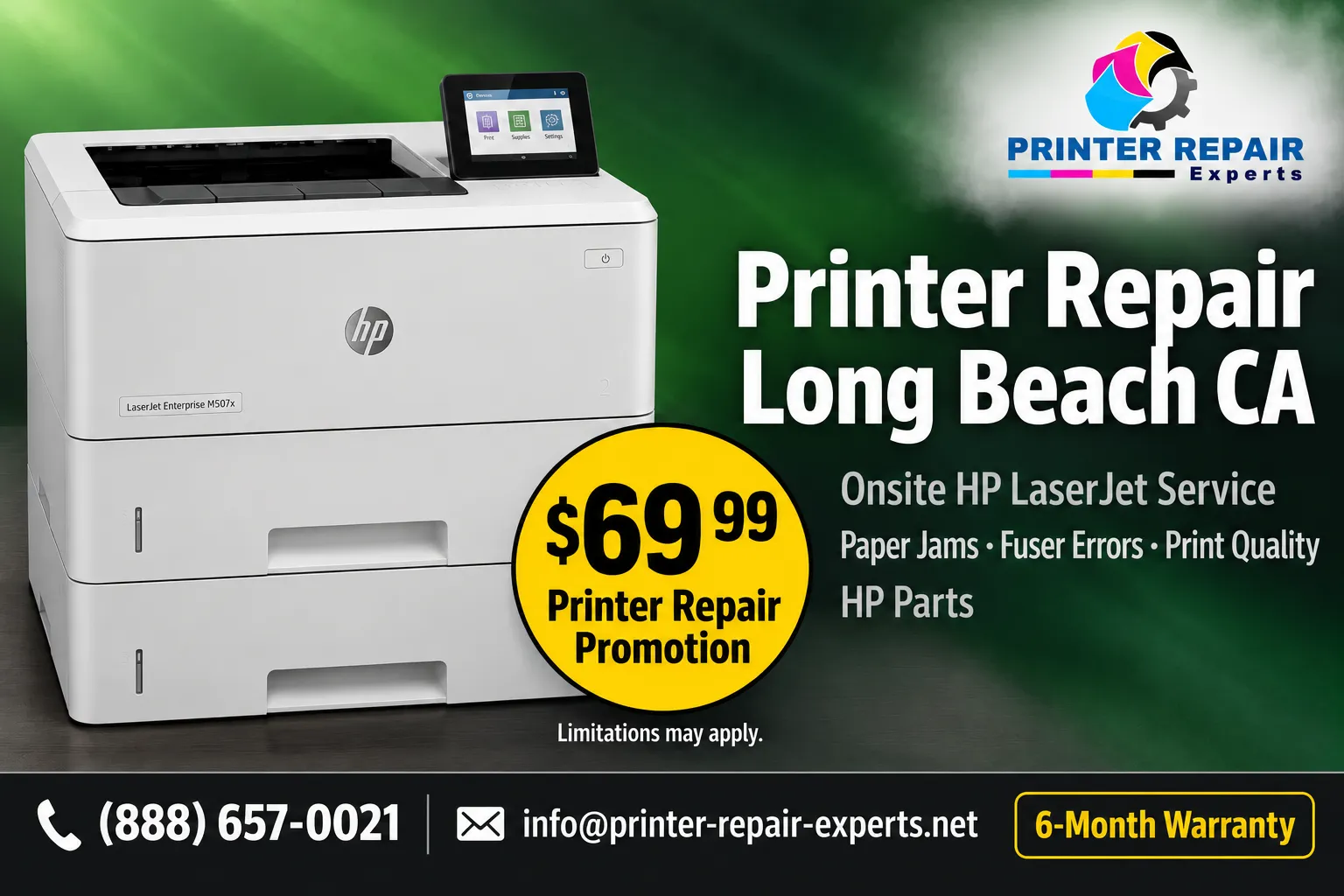
HP LaserJet Repair Promotion for Long Beach
The $69.99 Onsite Printer Repair Promotion covers onsite labor for one supported HP LaserJet per visit, with parts additional. Call (888) 657-0021 or email info@printer-repair-experts.net to schedule printer repair Long Beach CA service. Limitations may apply.
4. Recurring Paper Jams and Feed Failures on HP LaserJet Printers
Paper jams are one of the most common reasons an HP LaserJet stops in the middle of a job. A single jam is often a paper or loading issue. A jam that keeps returning in the same place usually points to a mechanical cause that needs repair, and that is where most paper-related printer repair Long Beach CA appointments begin.
What the 13.xx Codes Tell Us
On HP LaserJet Enterprise models, jams appear as 13.xx messages. HP’s control-panel message documentation for the M607, M608, and M609 describes the format as 13.WX.YZ, with characters identifying the jam location, the sensor or door involved, the jam condition, such as delay or stay, and the paper source or destination.
Diagnosing Feed-Related Jams
- Symptom: Paper fails to leave the tray, slips during pickup, or feeds several sheets together, or a jam is reported at the tray or registration area.
- Root cause: Worn pickup, feed, or separation rollers lose grip. Damaged tray parts, incorrect paper-guide settings, or obstructions in the paper path can also stop a sheet.
- Diagnosis: We match the code and event-log history to the tray in use, inspect rollers and the paper path, and test-feed each tray to see if the fault follows one source.
- Remedy: Clean or replace worn rollers, correct tray and guide problems, and remove obstructions or damaged feed parts.
- Repair component: Tray 1 roller and separation pad assembly; Tray 2 and optional-tray pickup, feed, and separation rollers; registration-area components when the jam occurs there.
- When we recommend service: Jams that keep returning from the same tray or location after the paper, loading, and guides have been checked.
Fuser-area, duplex, and exit jams follow different logic, because the sheet was already picked up. Our explanation of why printers keep jamming covers user-level causes in more depth. Some platforms add their own jam locations; HP’s documentation for the M631, M632, and M633 MFP, for example, includes the right door and fuser area.
For a Long Beach shipping office printing bills of lading in batches, the difference matters. Replacing tray rollers will not cure a jam that starts at the fuser, so every printer repair Long Beach CA diagnosis confirms the jam location before a part is recommended.
5. Fuser Errors, Loose Toner, and Fuser-Area Jams
The fuser bonds toner to paper with heat and pressure, so its problems show up in two ways: as an error that stops printing, or as pages that look fine until the toner rubs off. Both deserve careful diagnosis, because not every fuser-related message means the fuser itself has failed.
- Symptom: A 50.xx fuser error on the control panel, a fuser that does not finish warming up, toner that smears or wipes off, or repeated jams in the fuser area.
- Root cause: A worn or failed fuser assembly, a fuser temperature-control problem, or paper stalling or wrapping at the fuser.
- Diagnosis: We record the full code, check the event log for repetition, confirm the meaning against documentation for that exact model, and inspect the fuser area and print samples.
- Remedy: Replace the failed fuser assembly when the diagnosis supports it, and correct paper type or media settings when they contribute.
- Repair component: Fuser assembly, supplied on some HP LaserJet Enterprise models as a fuser kit or as part of a maintenance kit.
- When we recommend service: Any repeating 50.xx error, any fuser-area jam that returns, or toner that does not stay on the page.
On the M607, M608, and M609, HP’s documentation places fuser-area jams in the 13.B9 range, and the recommended actions for several of those codes end with replacing the fuser.
We do not rebuild fusers on site during printer repair Long Beach CA visits. When a fuser is the confirmed cause, the assembly is replaced and the printer is tested at normal print speed. For background on codes and safe user checks, read how to fix an HP printer fuser error, or review HP’s support guide to 50.xx fuser failure messages on HP LaserJet Pro models.
Know the Cause Before You Buy the Part
A repeating 13.xx jam or 50.xx fuser error can trace back to more than one component. Our technician reviews the code, event log, and paper path during each printer repair Long Beach CA visit, then recommends the repair the evidence supports.
6. Print-Quality Defects on Monochrome and Color LaserJets
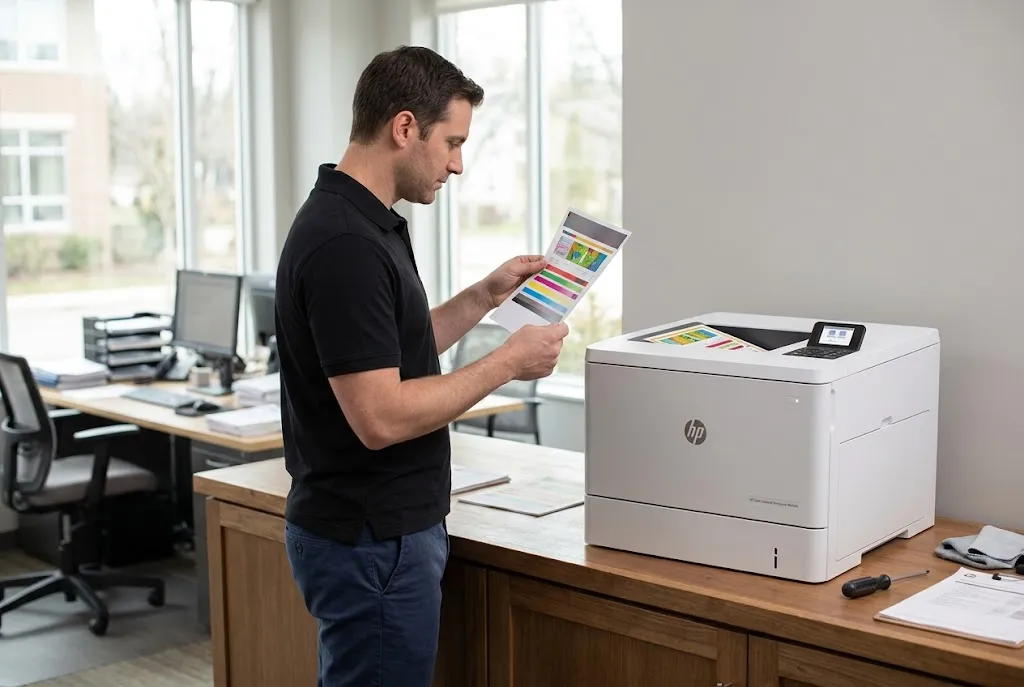
For printer repair Long Beach CA customers who send printed documents to clients, print-quality complaints are often the first warning that a component is wearing out. HP LaserJet print quality repair starts with a sample of the defect, because the pattern on the page points toward the cause.
Monochrome Defects: Streaks, Fading, and Repeating Marks
- Symptom: Faded printing, vertical lines or streaks, gray backgrounds, splotches, blank or partially printed pages, or a mark that repeats down the page.
- Root cause: A worn or damaged toner cartridge or imaging component, a transfer problem, or a fuser defect.
- Diagnosis: We print test pages and measure the spacing of repeating marks to relate them to a rotating component.
- Remedy: Replace the toner cartridge when it is the source, or replace the transfer or fuser component when testing points there.
- Repair component: Toner cartridge, transfer roller, or fuser assembly, depending on the defect.
- When we recommend service: Defects that remain after a new or known-good toner cartridge has been installed.
Color LaserJet Defects: Registration, Uneven Color, and Transfer Problems
HP Color LaserJet printer repair Long Beach CA requests add a transfer belt and four toner colors to the diagnosis. HP Color LaserJet M552, M553, and M554 repair often starts by separating a cartridge problem from a transfer-belt or fuser problem before anything is ordered.
- Symptom: Uneven color, a weak or missing color, colors out of alignment, or streaks in a single color.
- Root cause: A worn toner cartridge, calibration drift, or a worn intermediate transfer belt or transfer roller on applicable models.
- Diagnosis: Color test pages identify the affected color and page area, and a calibration run shows whether alignment can be corrected without parts.
- Remedy: Calibrate, replace the affected cartridge, or replace the transfer component when the defect follows it.
- Repair component: Toner cartridge, intermediate transfer belt, or secondary transfer roller where the model uses them.
- When we recommend service: Color problems that remain after calibration and cartridge checks.
Toner affects consistency too. We supply high-quality third-party toner backed by a 1-year / 365-day warranty, and we rule the cartridge in or out before replacing internal parts.
7. HP LaserJet Enterprise and MFP Service for High-Volume Departments
HP LaserJet Enterprise printer repair is a different job from servicing a small desktop model. Long print runs and optional trays mean rollers and fusers wear on a schedule driven by page count.
High-Volume Monochrome Printers
Distribution offices and shared departments often rely on the HP LaserJet Enterprise M607, M608, and M609 class. Our HP LaserJet M607, M608, and M609 repair page details that platform. On site, common service subjects include tray rollers, fuser replacement, and print defects that develop as the fuser ages.
For many Long Beach facilities, business laser printer repair means keeping one shared HP LaserJet Enterprise unit producing shipping paperwork, reports, and invoices without daily interruptions. For those printers, we review page count and maintenance status during each printer repair Long Beach CA visit.
Multifunction Printers and Document Feeders
HP LaserJet MFP repair adds the scanner and automatic document feeder to a printer repair Long Beach CA diagnosis. The HP LaserJet Enterprise MFP M631 uses a 150-sheet document feeder and an 8-inch touchscreen, and our HP LaserJet M631, M632, and M633 MFP repair covers printing faults, paper jams, and document feeder problems on that platform.
- Symptom: Originals skew, double-feed, or jam in the document feeder, or the feeder does not pick up the stack.
- Root cause: Worn document feeder pickup or separation rollers, damaged guides, or obstructions in the feeder path.
- Diagnosis: We test-feed originals, inspect the feeder rollers and path, and separate feeder faults from print-engine faults.
- Remedy: Clean or replace feeder rollers and clear path obstructions.
- Repair component: Document feeder roller components appropriate to the model.
- When we recommend service: Feeder jams or skewing that continue after the originals and feeder guides have been checked.
HP Color LaserJet Enterprise printer repair follows the same approach on models such as the M552, M553, and M554, with color and transfer diagnostics added to each printer repair Long Beach CA visit.
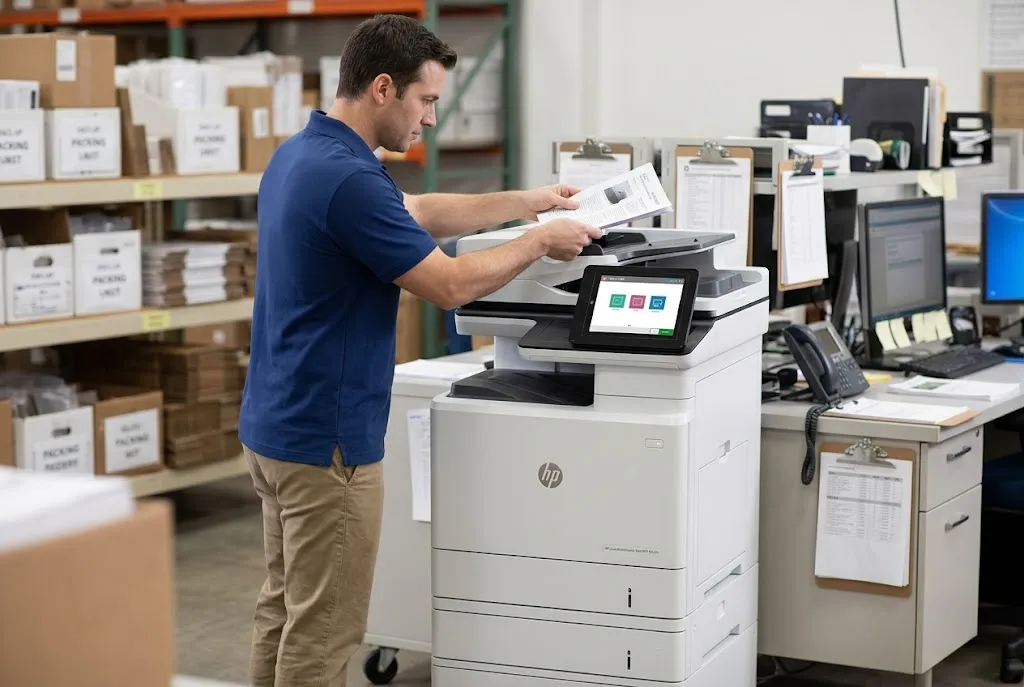
HP LaserJet Repairs Backed for 180 Days
More than 20 years in office equipment, HP Parts and Premium Parts, and a 6-month / 180-day warranty on service and installed parts. Same-day service may be available. Call (888) 657-0021 to arrange printer repair Long Beach CA service.
8. Maintenance Kits, Preventive Care, and the Repair-or-Replace Decision
Planned maintenance during printer repair Long Beach CA visits is easier to manage than a breakdown in the middle of a busy week. Our approach to HP LaserJet preventive maintenance focuses on the parts HP designs to be replaced over time: fusers, transfer components, and paper-feed rollers.
Maintenance Messages and Kit Installation
Depending on the model, an HP LaserJet Enterprise may report a maintenance kit or fuser kit as low. On the M607, M608, and M609, HP documents 10.23.60 as Fuser Kit low and 10.23.70 as a Replace Fuser Kit event logged when the fuser reaches its estimated end of life, noting that replacement is not required unless print quality declines.
HP LaserJet maintenance kit installation typically replaces the fuser assembly along with the rollers or other wear parts included in that model’s kit. We check page counts and maintenance status where the printer reports them, so a kit goes in when it is useful rather than on a guess.
Onsite HP LaserJet printer maintenance can also include roller inspection and cleaning, paper-path checks, and a print-quality review during the same printer repair Long Beach CA visit.
Habits That Reduce Interruptions
Between printer repair Long Beach CA visits, a few habits prevent avoidable stoppages:
- Set the paper guides snugly against the stack in Tray 1, Tray 2, and optional trays.
- Use paper types and weights supported by the model, and set the tray paper type to match.
- Fan and square the stack before loading, and avoid overfilling trays.
- Write down any recurring jam code or maintenance message and when it appears.
- Treat gradual fading or new streaks as an early maintenance signal.
Repair or Replace?
Repair usually makes sense when the print engine and electronics are sound and the failure involves wear parts such as rollers or a fuser. Replacement deserves a conversation when several major assemblies fail together, parts are hard to obtain, or the printer no longer fits its workload.
Either way, every printer repair Long Beach CA recommendation we make explains the repair, the parts involved, and the likely next maintenance item, so the decision rests on real information.
9. Scheduling Onsite Printer Repair Long Beach CA Service
Getting a printer repair Long Beach CA technician to your printer starts with three details: the exact HP model, the control-panel message or symptom, and where the printer is located. Call (888) 657-0021, email info@printer-repair-experts.net, or use the service request button on this page.
Alongside printer repair Long Beach CA service, we cover nearby Orange County cities such as Seal Beach, Los Alamitos, Cypress, Westminster, and Huntington Beach. Organizations with sites elsewhere in the region can review our HP LaserJet printer repair in Los Angeles, while this page stays focused on Long Beach.
Same-day service may be available when scheduling and parts allow, but we do not promise it. HP printer service Long Beach CA requests are booked by confirming the model and symptom first, so the technician arrives prepared to diagnose the right assembly.
Office printer repair Long Beach CA customers can count on more than 20 years of office equipment experience, a clear explanation before any part is installed, and a 6-month / 180-day warranty on service and installed parts. An onsite diagnosis is the most direct way to learn what your HP LaserJet needs.
FAQ's - Frequently Asked Questions - Printer Repair Long Beach CA
No. Our technicians perform printer repair Long Beach CA service at your business, so the printer is diagnosed, repaired, and tested where it is installed. That avoids unplugging and transporting heavy HP LaserJet Enterprise printers and optional trays.
When you request printer repair Long Beach CA service, have the full printer model, any control-panel message or error code, a short description of the symptom, and the printer’s location. If several printers need attention, tell us how many so the visit can be planned correctly.
The promotion covers onsite labor for one supported HP LaserJet per visit, and parts are additional. When two or more printers need service during the same visit, our Standard Flat Labor Rate applies instead. The promotional service charge still applies if you decide not to proceed after diagnosis. If a return visit is needed to install approved parts, there is no second labor charge. Limitations may apply.
Printer repair Long Beach CA service we perform and the parts we install carry a 6-month / 180-day warranty. Third-party toner we supply carries its own 1-year / 365-day warranty.
No. Printer repair Long Beach CA visits use only parts we supply, and we do not install or guarantee customer-supplied parts. We provide HP Parts, High Quality Parts, or Premium Parts matched to your model so the repair and warranty are based on components we can stand behind.
No. Printer repair Long Beach CA visits never include onsite fuser rebuilding. When diagnosis confirms a failed fuser, we replace the fuser assembly with the correct part for your model and test the printer afterward.
No. Our printer repair Long Beach CA service is limited to supported HP LaserJet, HP Color LaserJet, and HP LaserJet MFP models. We do not service inkjet printers, HP DesignJet or PageWide equipment, or copiers.
If a printer repair Long Beach CA diagnosis calls for a part that is not on hand, we confirm the diagnosis and the recommended part with you, then schedule a return visit to install it once it arrives. We do not guarantee parts availability or arrival times.
