
HP Laserjet Printer Repair for Business Offices — Same-Day Onsite Service
HP Laserjet Printer Repair is the core of what we do at Printer Repair Experts, and it has been for more than 20 years. When a workgroup printer stops feeding paper or locks up on a fuser error, your office doesn’t need a shipping label and a two-week wait — it needs a technician standing at the machine. We service HP LaserJet and HP Color LaserJet printers onsite throughout Orange County and parts of Los Angeles County.
Here is a quick snapshot of the HP Laserjet Printer Repair services covered on this page:
- Paper jam, fuser, and roller repairs for HP LaserJet M601–M612, P3015, and MFP models
- Maintenance kit installation, including the “Perform Printer Maintenance” interval
- Print quality troubleshooting for lines, streaks, smearing, fading, and repeating defects
- Firmware updates, driver installation, and company or home network printer setup
- Same-day onsite scheduling, a 6-month warranty, and a $69.99 new-client promotion
1. Why Office LaserJet Printers Go Down — and What It Costs You
Most of the machines we see didn’t fail suddenly. They gave warnings for weeks: an occasional jam in Tray 2, a faint line down the left margin, a grinding note during warm-up. Nobody logs those symptoms until invoices stop printing at month-end.
A few warning signs are worth acting on early. Jams that favor one tray, a maintenance message on the control panel, error codes that clear and return, and print defects that repeat down the page all point to wear that has a known fix. Catching any of these a week early usually means a scheduled HP Laserjet Printer Repair visit instead of an emergency call.
That timing is the real cost. A stalled printer in an accounting department, a medical front office, or a shipping room turns into missed deadlines and staff crowding around one backup device. Professional HP Printer Repair exists to shorten that window from days to hours.
The math is easy to underestimate. If eight people depend on one workgroup printer and it sits dead for two days, that’s sixteen person-days of workarounds, reprints at other departments, and delayed mail. A single onsite HP Laserjet Printer Repair visit almost always costs less than the disruption it ends. That’s the lens we encourage office managers to use when deciding how quickly to call.
Our approach to HP LaserJet Repair starts with a full diagnosis rather than a parts swap. Before replacing expensive components, Printer Repair Experts verifies the actual cause of the failure — because a jam caused by a worn separation roller will come right back if you only replace the fuser.
2. HP Laserjet Printer Repair for Enterprise Models: M601–M612 and P3015
Our technicians work on the HP LaserJet Enterprise 600 series daily — the M601, M602, and M603, the M604 through M606, and the current M607–M612 machines. These are dependable workhorses, and most failures trace to a handful of wear items rather than the engine itself, which is why HP Laserjet Printer Repair on this platform is so cost-effective.
HP LaserJet M607 M608 M609 Printer Repair calls usually involve worn rollers, fuser wear near the maintenance interval, or feed errors from a specific tray. The same pattern holds for HP Laserjet M610 M611 M612 Printer Repair, since the M610-series shares much of its paper path design with the M607 family. Fleets standardized on one of these models benefit from that consistency — a technician who knows the platform can move quickly from machine to machine during a single visit.
We also still support older fleets with the same HP Laserjet Printer Repair standards. HP Laserjet P3015 Printer Repair remains a regular request from offices that standardized on that model years ago, and keeping a proven P3015 running is often far cheaper than replacing it. HP Color LaserJet and MFP (multifunction) models are covered as well, including scanner and document-feeder issues.
Color fleets bring their own patterns. HP Color LaserJet machines add an image transfer belt and four toner stations to the equation, so color-plane misregistration and repeating color defects join the usual suspects. The diagnostic discipline stays the same: identify the component responsible before recommending a part.
3. Paper Jams: Fixing the Cause Instead of Clearing the Symptom
Anyone can pull a crumpled sheet out of a rear door. The question that matters is why the sheet stopped there. Jam errors in the 13.XX family point to specific zones of the paper path, and the location tells an experienced technician which components to inspect first.
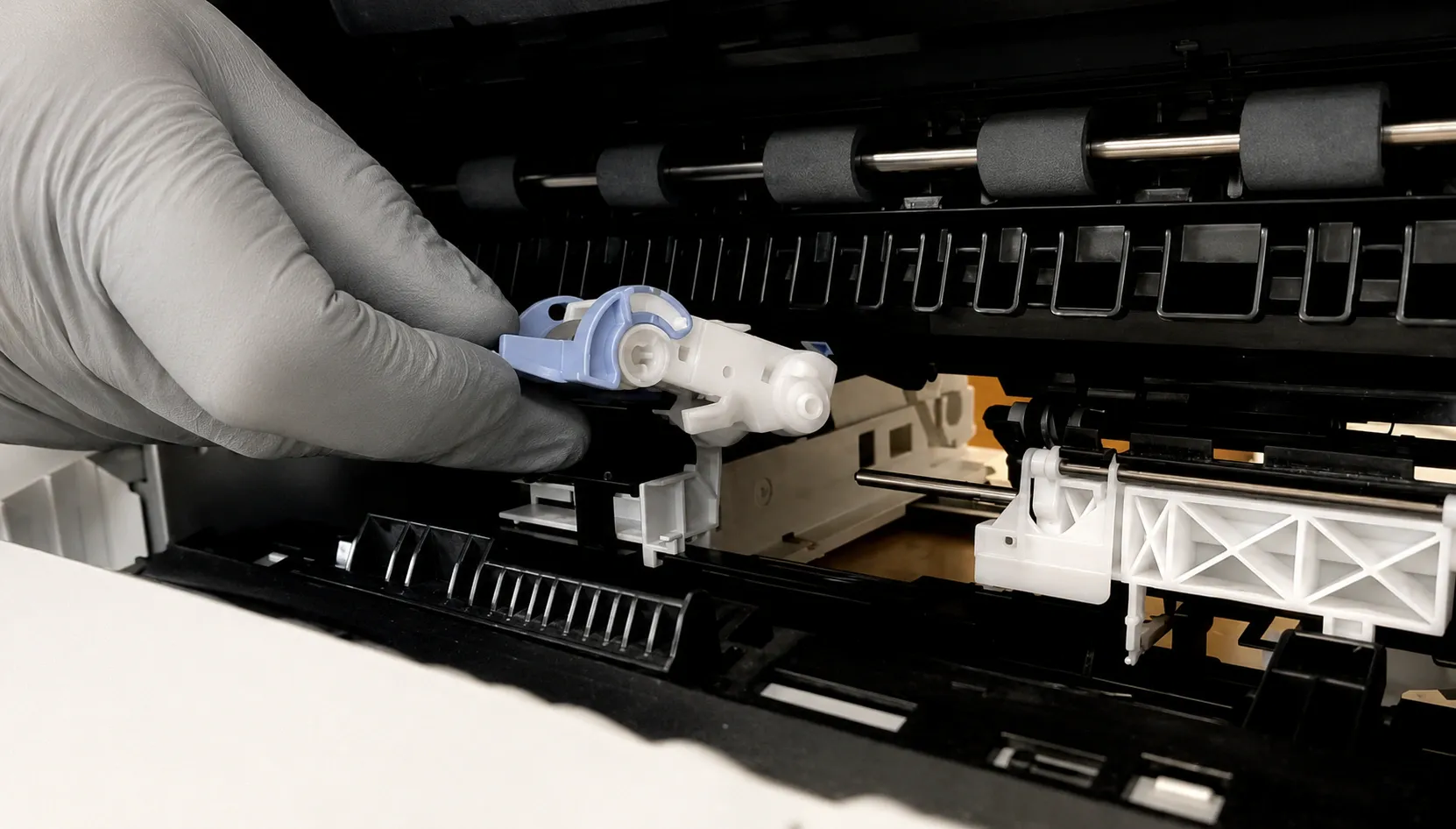
Effective HP Printer Paper Jam Repair usually comes down to friction surfaces. Pickup, feed, and separation rollers glaze over with age and paper dust, then start grabbing two sheets or none. During an HP Laserjet Printer Repair visit, HP Pickup Roller Replacement is quick — especially when it’s done before the rollers strand a busy tray.
A recurring HP LaserJet M610 M611 M612 Paper Jam at the same tray, day after day, is a mechanical signature — not bad luck. Our technicians frequently encounter this during onsite calls, and the fix is matching the jam code to the worn assembly, not just clearing the path and hoping.
Paper and environment deserve a look too. Damp stock from an unsealed ream, mixed weights loaded in one tray, or a cassette guide sitting a millimeter off spec will jam even a healthy machine. Part of every HP Laserjet Printer Repair jam call is checking how the printer is being fed, because that advice prevents the next call.
4. Fuser Errors and 50.X Faults on HP LaserJet Printers
The fuser bonds toner to paper with heat and pressure, and it works hard on every single page. When it fails, the printer typically reports a 50.X-series error and refuses to print at all — there is no limping along on a dead fuser.
A persistent HP LaserJet M610 M611 M612 Fuser Error generally means the fusing assembly has reached the end of its service life, though we always confirm the diagnosis first. Power issues and certain sensor faults can mimic fuser failure, and replacing a good fuser solves nothing.
Our HP Laserjet Printer Repair diagnosis starts at the machine, not the parts bin. We check the error history, inspect the fuser for physical wear, and rule out the electrical side before condemning the assembly. Ten minutes of verification protects you from paying for a component the printer didn’t need.
When replacement is the answer, HP Printer Fuser Replacement is a same-day job in most cases — fuser work is the most common HP Laserjet Printer Repair we perform after roller service. We stock many HP LaserJet and HP Color LaserJet fusers and maintenance kits on our service vehicles, so common models are usually back online during the first visit.
5. Maintenance Kits and the "Perform Printer Maintenance" Message
Enterprise LaserJets track page counts and tell you when wear parts are due. On the M607–M609 series, the maintenance interval arrives at roughly 225,000 pages, and the control panel posts a maintenance message when the counter is reached. Ignoring it invites the jams, streaks, and fuser faults that drive most HP Laserjet Printer Repair calls.
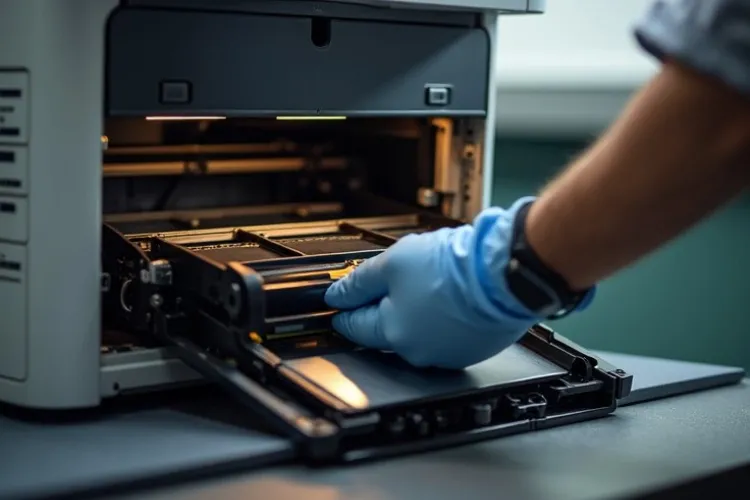
The HP Laserjet M608 Perform Maintenance message is a good example. It isn’t an error — it’s the machine requesting its scheduled kit. A proper HP Printer Maintenance Kit Replacement installs a fresh fuser, transfer roller, and tray rollers together, then resets the maintenance count so tracking stays accurate.
Choosing the correct HP Laserjet Printer Maintenance Kit matters more than most offices expect, because kits are model- and voltage-specific. We verify compatibility against the exact printer model before anything is installed, and every kit we install is covered by our 6-month warranty on parts and labor.
For high-volume print environments, we can also put fleets on a proactive schedule so kits are installed before the warning appears — a habit that noticeably reduces emergency HP Laserjet Printer Repair calls.
Offices sometimes ask whether they can simply clear the message and keep printing. You can, for a while — the printer will keep working past the interval. But the wear that triggered the reminder keeps accumulating, and the failures that follow tend to arrive at the least convenient moment on the calendar.
6. Diagnosing Lines, Streaks, Smearing, and Other Print Defects
Print defects are diagnostic gold if you read them correctly. A defect that repeats at a fixed interval down the page points to a specific rotating component, because each roller and drum has its own circumference. A smear that wipes off with a finger points to fusing temperature or worn fuser film. Reading these clues correctly separates careful HP Laserjet Printer Repair from parts-swapping.
Most HP Printer Print Quality Problems we see fall into a few families: vertical lines, repeating spots, faded regions, toner scatter, and smearing. Based on our field experience, we isolate the cause by swapping test points in a set order — cartridge, transfer, fuser — instead of guessing with parts.
Cheap toner deserves a mention here. Bargain cartridges are a frequent source of lines and background shading, and they can shed toner inside the machine. We supply high-quality third-party toner backed by a 1-year warranty, which keeps consumable costs down without the print defects.
One habit worth adopting internally: save a sample page when a defect first appears. A dated example showing how a line or smear has progressed shortens our HP Laserjet Printer Repair diagnosis and gives you a record of the machine’s history. Small documentation, real time savings.
7. Firmware Updates, Drivers, and Network Printing Issues
Not every “broken printer” has a broken part. A surprising share of service calls end at the software layer: a stuck job queue, a driver mismatch after a Windows update, or a static IP conflict that knocks a shared printer off the network.
We handle an HP Printer Firmware Update as part of service when it addresses a documented issue — firmware revisions regularly fix jam handling, connectivity drops, and error behavior. We also install drivers correctly across workstations and set printers up on company or home networks, including secure and static-IP configurations.
If your LaserJet prints a clean configuration page but nothing arrives from users’ desks, the hardware is probably fine. That’s a connectivity diagnosis, and it’s one we can usually complete in a single HP Laserjet Printer Repair visit alongside any mechanical work.
We also help offices tighten up print behavior while we’re there — clearing stuck spoolers, standardizing drivers across a department, and confirming the printer holds its address after a router or server change. These are the small configuration details that quietly cause most “the printer stopped working” tickets.
Firmware work is done carefully, not casually. We apply updates when a revision addresses a documented problem on your model, and we confirm the printer’s behavior afterward — because an update applied blindly can change settings an office depends on.
8. Onsite Service Throughout Orange County and Los Angeles County
Everything described above happens at your address, not a depot. Onsite HP Printer Repair means the technician, the tools, and the commonly needed parts come to your office, and your staff never has to unplug and haul a 50-pound printer anywhere.
Businesses usually find us by searching HP Printer Repair Near Me, HP Laserjet Printer Repair Near Me, or simply Printer Repair Near Me — and what they’re really asking for is response time. Same-day Onsite HP LaserJet Repair is available for many HP LaserJet printer issues, which is exactly what a down front-office printer requires.
Our HP Laserjet Printer Repair Orange County coverage includes Anaheim, Irvine, Santa Ana, Fullerton, Huntington Beach, Garden Grove, and surrounding cities. HP Printer Repair Anaheim requests are among our most common, given the density of offices and logistics operations there.
We also provide Onsite Printer Repair across a large portion of Los Angeles County, including Long Beach, Cerritos, Downey, Whittier, Pasadena, and neighboring communities. If you’re unsure whether your address is covered, one quick call settles it.
Here’s what an onsite HP Laserjet Printer Repair visit looks like. You describe the symptom when you call, we arrive with the parts that symptom usually requires, and the technician diagnoses, repairs, and test-prints at your machine. Most single-printer visits are finished the same day they start, and you’re never left guessing about what was done or why.
9. Repair or Replace? Honest Numbers for Your Printer Fleet
Sometimes the honest answer is “don’t repair it,” and we’ll tell you — that candor is part of responsible HP Laserjet Printer Repair. A consumer-grade device with a failed engine rarely justifies a service call. A LaserJet is a different calculation: these machines are rated for hundreds of thousands of pages, and a mid-life repair typically costs a fraction of a comparable replacement.
Good HP LaserJet Service decisions come down to three numbers — the printer’s age and page count, the cost of the needed parts, and the remaining life those parts restore. A fresh maintenance kit on a mid-count M608 effectively resets the machine’s wear clock. That’s why fleet managers keep these printers in service for a decade or more.
Part quality shapes that math. We repair with HP Parts, High Quality Parts, and Premium Parts, because a bargain fuser that fails in four months erases any savings. Every HP Laserjet Printer Repair we perform carries a 6-month (180-day) warranty on service and installed parts, so the decision you make with us stays predictable.
If your office has been putting off HP Printer Service on several machines at once, we can assess the fleet in one visit and rank what’s worth fixing. Clear priorities beat emergency calls every time.
Toner belongs in the fleet conversation as well. Consumable spend across ten machines often exceeds repair spend over the same year, so pairing dependable third-party toner with scheduled maintenance is one of the simplest ways a business trims print costs without gambling on quality.
Preventative planning closes the loop. Once we’ve seen a fleet, we can flag which machines are approaching their maintenance intervals and which are one worn roller away from a bad week. A short annual review of page counts turns printer care from a series of emergencies into a line item you can actually budget.
Get Your Printers Back Online
Downtime doesn’t schedule itself politely, and neither should you have to wait on a fix. Printer Repair Experts brings 20+ years of HP Laserjet Printer Repair experience directly to your office, with same-day service available for many issues and stocked parts on board. Every HP Laserjet Printer Repair visit ends with test prints and a clear explanation of the work performed.
New clients can take advantage of our $69.99 flat labor rate promotion for one qualifying HP LaserJet or HP Color LaserJet printer repair visit — the promotion is subject to limitations. Call (888) 657-0021 or email info@printer-repair-experts.net, and we’ll get a technician headed your way.
FAQ's - Frequently Asked Questons -
Same-day onsite service is available for many commercial HP LaserJet printer issues across our Orange County and Los Angeles County service area. Call in the morning and, in many cases, a technician is at your machine before the end of the business day.
Yes. We service HP LaserJet, HP Color LaserJet, and both monochrome and color LaserJet MFP models, including document feeder and scanning-related mechanical issues on multifunction units.
No — it’s a scheduled service reminder. Enterprise models such as the M607, M608, and M609 request a maintenance kit at roughly 225,000 pages. Installing the kit and resetting the counter restores the feed rollers and fuser before they start causing jams and defects.
Usually yes, for commercial models. Enterprise LaserJets are engineered for very high page volumes, and a repair or maintenance kit typically costs a fraction of replacement. If a repair genuinely isn’t economical, we’ll say so before any work begins.
