
How Much Does It Cost to Repair a Printer? Pricing an HP LaserJet Repair
How much does it cost to repair a printer? For one eligible HP LaserJet or HP Color LaserJet, the onsite visit is covered by Printer Repair Experts’ onsite repair promotion, the $69.99 Onsite Printer Repair Promotion, and replacement parts are priced separately. That makes the real answer a two-part number: a known visit charge, plus the parts your printer turns out to need.
The visit charge is the predictable half. The parts half depends on three things nobody can see from a distance: the exact model, the cause of the problem, and which components have actually worn or failed. Below, we explain how each one moves the total, why two printers with the same symptom can receive different quotes, and how to judge a repair against buying a replacement.
When office managers ask us “How much does it cost to repair a printer?” they usually want two things: a figure they can budget against, and confidence that the figure will not grow without explanation. Both are possible once the printer has been identified and the fault has been diagnosed.
Preview Snapshot
- The onsite promotion covers the visit for one eligible HP LaserJet or HP Color LaserJet; replacement parts are always a separate line.
- Model, cause, and parts are the three variables behind any HP LaserJet repair cost.
- A free phone quote needs the model number, the symptom or error code, and the service location.
- Some faults, including many fuser errors, need onsite diagnosis before a final parts quote is possible.
- Repair is usually the better value when the full quote compares well with a like-for-like replacement and the printer is not developing recurring faults.
1. The short answer: a fixed visit charge and a variable parts list
Every repair bill we write has the same two lines. The first is the onsite visit, which for one eligible HP LaserJet or HP Color LaserJet falls under the promotion described above. The second is parts, and that line can be empty, small, or substantial depending on what the technician finds.
Splitting the price this way is deliberate. A set visit charge means you know what it costs to have the printer examined before anyone opens a door. Parts are quoted only after we know which ones are needed, so the price of a fuser assembly never ends up on a printer that only needed a roller.
Two practical consequences follow. If the diagnosis leads to a repair you decide not to pursue, the promotional service charge still applies to that visit. If we return to install approved parts that had to be ordered, the applicable return trip does not carry a second labor charge.
2. Three variables that set an HP LaserJet repair cost
Any HP LaserJet repair cost comes down to the model on your floor, the cause behind the symptom, and the parts that cause requires. Each one can shift the parts line on its own.
The exact model
Replacement parts are model-specific. A tray pickup roller, a fuser assembly, or a maintenance kit is matched to a particular printer family and often to its operating voltage, so the model number decides which part we look up and what it costs. For monochrome machines such as the HP LaserJet Enterprise M607, M608, and M609, our HP LaserJet repair services page lists the families we work on.
Color models add another layer. An HP Color LaserJet Enterprise M555 carries color imaging and transfer components that a monochrome LaserJet does not have, which is why our HP Color LaserJet repair services begin with confirming the exact model before any part is identified.
The cause of the problem
A symptom describes what the printer is doing; the cause explains why. Jams, error messages, and print defects can each trace back to more than one source, and that source decides whether the fix costs nothing beyond the visit or requires a replacement assembly. Sections 4 and 5 walk through two examples.
The parts the repair requires
Once the cause is known, the parts list is usually short. It may be a single roller, a fuser assembly, or a model-specific maintenance kit. We supply HP Parts, High Quality Parts, or Premium Parts as appropriate to the printer and the repair.
We do not install customer-supplied parts. Their condition and compatibility are unknown to us, and we cannot back them with our warranty.
3. What is the average cost to repair a printer?
An average is a poor guide to your own repair. The figure would blend roller replacements with fuser assemblies, single-function printers with MFPs, and monochrome models with color ones, so it would not describe any particular printer accurately. Your model, its fault, and the parts it needs are what produce a useful number.
A better starting point is a free printer repair quote by phone. Call (888) 657-0021 and we will talk through the problem with you before anyone schedules a visit.
What information do I need for a printer repair quote?
Three details make that phone conversation productive:
- The model number. It is usually shown on the front of the printer and on its configuration page. If it is hard to find, HP’s guide to finding the product and serial numbers on HP printers shows where the product and serial numbers are located.
- The symptom or error code. Tell us what the printer is doing, where the paper stops, or the exact message on the control panel.
- The service location. The address lets us confirm the printer is within our onsite territory.
Some faults can be narrowed down over the phone well enough to describe the likely parts. Others cannot. A fuser error, an intermittent jam, or a print defect that could come from several components often needs onsite diagnosis before we can give a final parts quote.
That is the difference between the two services. The phone quote is free and gives you an informed expectation; the onsite visit is a paid service in which a technician examines the printer and confirms the parts it needs. Broader questions about HP service are collected in our resource, Common HP printer repair questions.
One Visit Charge. Parts Quoted Separately.
The $69.99 Onsite Printer Repair Promotion covers a technician’s visit to one eligible HP LaserJet or HP Color LaserJet, and any parts are quoted before they are installed. Call (888) 657-0021 or email info@printer-repair-experts.net to schedule. Limitations may apply.
4. Same symptom, different quote: a printer that keeps jamming
A recurring paper jam shows why two similar service calls can end with different totals. From the outside, the symptom looks identical: pages stop in the same place, the control panel reports a jam, and clearing it buys a few prints before it happens again.
The root cause, though, usually falls into one of two very different groups. Sometimes a torn scrap of paper or a label backing is trapped along the paper path, catching every sheet that passes. In other cases the pickup, feed, or separation rollers for that tray have worn smooth and no longer grip paper consistently, producing misfeeds that look the same on the control panel.
Diagnosis separates the two. The technician checks which tray the jams start from, inspects the paper path for obstructions, and examines the rollers serving that tray for wear and glazing. Paper condition and tray guide settings get checked too, since both can imitate a hardware fault.
The remedy follows the finding. Removing an obstruction requires no parts, so the visit charge may be the entire bill. Worn rollers mean replacing the pickup, feed, or separation rollers for the affected tray, and those parts are added to the quote.
We recommend service when jams keep returning after the printer has been cleared and loaded with fresh paper set correctly in the tray. For the broader mechanics, our article, Why your printer keeps jamming, explains common jam sources in more detail.
5. Why a fuser error is diagnosed before it is quoted
A fuser error is the clearest case for diagnosis first. The printer stops and reports a fuser problem, and it is tempting to assume the fuser assembly has failed and price a replacement over the phone.
The error tells you the printer detected a problem in the fusing system, not which part caused it. Depending on the model and the specific code, HP’s troubleshooting can point to the fuser assembly itself, its connection inside the printer, or the power that drives it. Quoting an assembly without checking those possibilities risks charging for a part that would not fix the printer.
Onsite, the technician confirms the error, checks that the fuser is seated and connected properly, and works through the documented checks for that model’s code. When the fuser assembly is confirmed as the failed part, the remedy is replacement. We do not rebuild fusers onsite; an applicable fuser assembly is installed instead.
Code meanings and early troubleshooting steps for specific models are covered in our guide to HP printer fuser error troubleshooting. If the error returns after the printer has been turned off and back on, we recommend scheduling a diagnosis rather than continuing to restart it.
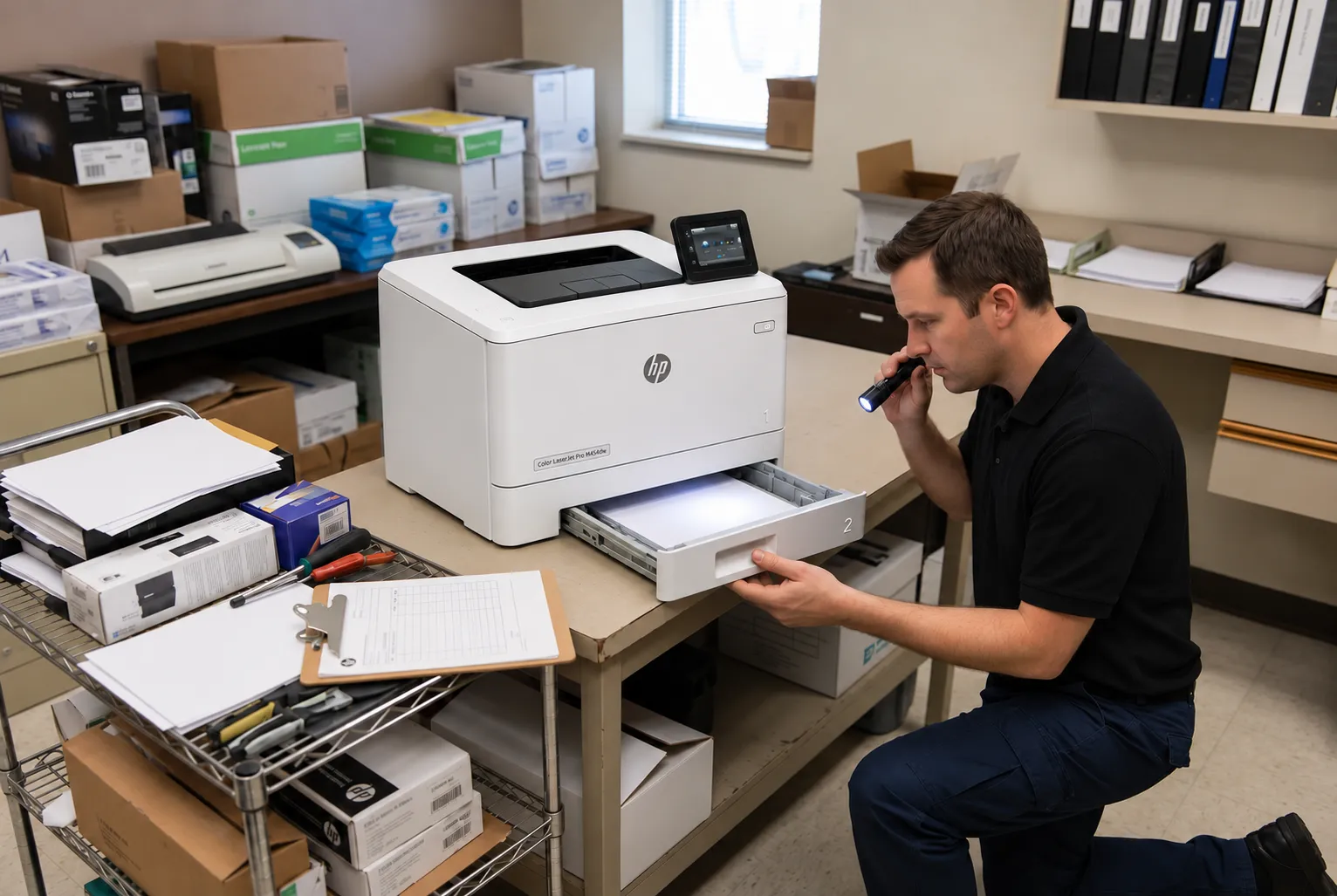
Diagnosis Before Any Part Is Priced
A jam or a fuser error can lead to very different repairs. Our technician confirms the cause onsite and quotes only the parts that cause requires. Call (888) 657-0021 to arrange a diagnosis.
6. One worn part or a complete maintenance kit?
Sometimes the diagnosis points to a single tired component, such as the pickup roller for one tray. Replacing that roller alone is the economical choice when the rest of the printer is in good condition and has been maintained on schedule.
A maintenance kit makes more sense when several wear items are nearing the end of their life together. On the HP LaserJet Enterprise M607, M608, and M609, for example, HP’s maintenance kit pairs a fuser assembly with paper-feed rollers and is rated for up to 225,000 pages. A high-volume printer approaching that count may be better served by the kit than by replacing parts one service call at a time.
Two things decide which path we recommend: the printer’s page count and its maintenance history. Many HP LaserJet Enterprise models report maintenance kit status on the control panel and the supplies status page, which helps confirm where a printer stands. Our page on HP LaserJet printer maintenance kits covers kit installation in more detail.
The effect on cost is predictable. A single part keeps today’s quote lower, while a kit raises it but can head off the next service call when other components are worn too.
7. Is it worth repairing a printer? Weighing the repair against a replacement
Is it worth repairing a printer? Usually, yes, when the full repair quote is well below the cost of a comparable replacement and the printer has no history of recurring faults. The comparison only works when both sides are complete.
Printer repair vs. replacement cost is often compared badly. A repair quote gets set against the sticker price of a smaller, cheaper machine that lacks the extra trays, duplex printing, or network scanning the office relies on. That is not a like-for-like comparison.
How to compare business printer replacement costs
Start with a replacement that does the same work, then add the costs that come with switching:
- The purchase price of a model with the same paper capacity, extra trays, duplex printing, and scanning features your staff use every day.
- Setup time for network installation, drivers on each workstation, and scan destinations on an MFP such as the HP LaserJet Enterprise MFP M631.
- Toner for the new model, since cartridges already on the shelf may not fit it.
- Optional paper feeders or other accessories that would have to be bought again.
Then look honestly at the printer you have. Recurring faults in different systems, repeated repairs within a short period, or parts that are becoming hard to source all argue for replacement, even when today’s quote looks reasonable. A printer with one isolated fault and a sound maintenance record generally argues the other way.
| Factor | Points toward repair | Points toward replacement |
|---|---|---|
| Fault history | One isolated fault | Recurring faults in different areas |
| Parts availability | Parts readily available for the model | Parts becoming difficult to source |
| Features | Current printer has the trays, duplex, and scanning the office uses | Office needs features the current printer lacks |
| Quote vs. replacement | Repair quote is a modest share of a comparable replacement | Repair quote approaches the price of a comparable replacement |
8. How much does it cost to repair a printer when the technician comes to you?
Onsite printer repair cost follows the same structure described above, with a few service terms worth knowing before you book. The promotion applies to one printer per visit. When two or more printers need service during the same visit, labor is billed at our Standard Flat Labor Rate instead, and we confirm that when scheduling.
The promotion covers onsite hardware repair of eligible HP LaserJet and HP Color LaserJet printers, including Enterprise and MFP configurations. It does not cover software updates, network connectivity work, or firmware upgrades. Our service and installed parts carry a 6-month / 180-day warranty.
Our onsite territory covers Orange County and approved portions of Los Angeles County. Offices in Anaheim, Irvine, Santa Ana, Huntington Beach, Fullerton, and other approved cities can confirm coverage on our HP LaserJet repair in Orange County page. In the Los Angeles area, check HP LaserJet repair in the Los Angeles service area, or give us the address when you call, since only part of the county is covered.
Same-day service may be available when the schedule and the repair allow it. We confirm timing when you call rather than promising it in advance.
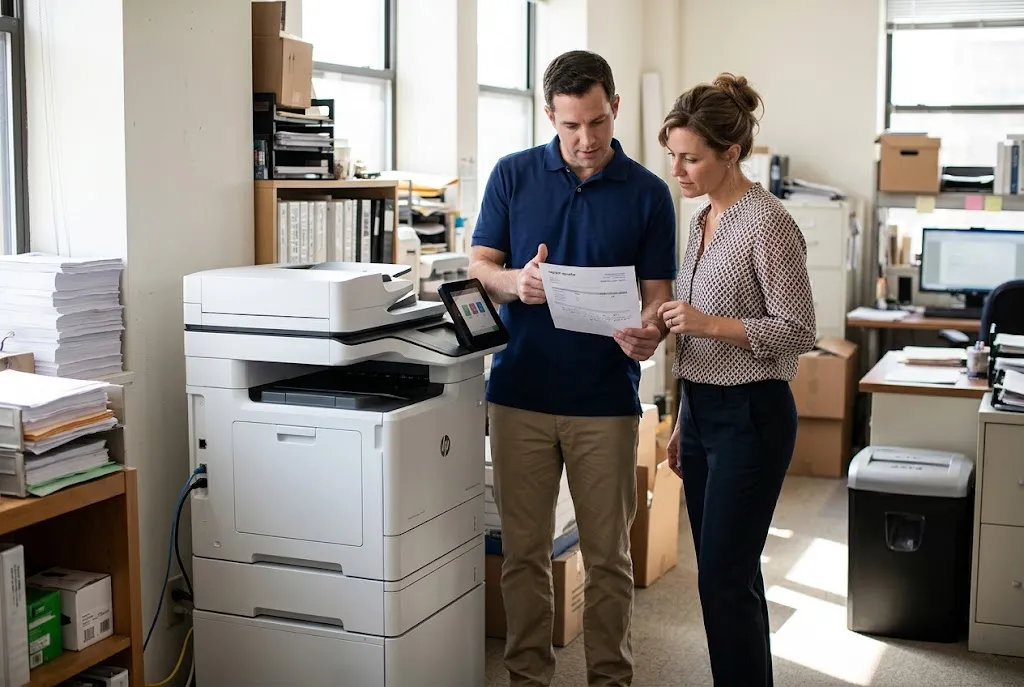
Repairs Backed for 180 Days
With more than 20 years in the office equipment industry, we repair HP LaserJet and HP Color LaserJet printers across Orange County and approved parts of Los Angeles County. Service and installed parts carry a 6-month / 180-day warranty. Email info@printer-repair-experts.net or call (888) 657-0021 for your quote.
9. Turning the pricing question into a number for your printer
“How much does it cost to repair a printer?” has a useful answer only when it is asked about one specific printer. The visit charge is known in advance, the parts depend on what diagnosis finds, and the repair-or-replace decision depends on how that total compares with a replacement that does the same work.
The quickest route is the phone quote. Have the model number, the symptom or error code, and the service address ready. If the conversation shows the printer needs onsite diagnosis, we will say so and explain what the visit includes before anything is scheduled.
Still weighing your options? Our guide, Where to get your printer fixed, compares the service choices available. When you are ready, call (888) 657-0021 or email info@printer-repair-experts.net, and we will start with your model number.
FAQ's - Frequently Asked Questions - Printer Repair Pricing
Yes. The promotional service charge covers the technician’s time diagnosing the printer, so it applies even if you choose not to proceed. You will know the recommended parts, and the reason for each, before you decide.
No. When approved parts have to be ordered and installed on an applicable return visit, that trip does not carry a second labor charge.
The promotion applies to one printer per visit. When two or more printers need service during the same visit, labor is billed at our Standard Flat Labor Rate, which we confirm when scheduling.
No. We do not install customer-supplied parts, because we cannot confirm their condition or back them with our warranty. We supply HP Parts, High Quality Parts, or Premium Parts matched to your model.
Our service and the parts we install carry a 6-month / 180-day warranty. If a problem with that repair appears within the period, contact us with the model number and a description of what the printer is doing.
No. The promotion is for onsite hardware repair of eligible HP LaserJet and HP Color LaserJet printers. Network connectivity, software updates, and firmware upgrades fall outside it, so mention any of those when you call.
No. We work on HP LaserJet and HP Color LaserJet printers, including Enterprise and MFP configurations. HP OfficeJet, DeskJet, ENVY, Smart Tank, DesignJet, PageWide, and other inkjet printers are outside our service.
It can. Replacing wear items on schedule, often through a model-specific maintenance kit, lowers the chance that worn rollers or an aging fuser cause jams and errors between visits. We also offer high-quality third-party toner backed by a 1-year / 365-day warranty.