
HP Laserjet M527MFP M528MFP Fuser Error:
Reading the Code and Knowing When to Call
An HP Laserjet M527MFP M528MFP Fuser Error stops the printer because its controller has detected a fuser heating or control condition it will not print through. The code on the control panel, and the moment it appeared, are the two most useful facts anyone in the office can collect before deciding whether printing can resume.
This guide is written for the office manager, IT administrator, or school staff member standing in front of an HP LaserJet Enterprise MFP M527 or M528 with a 50-series message on the screen. We explain what an HP Laserjet M527MFP M528MFP Fuser Error is guarding against, how to read the full code, the one restart check that belongs to the office, and the point where onsite diagnosis becomes the better use of everyone’s time.
Preview Snapshot
- A 50-series code points to fuser temperature, warm-up, drive-circuit, or open-circuit conditions; a 13-series code points to paper that stalled in the paper path.
- On the M527, HP documents examples including 50.10, 50.20, 50.30, 50.40, and 50.70. An M528 code should be checked against M528 documentation before a meaning is assigned.
- When an HP Laserjet M527MFP M528MFP Fuser Error appears, whether at startup, during warm-up, or mid-job, narrows where a technician looks first.
- A controlled restart with the printer plugged directly into a wall outlet is the appropriate customer check. Removing or inspecting the fuser is not.
- A fuser error that returns after the restart calls for testing of the power source, fuser assembly, and related connections before any part is replaced.
What an HP Laserjet M527MFP M528MFP Fuser Error Is Protecting Against
The fuser is the last stage of printing. Toner reaches the page as a fine powder held by an electrostatic charge, and the fuser uses heat and pressure to melt it into the paper fibers. HP’s troubleshooting manual for the M501, M506, and M527 family describes a heated fuser film that the printer brings to temperature during its waiting period and switches off after the last page.
Because that heater runs hot, the printer constantly compares what the fuser reports against what the firmware expects. When the reading is too low, too high, too slow to arrive, or missing, the printer stops and posts the HP Laserjet M527MFP M528MFP Fuser Error rather than keep heating a part it can no longer measure correctly.
That makes the HP Laserjet M527MFP M528MFP Fuser Error a protective stop, not a verdict on the fuser. It tells us a fuser condition fell outside its limits. It does not prove the fuser assembly failed, because the same stop can trace back to incoming power, a connection between the fuser and the controller, or the circuitry that drives the heater.
Read the Full HP Laserjet M527MFP M528MFP Fuser Error Code Before Anything Else
Write down the complete HP Laserjet M527MFP M528MFP Fuser Error message, including every digit after the first decimal point. HP’s documentation for this printer family shows two styles: a short form such as “50.XX Fuser Error, Turn off then on,” and a longer 50.WX.YZ form. In the longer form, the trailing digits record the fuser mode and the printer’s sleep states, details that matter to a technician even when they mean little at the panel.
Documented M527 Examples
For an HP LaserJet Enterprise MFP M527 50.xx fuser error, HP’s troubleshooting manual for the M501, M506, and M527 family lists these examples:
| Code | Documented meaning | Where the documentation points |
|---|---|---|
| 50.10 | Low fuser temperature | Fuser assembly, fuser connections, fuser power supply |
| 50.20 | Slow fuser (warm-up did not finish in time) | Incoming power, fuser assembly, fuser power supply |
| 50.30 | High fuser temperature | Fuser assembly and its connections |
| 50.40 | Fuser drive circuit fault | Power source and fuser drive circuitry |
| 50.70 | Fuser open | Fuser assembly and connector seating |
This is not a complete list of every 50-series message the M527 can display. It covers the codes an office is most likely to see named in HP’s documentation for this model.
Reading an M528 Code
The HP LaserJet Enterprise MFP M528 is a newer model with its own service documentation. We do not carry M527 meanings over to an M528 code without checking M528-specific information, so the full code from an M528 matters even more. A phone photo of the control panel is the simplest way to capture an HP Laserjet M527MFP M528MFP Fuser Error exactly as displayed.
Confirm the Model on the Label
The M527 and M528 share nearly identical dimensions, so check the model name on the printer and its product label before comparing codes. If the label shows a single-function printer instead, our guide to HP LaserJet M501, M506, and M507 fuser errors covers those models.
Offices running more than one generation of HP LaserJet Enterprise MFP can use the matching guide:
Fuser Error or Fuser-Area Jam? Two Different Fault Paths
An HP Laserjet M527MFP M528MFP Fuser Error concerns heat and fuser control and appears as a 50-series code. A 13-series message concerns paper that did not move through a section of the paper path on schedule. Both can involve the same corner of the printer, which is why they are easy to confuse.
The M528 provides a clear example. HP describes the HP LaserJet Enterprise MFP M528 13.B9 fuser-area paper jam in its HP support article on the 13.B9 jam in the fuser for the M528. That code means a sheet stalled at or near the fuser, not that the heater reported an out-of-range temperature, so it is not an HP Laserjet M527MFP M528MFP Fuser Error and follows a different troubleshooting path.
Repeated jams usually trace to media, feed rollers, or the paper path rather than fuser heating. Our overview of why printers keep jamming explains those causes, and HP LaserJet Enterprise MFP M527 and M528 paper jam repair is handled as its own service.
One symptom deserves a mention on any fuser call: HP LaserJet Enterprise MFP M527 and M528 toner rubbing off the page. Toner that smears or wipes away can indicate incomplete fusing, so tell the technician about it even when no code is currently showing.
Fuser Code Still There After a Restart?
Our $69.99 Onsite Printer Repair Promotion covers the onsite visit for one HP LaserJet Enterprise MFP M527 or M528 showing a fuser error. Parts are not included. Call (888) 657-0021 or email info@printer-repair-experts.net. Limitations may apply.
The Restart Check That Belongs to the Office
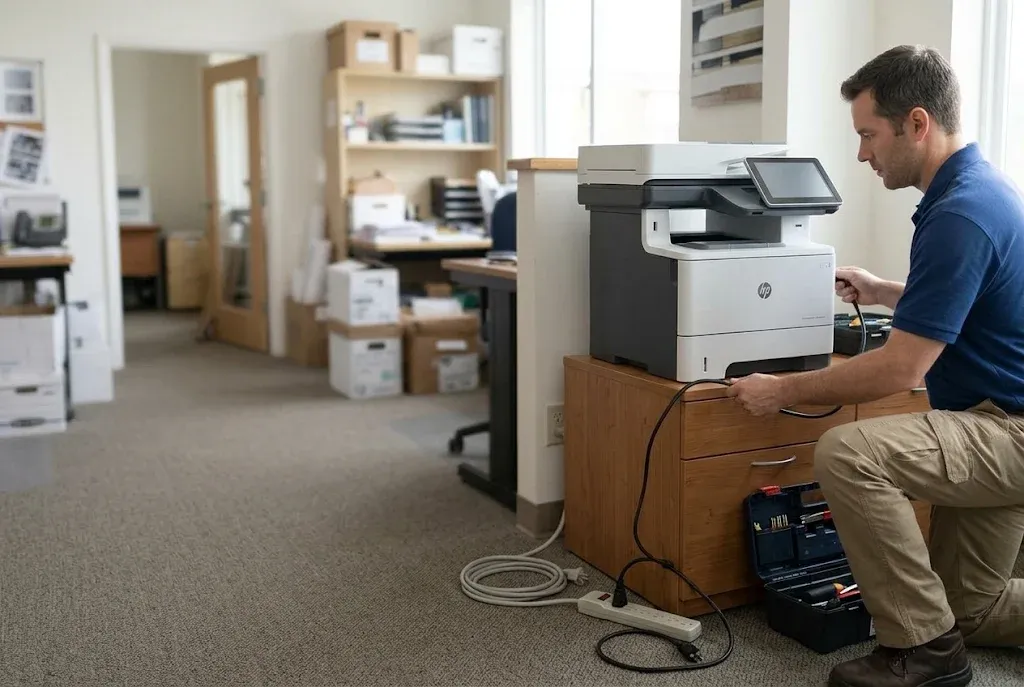
HP’s guidance for this family’s fuser messages begins with a controlled restart. Turn the printer off at its power switch, leave it off for at least 30 seconds, and turn it back on. If it is plugged into a surge protector, power strip, or UPS, move the plug directly into a wall outlet first, since HP lists that change among the early steps for fuser warm-up errors.
That is the whole customer check for an HP Laserjet M527MFP M528MFP Fuser Error. The fuser is hot after use, and inspecting it, removing it, or testing the electrical connections behind it belongs to a technician. Opening the printer to look around can also disturb the conditions that help a diagnosis.
Before and after the restart, record:
- The exact model, M527 or M528, and the product number from the label.
- The complete error code, ideally as a photo.
- When the error appeared: at power-on, during warm-up, or partway through a job.
- Whether the HP Laserjet M527MFP M528MFP Fuser Error returned after the restart, and how soon.
- Any related symptoms, such as smudged pages or recent jams.
An HP M527 or M528 fuser error after restart is the clearest sign that the cause did not clear on its own. Restarting an HP Laserjet M527MFP M528MFP Fuser Error again and again adds no diagnostic information. If the code returns, the printer’s event log can show how often it has occurred, and that history is exactly what we ask for when an office requests onsite printer repair.
If this page does not match the printer in front of you, our general HP fuser error troubleshooting guide covers other HP LaserJet models.
When the HP Laserjet M527MFP M528MFP Fuser Error Appears Tells Us Where to Look
Timing is one of the most useful clues in HP LaserJet Enterprise MFP M528 fuser error troubleshooting, and it applies equally to the M527. Each situation below follows the same order a technician works through: symptom, root cause, diagnosis, remedy, repair component, and when we recommend service.
At Power-On, Before the Printer Reaches Ready
Symptom: the HP Laserjet M527MFP M528MFP Fuser Error appears during startup, before any job is sent. Root cause: the fuser circuit is not reporting as expected from the start, which can point to an open fuser condition, documented as 50.70 on the M527, a seating or connection problem, or the drive circuitry.
Diagnosis: a technician confirms the fuser is fully seated, inspects the fuser connector and the connections to the DC controller, and checks incoming power. Remedy: correct the seating or connection when that is the cause, and replace the fuser assembly when it is damaged or confirmed open.
Repair component: fuser assembly, fuser connections, or the fuser power supply assembly, as testing indicates. When we recommend service: any startup HP Laserjet M527MFP M528MFP Fuser Error that returns after the controlled restart.
During Warm-Up
Symptom: the printer begins warming up, then posts an HP Laserjet M527MFP M528MFP Fuser Error. This is the classic HP M527 fuser warm-up error, documented as 50.20 for a slow fuser or 50.10 for low fuser temperature. Root cause: the fuser did not reach temperature in time, which can come from inadequate incoming power, the fuser assembly, or the fuser power supply.
Diagnosis: verify the outlet and the circuit the printer shares, confirm nothing sits between the printer and the wall, then test the fuser assembly and the fuser power supply. Remedy: correct the power source when it is the cause; otherwise replace the component that testing identifies.
Repair component: fuser assembly or fuser power supply assembly. When we recommend service: a warm-up error that repeats on a wall outlet, or one that appears only while other equipment on the same circuit is running.
Partway Through a Print Job
Symptom: the printer runs normally, then stops mid-job with an HP Laserjet M527MFP M528MFP Fuser Error. Root cause: fuser temperature moved out of range under load, as with a high-temperature condition (50.30 on the M527) or a drive-circuit fault (50.40). HP’s documentation notes that a power frequency outside the expected range can contribute to drive-circuit errors.
Diagnosis: check the power source, then the fuser assembly, its connections, and the circuitry that drives the heater. Remedy: correct power problems, restore connections, or replace the failed assembly. Repair component: fuser assembly, fuser power supply assembly, or related connections. When we recommend service: any mid-job fuser stop, because the fault occurred under normal operating load.
When an M527 or M528 also shows problems outside the fuser, such as feed or scanning faults, our page on HP LaserJet M527 and M528 printer repair covers broader model-specific service.
Let the Timing of the Code Guide the Repair
Tell us when the HP Laserjet M527MFP M528MFP Fuser Error appears and send a photo of the full message. Our technician tests the power source, the fuser connections, and the fuser assembly in order, so a part is replaced only when testing points to it. Call (888) 657-0021 or email info@printer-repair-experts.net.
Can the Office Keep Printing After the Code Clears?
Sometimes. If the HP Laserjet M527MFP M528MFP Fuser Error clears after the controlled restart and does not return, printing can resume while someone keeps watch for the code. Keep the record from the restart, because a single event and a repeating pattern call for different responses.
Stop and request service for an HP Laserjet M527MFP M528MFP Fuser Error when any of these happen:
- The same code returns the same day, or during the same type of job.
- The code changes, such as a warm-up code one day and a high-temperature code the next.
- Printed pages smudge, or toner wipes off under a finger.
- The printer jams at the fuser area in addition to posting fuser codes.
It also helps to separate a fuser fault from a scheduled maintenance message. A maintenance reminder reports that serviceable parts have reached their expected life; it is not a heating fault and does not stop the printer the way an HP Laserjet M527MFP M528MFP Fuser Error does. Our page on HP LaserJet maintenance kits explains the difference, and kit contents should be confirmed for the specific model before anything is ordered.
For a shared MFP that a department relies on for printing, copying, and scanning, an intermittent HP Laserjet M527MFP M528MFP Fuser Error creates its own cost. Large jobs start to feel risky, and people may quietly move work to other devices. A diagnosis replaces that uncertainty with a known cause and a defined repair.
How We Diagnose a Persistent HP Laserjet M527MFP M528MFP Fuser Error on Site
Our onsite diagnosis follows the fault, not a parts list. We start with what the office recorded: model, product number, full code, timing, and whether the HP Laserjet M527MFP M528MFP Fuser Error returned after restart. That record tells us which checks come first.
- Power source. We confirm the outlet and circuit, and that no power strip or UPS sits between the printer and the wall.
- Fuser assembly. Once it has cooled, we remove and inspect the fuser for damage, obstruction, and correct seating.
- Connections. We check the fuser connector and the related connections to the DC controller, which HP’s documentation identifies for these codes.
- Drive circuitry and fuser power supply. When the code indicates a drive-circuit or persistent temperature fault, we evaluate the fuser power supply assembly.
Each step confirms a cause or rules one out. The order matters because an HP Laserjet M527MFP M528MFP Fuser Error caused by a loose connection or an overloaded circuit can return after a new fuser is installed, leaving the office with a part it did not need.
A repair of an HP Laserjet M527MFP M528MFP Fuser Error is finished only when it is confirmed. The printer must warm up to Ready without a code, and we run a test print to check that toner is fully bonded to the page. HP also documents a fuser test page for the M527 that helps confirm fusing quality.
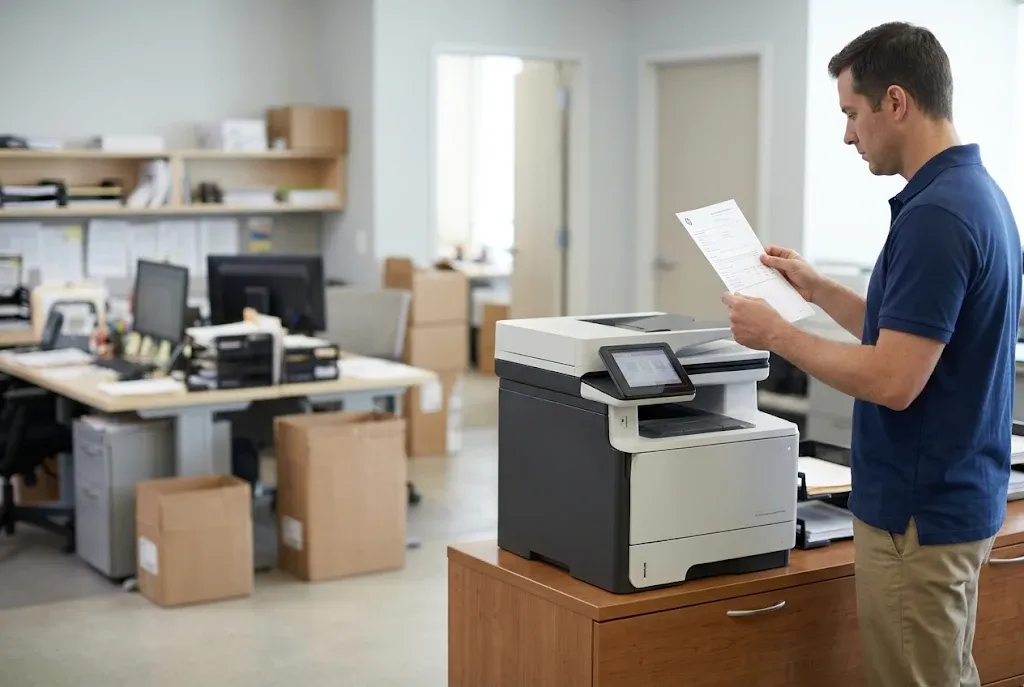
Your M527 or M528 Repaired Where It Sits
More than 20 years in the office equipment industry, HP Parts when a replacement is needed, and a 6-month / 180-day warranty on service and installed parts. Same-day service may be available. Call (888) 657-0021 to schedule onsite diagnosis.
Fuser Assembly Replacement: Matching the Part to the Printer
When testing shows that an HP Laserjet M527MFP M528MFP Fuser Error comes from a failed fuser, the repair is replacement of the fuser assembly. Printer Repair Experts does not rebuild fusers on site. We install a complete assembly, which avoids reworking worn internal parts at the printer.
Compatibility is checked against three details: the exact model, the product number on the label, and the printer’s voltage. HP lists separate 110-volt and 220-volt fuser part numbers within this printer family, so a fuser that looks right can still be the wrong part. HP M528 fuser assembly replacement is verified against M528 documentation rather than assumed from the M527.
We use HP Parts for the replacement. After installation, the printer must complete warm-up and produce a clean test print before the visit is closed, and the service and installed parts carry our 6-month / 180-day warranty.
A confirmed fuser failure on an otherwise healthy M527 or M528 is usually a repair decision rather than a reason to replace the printer, since the fuser is a replaceable assembly. If the same visit turns up several other worn components, we explain what we found so the office can weigh the repair against its plans for the device.
Onsite HP M527 and M528 Fuser Repair for Orange County and Los Angeles County Offices
Onsite HP M527 and M528 fuser repair is available throughout Orange County, including Irvine, Santa Ana, Anaheim, Fullerton, Huntington Beach, and Tustin, and in approved portions of Los Angeles County. Regional details are on our pages for HP LaserJet printer repair in Los Angeles and HP LaserJet printer repair in Orange County.
The most useful service request includes the record from the restart: model, product number, full code, timing, and whether the HP Laserjet M527MFP M528MFP Fuser Error came back. Call (888) 657-0021 or email info@printer-repair-experts.net. Same-day service may be available, depending on location and the day’s schedule.
An HP Laserjet M527MFP M528MFP Fuser Error is the printer protecting itself. Reading the whole code, restarting once the right way, and testing before replacing anything is how an M527 or M528 returns to dependable printing without parts it never needed.
FAQ's - Frequently Asked Questions - HP Laserjet M527MFP M528MFP Fuser Error
That wording is part of HP’s short-form fuser message for this printer family. It is the documented first step: power off for at least 30 seconds, then power on, with the printer plugged directly into a wall outlet. If the HP Laserjet M527MFP M528MFP Fuser Error returns, the instruction has done its job and the printer needs diagnosis.
We recommend waiting. Several 50-series codes can come from incoming power, connections, or the fuser power supply rather than the fuser itself. We also do not install customer-supplied parts or cover them under warranty, and compatibility is confirmed against the exact model, product number, and voltage after diagnosis.
It can be. A move changes the outlet and circuit the printer uses, and handling can disturb seating or connections. Try the controlled restart on a wall outlet first. If the HP Laserjet M527MFP M528MFP Fuser Error persists, mention the move when you request service, because it tells the technician where to start.
For some fuser codes, HP’s documentation includes confirming that the media type and fuser mode match the paper loaded. Heavy stock, labels, or envelopes printed under the wrong setting can place different demands on the fuser. Check the tray setting, and tell the technician what media was printing when the code appeared.
No. Smearing can also come from media, print settings, or toner issues. It is still worth reporting alongside any fuser code, because incomplete fusing is one possible cause and a technician can check it with a test print.
No software reset clears a hardware fuser condition. Remote tools are useful for reviewing the event log and confirming how often a code has appeared, but the documented customer step is a controlled restart. A code that survives the restart needs hands-on testing.
Not by itself. An HP Laserjet M527MFP M528MFP Fuser Error often involves a replaceable assembly, and many fuser codes trace to power or connections. We look at the printer’s overall condition during the visit, including whether maintenance is due, and explain the findings so the office can make the repair-or-replace decision with facts.
Contact us with the new code and when it appeared. Our service and installed parts carry a 6-month / 180-day warranty, and a returning code after a fuser replacement points the next diagnosis toward power, connections, or the fuser power supply.