
HP Color Laserjet M452 M477 M479 Fuser Error:
Causes, Safe Checks and Onsite Repair
An HP Color Laserjet M452 M477 M479 Fuser Error stops the job in the tray and leaves a 50-series message on the panel, and the first useful question is not “which code” but “which printer, and at what moment.” We wrote this page for the person standing at that printer right now: what to record, which checks are safe, and when an HP Color LaserJet M452 M477 M479 fuser error needs a technician instead of another restart.
Three different machines share this topic. The M452 is a single-function printer. The M477 and M479 are multifunction models with a scanner and document feeder on top, and the M479 belongs to a newer generation than the other two. Those differences change the display you read the message from, the door you are allowed to open, and the fuser assembly a technician must bring.
Preview Snapshot
- A fuser message reports a fault in the heating and fusing system. It does not, by itself, name the failed part.
- Record the full code, the exact model suffix, the moment the fault appears and whatever happened just before it.
- One controlled restart, with the printer plugged directly into a wall outlet, is the documented first check for an HP Color LaserJet M452 M477 M479 fuser error.
- A message that returns needs hands-on diagnosis of the fuser assembly, its connections and its power.
- Replacement fusers must match the exact model, duplex configuration and voltage.
- We diagnose and replace failed fuser assemblies onsite in Orange County and approved portions of Los Angeles County.
HP Color Laserjet M452 M477 M479 Fuser Error: Start by Identifying the Printer
The name on the front of the printer and the label inside the front door give the full model, including the letters after the number. Those letters matter. They tell us whether the printer duplexes automatically, what kind of display it has, and which fuser version it takes. An HP Color LaserJet M452 M477 M479 fuser error report without the suffix is only half a report.
M452: The Single-Function Printer
The M452 prints only, with nothing above the output bin. The M452nw and M452dn use a two-line display with buttons, while the M452dw has a tilting color touchscreen. The nw model duplexes manually; the dn and dw duplex automatically. Anyone reporting an HP Color LaserJet M452 fuser error should read the message from the display exactly as shown, punctuation included.
MFP M477: Scanner Above the Same Class of Engine
The M477 adds a flatbed scanner and a 50-sheet document feeder, with a 4.3-inch color touchscreen at the front. Sub-models differ in fax, wireless and automatic duplexing. An HP Color LaserJet Pro MFP M477 fuser error comes from the print engine underneath, not from the scanner or the document feeder.
MFP M479: The Newer Generation
The M479 replaced the M477 and looks similar at a glance: scanner, 50-sheet feeder, 4.3-inch touchscreen. It is a later design with its own documentation, so we do not assume its messages or parts mirror the older models. An HP Color LaserJet Pro MFP M479 fuser error may appear as a longer code with extra digit pairs and a prompt to restart. Copy every character.
For faults beyond the fuser, our page on HP Color LaserJet M452, M477 and M479 printer repair covers the wider range of problems we service on these three families.
What the Fuser Does Inside These HP Color LaserJet Pro Models
Toner reaches the fuser as loose powder resting on the page in four colors. The fuser presses the sheet between a heated film and a pressure roller, melting that powder into the paper. Too little heat and the image rubs off. Too much, and the printer shuts the heater down to protect itself.
HP’s troubleshooting documentation for the M452 and M477 describes a fuser heater watched by a main thermistor at its center and sub thermistors toward each end. The DC controller reads those sensors and regulates the heater. A separate safety circuit and a temperature fuse cut power if the temperature climbs abnormally.
That design explains why an HP Color LaserJet fuser temperature error is a report from a monitoring system, not a verdict on one part. The controller has seen a reading it will not accept. The heater, a sensor, the wiring between them, the power feeding the heater or the control circuitry can each produce that reading.
Heat is not the whole story. A motor drives the fuser and moves the pressure film into and out of position, and a switch reports whether that pressure-release movement took place. An HP Color LaserJet M452 M477 M479 fuser error can therefore concern movement as well as temperature, which is one more reason the full code matters.
Fuser Message on the Panel? $69.99 Onsite Printer Repair Promotion
One M452, M477 or M479, diagnosed where it sits. Parts are not included. Limitations may apply.
Call (888) 657-0021 or email info@printer-repair-experts.net.
Four Things to Write Down Before Anyone Presses the Power Button
Restarting first destroys evidence. The message on the panel is the only description the printer will give of what it saw, and it vanishes when power is cycled. Take a phone photo of the display the moment an HP Color LaserJet M452 M477 M479 fuser error appears, then note four things.
- The full message. An HP Color LaserJet Pro 50.xx fuser error carries digits after the “50.” that separate one fault family from another. HP documents these under a 50.XX heading for the M452 and M477, and we read the code against documentation for the exact model.
- The exact model and suffix. M452dn, M477fdw and M479fnw are three different service jobs.
- The moment it happened. At power-on, on waking from sleep, partway through a long job, or right after a jam was cleared.
- Anything recent. A relocated printer, a new power strip, different paper, a jam, or earlier service.
We deliberately do not publish a code-by-code meaning list here. The digits are defined in HP service documentation for each model family, and a definition borrowed from a LaserJet Enterprise chart can send an M452 or M479 repair in the wrong direction. Send us the photo and we will read your HP Color LaserJet M452 M477 M479 fuser error against the right manual.
What the Timing of the Fault Tells a Technician
Timing is not a diagnosis, but it narrows where we look first. This is how we use it on an HP Color LaserJet M452 M477 M479 fuser error call.
| When the message appears | What the printer is doing | Where we look first |
|---|---|---|
| At power-on | Warming the fuser and checking the heater and thermistor circuits | Fuser seating and connectors, heater circuit, supply power |
| On waking from sleep | Bringing a cooled fuser back to operating temperature | Warm-up behavior, power source, fuser condition |
| Partway through a job | Holding temperature while paper draws heat away | Temperature regulation, paper type setting, fuser wear |
| Right after a jam | Recovering from paper stopped in or near the fuser | Remaining paper, film damage, pressure-release movement |
The first row reflects HP’s documented sequence of operation: during the waiting period the printer heats the fuser and checks for a broken thermistor circuit. The other rows are starting points for inspection, not conclusions. Two printers showing the same message at the same moment can still need different parts.
Pattern matters too. An HP Color LaserJet M452 M477 M479 fuser error that appears once after a building power event is a different case from one that returns every morning. Daily repetition at the same moment is the detail we most want to hear on the phone.
The Restart and Power Checks HP Documents
HP’s support guidance for LaserJet Pro models starts with power, and so should any response to an HP Color LaserJet M452 M477 M479 fuser error. Turn the printer off with its power button and unplug the cord. Let the printer sit and cool, then plug it directly into a wall outlet instead of a power strip, surge protector or battery backup. Switch it on and let it finish initializing before sending a job.
The wait time and exact sequence are set out in HP’s LaserJet Pro troubleshooting document for 50.xx fuser failure messages. Follow that document for your model instead of a remembered routine from a different printer.
One more external check takes a minute. Confirm that the paper type selected at the panel or in the driver matches what is in the tray, because that setting tells the printer how to run the fuser for the media.
After the restart, an HP Color LaserJet M452 M477 M479 fuser error goes one of two ways. The printer returns to Ready and stays there, which suggests a passing condition, often related to power. Or you are looking at an HP Color LaserJet fuser error after restarting, sometimes within seconds and sometimes on the next large job. A cleared message has repaired nothing; it has only reset the controller’s view of the fuser.
Stop at one or two controlled restarts. Repeated power cycling asks a possibly damaged heater circuit to start over and over, and it adds nothing a technician can use. For background that reaches beyond these three families, see our guide on how to fix a fuser error on an HP printer.
Tell Us When the Error Appears
Start-up, wake-up or mid-job: the timing of an HP Color LaserJet M452 M477 M479 fuser error points our technician toward the fuser assembly, its connections or its power before any part is ordered.
Call (888) 657-0021 with the full code and model suffix.
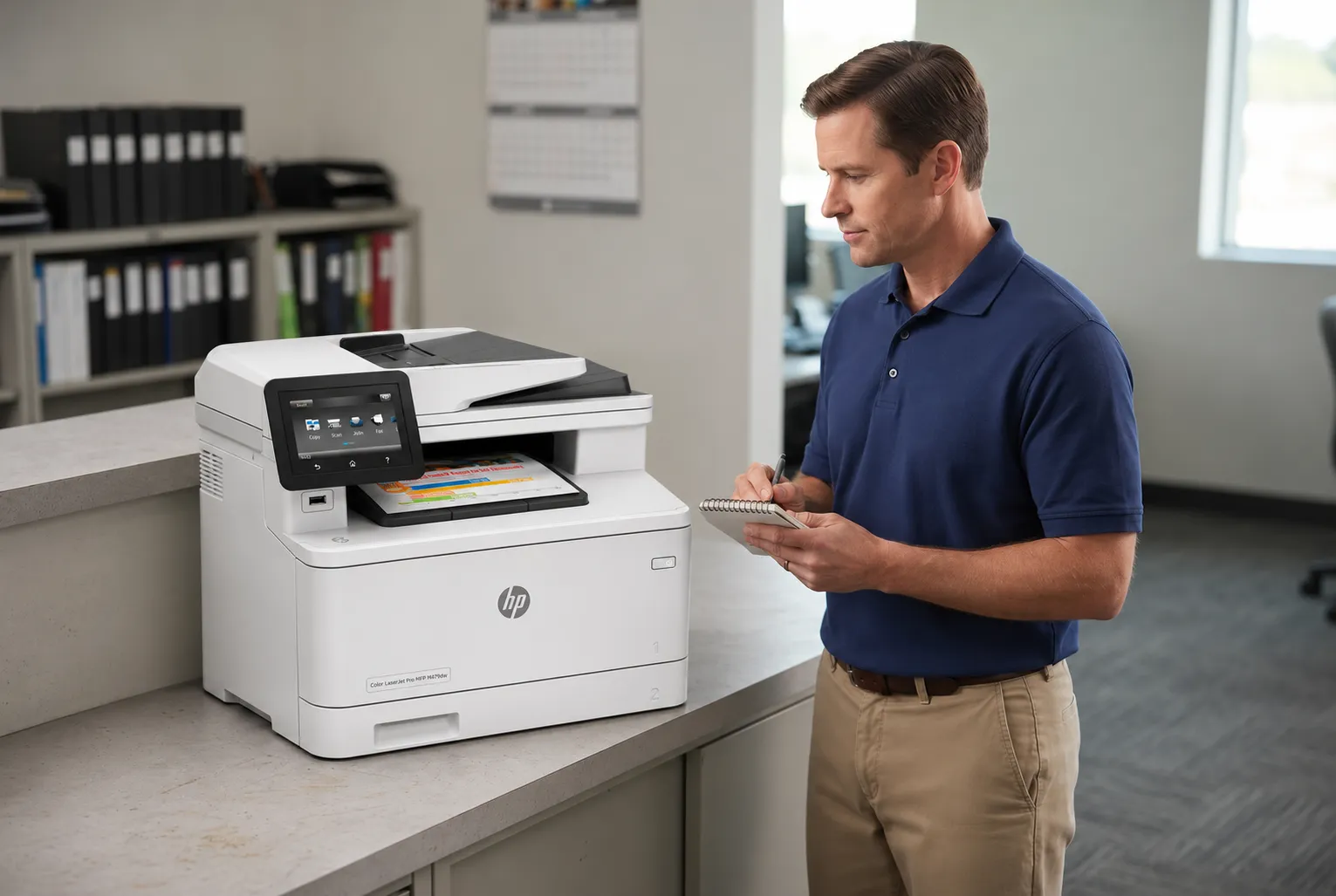
Fuser Fault, Paper Jam or Print Defect? Telling Them Apart
Not every problem near the fuser is an HP Color LaserJet M452 M477 M479 fuser error. A jam message and a 50-series message are different events with different remedies, even though both can involve the same corner of the printer.
Paper Stopped at the Fuser
A jam code means a sensor saw paper arrive late, stay too long or wrap where it should not. HP’s user guides give a clearing procedure for the rear door and fuser area on the models that have that door. Let the area cool first, because the fuser is hot enough to burn. Our M452, M477 and M479 paper jam troubleshooting page walks through those procedures.
A torn scrap left behind after a jam can cause more jams or marks on later pages. Tell us if an HP Color LaserJet M452 M477 M479 fuser error began right after a jam was cleared. That sequence changes what we inspect.
Symptoms That Show Up on the Page
Fusing problems also appear as print defects with no message at all. Three are worth naming, and each has causes outside the fuser that we rule out first.
- HP Color LaserJet M452 M477 M479 Toner Smearing. Toner that wipes off under a thumb is the plainest sign of HP Color LaserJet toner not bonding to paper. Heavy or coated stock run under a plain-paper setting can produce the same result.
- HP Color LaserJet M452 M477 M479 Repeating Print Defects. A mark or faint ghost image that recurs at a regular interval down the page comes from a rotating part. The fuser is one candidate; the toner cartridges and transfer belt are others.
- HP Color LaserJet M452 M477 M479 Wrinkled Paper. Creases can start in the fuser, but damp paper and feed-path problems cause them as well.
A new toner cartridge will not resolve an HP Color LaserJet M452 M477 M479 fuser error. Cartridges supply the toner and play no part in heating the fuser or reporting its temperature. Replacing one in response to a 50-series message costs money and leaves the fault exactly where it was.
How We Approach HP Color LaserJet Fuser Diagnosis Onsite
A recurring HP Color LaserJet M452 M477 M479 fuser error gets the same disciplined sequence from us on every call. Printer Repair Experts has worked in the office equipment industry for more than 20 years, and our rule is plain: test before ordering.
Sound HP Color LaserJet fuser diagnosis depends on evidence, so we begin with what the office recorded: the code, the model suffix, the timing. Then we reproduce the fault where the printer allows it, so the diagnosis rests on what the printer reports and not on a description relayed by phone.
With the printer powered down and cooled, the technician confirms that the fuser is seated and its connectors are fully engaged. He inspects the film, pressure roller and drive for visible damage and checks the power at the outlet. These are internal and electrical checks, and they are the point where office staff should hand over.
When the evidence behind an HP Color LaserJet M452 M477 M479 fuser error points to the fuser assembly, we replace the assembly. We do not rebuild fusers onsite. If a correctly matched fuser does not clear the fault, attention moves to the associated power and control circuitry, and we explain that finding before any further parts are approved.
Onsite M452 M477 M479 fuser repair is the right call once the message has returned after a controlled restart on a wall outlet. Call sooner if there is a burning smell, visible damage, or paper wrapped where it cannot be reached. Past that point, further checks belong to a technician.
That is the scope of onsite printer diagnosis and repair for a fuser fault. The work happens where the printer sits, so nobody has to box up and ship a color laser printer. Offices still deciding where to get an HP laser printer fixed can compare the options on that page.
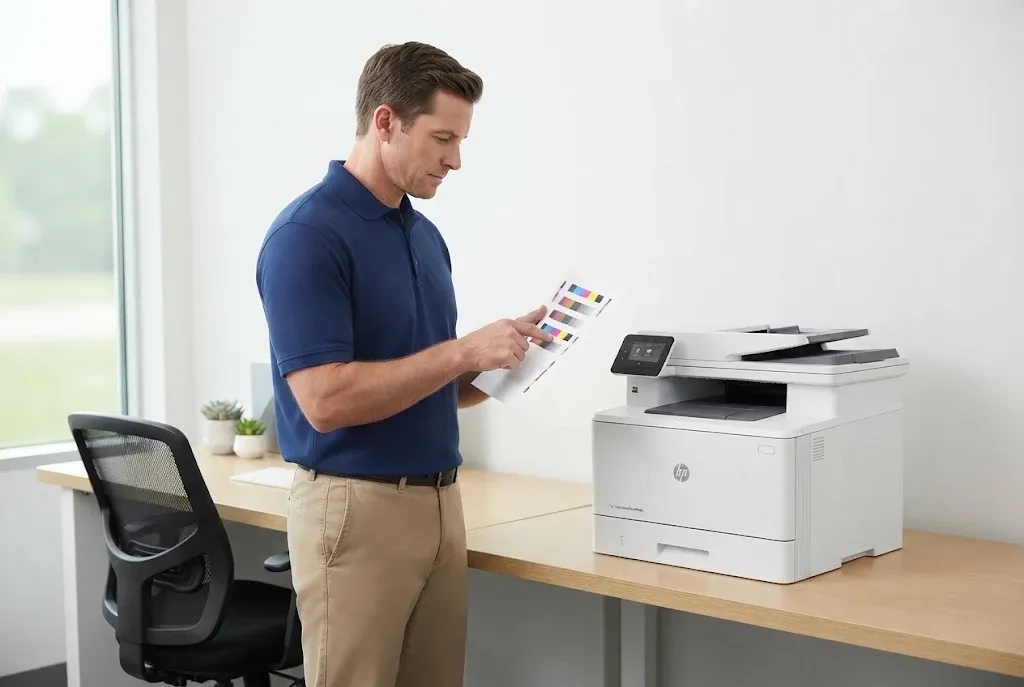
The Right Fuser for Your Exact Model,
Installed and Tested
More than 20 years in the office equipment industry. We resolve an HP Color LaserJet M452 M477 M479 fuser error with HP Parts matched to your model suffix and voltage, installed onsite and backed by our 6-month / 180-day warranty on service and installed parts.
Same-day service may be available. Call (888) 657-0021 or email info@printer-repair-experts.net.
M452 M477 M479 Fuser Replacement: Matching the Part and Proving the Repair
Correct M452 M477 M479 fuser replacement starts with identifying the part, because these three families do not share one universal fuser. Replacement assemblies are supplied in different versions for manual-duplex and automatic-duplex models and for different line voltages. The M479 is confirmed against its own parts documentation, not assumed to match the M477. We verify the assembly against the exact model suffix before the visit.
We install HP Parts or High Quality Parts selected for that configuration. Customer-supplied parts are not installed. A fuser ordered for “an M452” without checking duplex type and voltage can leave an office with a new part and the same HP Color LaserJet M452 M477 M479 fuser error.
Installation is half the job. Before we call an HP Color LaserJet M452 M477 M479 fuser error repaired, we confirm the following:
- The printer initializes and returns to Ready with no 50-series message.
- Toner on a test page resists rubbing, on plain paper and on the stock the office normally uses.
- Paper passes through the fuser and exits without creases or jams.
- Two-sided printing works on models that duplex automatically.
- The printer wakes from sleep and prints, when the original fault appeared at wake-up.
On price, our page about printer repair cost and the onsite promotion explains how charges work. The $69.99 Onsite Printer Repair Promotion applies to labor for one printer on an onsite visit. Parts such as a fuser assembly are not included, and it is not a flat price for every completed fuser repair. Limitations may apply.
Is the repair worth doing? For a printer that otherwise feeds and prints well, an HP Color LaserJet M452 M477 M479 fuser error typically ends in a routine replacement and far less disruptive than changing models, drivers and toner stock. A printer with several failing systems is a different conversation, and we will say so. Fuser work sits within our wider HP Color LaserJet printer repair service.
Preventing a Repeat and Getting Help with an HP Color Laserjet M452 M477 M479 Fuser Error
No routine prevents every HP Color LaserJet M452 M477 M479 fuser error, because heaters and films wear with use. A few habits do remove avoidable stress: paper stored dry, the paper type setting matched to the media, jams cleared by the documented method instead of force, and the printer on a wall outlet. Our article on regular HP printer maintenance covers the broader routine.
Early signs deserve attention before an HP Color LaserJet M452 M477 M479 fuser error ever appears. Toner that starts to rub off, a new crease along one edge, or a repeating mark that was not there last month are all worth reporting. Dealing with a weakening fuser on your schedule beats losing it during month-end invoicing.
We provide onsite service throughout Orange County, including Anaheim, Irvine and Santa Ana, and in approved portions of Los Angeles County. Readers searching for printer repair near me can check that page for local options. Same-day service may be available, depending on the schedule and the part required.
For an HP Color LaserJet M452 M477 M479 fuser error that has come back after a restart, call (888) 657-0021 or email info@printer-repair-experts.net. Include the photo of the message, the model suffix and the moment it appears. Service and installed parts carry our 6-month / 180-day warranty. With those three details in hand, we can prepare for the right repair before we arrive.
FAQ's - Frequently Asked Questions - HP Color LaserJet M452, M477 and M479 Fuser Errors
No. Cartridges supply toner and have no role in heating or temperature sensing, so an HP Color LaserJet M452 M477 M479 fuser error stays put after a cartridge change. Keep the cartridges you have and put the effort into the restart check and a proper diagnosis.
Yes, and it helps. A cold start is when the fuser has the furthest to climb to operating temperature, so an HP Color LaserJet M452 M477 M479 fuser error that appears only then gives our technician a specific place to begin. Tell us whether it also happens after long idle periods.
No. The fuser belongs to the print engine underneath the scanner. An HP Color LaserJet M452 M477 M479 fuser error on a multifunction model is diagnosed the same way as on the single-function M452, although access and parts are confirmed for each model.
One controlled restart on a wall outlet, two at most. If the HP Color LaserJet M452 M477 M479 fuser error returns, more restarts will not change the result, and the printer needs hands-on diagnosis.
The approach is the same; the reference material is not. The M479 is a newer generation, so we read an HP Color LaserJet M452 M477 M479 fuser error on that model against M479 documentation and confirm its fuser separately.
Yes. Heavy or coated stock run under a plain-paper setting can leave toner under-fused without any message. Match the paper type setting to the media first. That is a print-quality issue, not an HP Color LaserJet M452 M477 M479 fuser error.
Our 6-month / 180-day warranty covers the service performed and the parts we installed. If an HP Color LaserJet M452 M477 M479 fuser error returns on the repaired printer within that period, call us and we will address it under the warranty terms.
The photo of the message, the full model name with suffix, the moment the fault appears, and anything that changed recently. Those details let us plan the visit for your HP Color LaserJet M452 M477 M479 fuser error instead of starting from zero.