
HP Laserjet P3005 M3027 M3035 Fuser Error:
What 50.1 and 50.6 Mean
An HP Laserjet P3005 M3027 M3035 Fuser Error appears when the printer stops because its fuser did not heat, or did not report its temperature, the way the engine expected. The display names the subsystem rather than the failed part, so the number after the “50.” and the exact model both matter before anyone orders a replacement.
This page stays with that one fault. For broader problems on the same machines, our HP LaserJet P3005, M3027, and M3035 printer repair page covers the full range of diagnosis and repair. Here we treat every HP Laserjet P3005 M3027 M3035 Fuser Error as the start of a diagnosis rather than a verdict on the fuser itself.
Preview Snapshot
- An HP Laserjet P3005 M3027 M3035 Fuser Error stops printing to protect the printer; the suffix, such as 50.1 or 50.6, narrows where the fault sits.
- On these models, 50.1 points toward the fuser heating and power path, while 50.6 points toward temperature feedback from the thermistor circuit.
- One power cycle, as HP documents, is reasonable. A message that comes back needs diagnosis, not repeated resets.
- The P3005 is a single-function printer; the M3027 and M3035 MFPs add a scanner and document feeder, which changes how a technician reaches the fuser.
- A replacement fuser must match the exact model and voltage version, and the repair is proven with test prints, adhesion checks, and a paper-path check.
What the HP Laserjet P3005 M3027 M3035 Fuser Error Message Is Telling You
On the P3005 and on the M3027 and M3035 MFPs, the control panel reports this condition as 50.X FUSER ERROR, with the X replaced by a number. That number is the most useful thing on the screen. Two printers that both show a fuser error can have unrelated faults, one in the heater circuit and one in the temperature-sensing circuit.
The message format does not change from model to model. An HP LaserJet P3005 fuser error, an HP LaserJet M3027 fuser error, and an HP LaserJet M3035 fuser error all arrive as a 50-series code. What changes is the hardware behind the code and the way each printer is opened for service.
The printer halts because a fuser that runs too cold leaves toner sitting loosely on the page, and a fuser that cannot report its temperature cannot be controlled with confidence. Stopping the job is protective behavior. It tells you the fusing system needs attention; it does not prove the fuser assembly is bad.
That is why we always ask for the complete code. Many people search for an HP P3005 50.X fuser error, but a technician needs to know whether the screen actually read 50.1, 50.6, or another suffix.
How the Fuser Bonds Toner, and Why It Can Stop the Printer
Laser printing places toner on paper as a loose powder image. The fuser finishes the page with heat and pressure, melting the toner and pressing it into the paper as the sheet passes between a heated member and a pressure roller. The HP LaserJet P3005 Series Printers User Guide lists the product fusing temperature as 200°C (392°F), which is why labels, envelopes, and transparencies must tolerate that heat.
Temperature control depends on two parts working together: a heating element that receives power, and a sensor that reports how hot the fuser really is. The printer compares that reading with what it expects. When heat never arrives, arrives too slowly, or the reading makes no sense, the printer posts a 50-series message instead of continuing.
Put simply, every 50-series message is an HP LaserJet fuser temperature problem reported by the printer itself. The suffix tells you which part of that control loop raised the flag. For general background beyond these three models, see our guide to understanding HP printer fuser errors.
For an office, the effect of an HP Laserjet P3005 M3027 M3035 Fuser Error is immediate. Print jobs back up behind a stopped device, and on the M3027 and M3035, copy output stops too, because copies also have to pass through the fuser.

A 50.X Fuser Error, Diagnosed Onsite
Our $69.99 Onsite Printer Repair Promotion covers the onsite service visit for one HP LaserJet P3005, M3027, or M3035; any parts are quoted separately. Call (888) 657-0021 or email info@printer-repair-experts.net. Limitations may apply.
Reading the Suffix: What 50.1 and 50.6 Point To
The suffix is where any HP Laserjet P3005 M3027 M3035 Fuser Error becomes specific, and where model-specific documentation matters most. We work from HP service information for the P3005 and for the M3027/M3035 MFP platform. We do not borrow definitions from later LaserJet Enterprise models, where codes such as 50.02.00 or 50.7F use a different numbering scheme and describe different hardware.
50.1: The Heating and Power Path
- Symptom: 50.1 FUSER ERROR appears during initialization or partway through a job, and printing stops.
- Root cause: The fuser did not reach the temperature the printer expected. Possible causes include a failed heating element inside the fuser assembly, a poor connection between the fuser and the printer, or a fault in the circuitry that supplies fuser power.
- Diagnosis: The technician inspects the fuser assembly and its connector, then follows the model’s service procedure to separate a failed fuser from a power-supply fault.
- Remedy: Replace whichever item testing identifies: the fuser assembly, a damaged connection, or the power-supply component.
- Repair component: Fuser assembly in the correct voltage version, fuser connections, and the power circuitry that drives the heater.
- When we recommend service: Any 50.1 that returns after one documented power cycle.
An HP M3027 M3035 50.1 fuser error follows the same logic as it does on the P3005. The difference is access: reaching the fuser and its connections on the MFP follows the MFP’s own service procedure, with the scanner assembly and document feeder in the picture.
50.6: Temperature Feedback From the Thermistor Circuit
- Symptom: 50.6 FUSER ERROR appears, sometimes at power-on before any page prints.
- Root cause: The printer is not receiving a usable temperature signal. That points toward the thermistor that monitors fuser temperature, its wiring, the fuser connector, or the circuit that reads the signal.
- Diagnosis: Inspection of the fuser connector and harness, followed by the model-specific test sequence to learn whether the abnormal reading starts inside the fuser assembly or on the printer side of the connection.
- Remedy: Replace the fuser assembly when the sensing fault is inside it; repair or replace the harness or control component when the fault is on the printer side.
- Repair component: The fuser assembly, which is replaced as a unit when its thermistor circuit has failed, plus the fuser harness, connector, and related control circuitry.
- When we recommend service: Promptly. The printer relies on this signal to control heat, so a feedback fault is not something to keep clearing.
An HP P3005 M3027 M3035 50.6 fuser error can look identical to a 50.1 from across the room, since both stop the printer. Treating them as the same repair is how offices end up paying for a fuser that was never the problem.
Other 50-Series Suffixes
These models can report other 50-series suffixes. We identify each one against the exact model’s HP service documentation at the time of diagnosis rather than publishing a generic table. Codes copied from other LaserJet generations can lead to the wrong part being ordered.
Safe Checks Your Staff Can Make Before Calling
Before anyone opens a service ticket for an HP Laserjet P3005 M3027 M3035 Fuser Error, a few careful steps help. None of them require tools, cover removal, or reaching inside the printer.
- Record the exact model. Note whether it is a P3005, M3027, or M3035, along with any variant letters on the front of the unit.
- Write down the complete code. Copy 50.1, 50.6, or whatever appears, exactly as displayed.
- Note when it appears. At power-on, during warm-up, partway through a job, or after the printer has been sitting idle.
- Power cycle once, as HP documents. HP’s P3005 user guide tells users to note the control-panel message and then turn the device off and on. Use the printer’s own power switch.
- Check the paper. Confirm the loaded media matches the tray setting and falls within HP’s specifications for the model.
What Not to Do
The fuser can stay hot well after the printer is switched off, so keep hands away from the fuser area. Opening the rear output door gives access for clearing paper; it does not turn the fuser into a cartridge that can be pulled and swapped.
Do not remove covers, unplug internal connectors, or take electrical measurements. Those steps involve line voltage and belong to a trained technician, and thermal protection should never be bypassed.
Some users try a firmware update or reinstall the printer driver. Neither repairs a failed heating element, a damaged connection, or a broken temperature-sensing circuit, so we do not recommend either as a fix for a confirmed fuser hardware fault. On the P3005, the fuser mode settings under Configure Device and Print Quality adjust fusing for specific media; they are not a remedy for a 50.X message.
When the Fuser Error Returns After Restarting
A fuser error returns after restarting when the underlying condition is still present, and an HP Laserjet P3005 M3027 M3035 Fuser Error is no exception. The restart only asks the printer to warm the fuser again. If the heater, connection, or sensing circuit is still faulty, the same check fails and the same code reappears.
Repeated resets do not repair anything. A failed heating element stays failed, and a damaged connector stays damaged. Each attempt also sends the printer through another warm-up cycle that a faulty fusing system may not handle correctly.
The timing of the return is useful information for the technician:
- Back at every power-on: consistent with a fault that is present all the time, such as an open heater or sensing circuit.
- Only after the printer has run for a while: can point toward an intermittent connection or a component that fails as it heats.
- A different suffix than before: worth reporting exactly, because it can change the diagnosis.
Our guidance for office staff is short: one documented power cycle, then stop and record what happened. If the code is back, the printer needs an onsite HP P3005 M3027 M3035 fuser diagnosis rather than another reset.
50.1 or 50.6? We Find the Actual Fault
The same fuser message can come from a heater, a connector, a sensing circuit, or the fuser itself. We test the fusing system on your P3005 or M3027/M3035 before recommending a part, so you replace only what failed. Call (888) 657-0021 to schedule a diagnosis.
Symptoms That Resemble a Fuser Fault but Need Confirmation
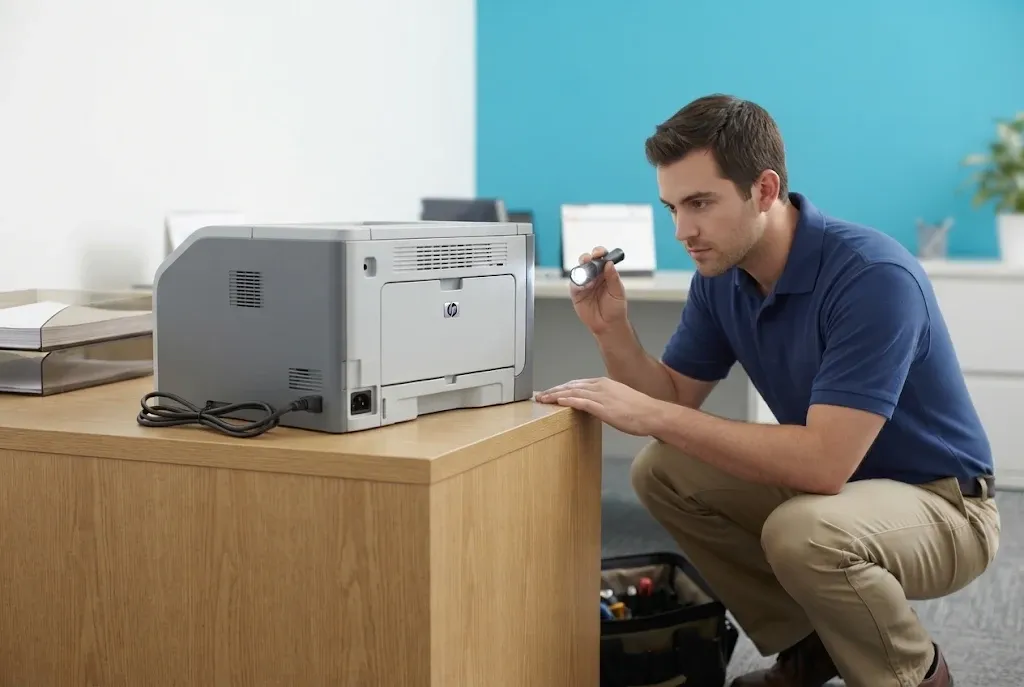
Not every fusing complaint comes with an HP Laserjet P3005 M3027 M3035 Fuser Error on the display, and not every symptom near the fuser means the fuser has failed. The signs below justify an inspection, yet each one has other possible causes.
Toner That Rubs Off the Page
When HP LaserJet toner not bonding to paper is the complaint, the fuser is a reasonable suspect, because loose toner is exactly what an underheated fuser produces. Media outside specification, the wrong fuser mode for the paper, or a toner cartridge defect can create a similar result.
Offices often describe this as HP LaserJet P3005 M3027 M3035 toner rubbing off paper. It deserves its own diagnosis even when no error code appears on the display.
Wrinkled Sheets and Paper Stopped Near the Rear
Wrinkles and sheets stopped near the rear output area can involve the fuser. They can also come from damp or curled paper, a feed problem earlier in the path, or debris. A sheet stopped near the fuser is a paper-path event first, and our P3005, M3027, and M3035 paper jam troubleshooting page covers that diagnosis in more detail.
Other Print-Quality Problems and Noises
Lines, smears, and faded output fall under HP LaserJet P3005 M3027 M3035 print-quality problems, which can trace to the toner cartridge or other imaging components. Likewise, an HP LaserJet P3005 M3027 M3035 grinding noise can involve drive parts unrelated to fuser temperature. Neither symptom confirms a fuser fault on its own.
One distinction helps sort these out. A toner cartridge defect usually changes how the image looks, while a temperature-control fault changes whether the image stays on the page, or whether the printer runs at all.
How We Diagnose the Fault Onsite, Model by Model
During onsite printer diagnosis and repair for an HP Laserjet P3005 M3027 M3035 Fuser Error, we start with the information your staff recorded and confirm the code on the display. From there we work through the fusing system in order: the fuser assembly, the wiring and connectors, the temperature-feedback components, and the power and control circuitry when the evidence points there.
That order protects your budget. Replacing a fuser that was never the problem leaves the printer down and adds a parts cost, while a careful check of the connection and sensing path can reveal the actual fault.
HP LaserJet P3005
The P3005 is a single-function printer with no scanner and no document feeder. Service access to its fuser and connections follows the P3005 service procedure. The rear output door is a user access point for clearing paper, not a fuser removal step.
HP LaserJet M3027 MFP and M3035 MFP
The M3027 and M3035 carry a flatbed scanner and automatic document feeder above the print engine, and some configurations add paper trays. Those assemblies change the access sequence and add parts a technician has to protect during service. We follow the MFP service procedure for these models instead of assuming the P3005 steps apply.
For organizations running a mix of these units alongside other monochrome models, our HP LaserJet printer repair service covers the wider HP LaserJet fleet.
Fuser Replacement and Proving the Repair
When diagnosis of an HP Laserjet P3005 M3027 M3035 Fuser Error confirms the fuser assembly has failed, we replace the assembly. Fusers are not rebuilt onsite. When the fault turns out to be a connection, harness, or power-supply component, that part is addressed instead and the fuser stays in place.
Matching the Correct Assembly
Fuser assemblies are built for specific printers and for specific voltage versions. A printer built for 110–127V input needs the fuser made for that voltage, and a 220–240V printer needs its own version. We confirm the exact model and voltage before ordering and never assume a fuser from one model, region, or voltage version will fit another.
For an HP P3005 fuser replacement or an HP M3027 M3035 fuser assembly replacement, we install HP Parts, High Quality Parts, or Premium Parts, depending on availability and your preference. Customer-supplied parts are not installed.
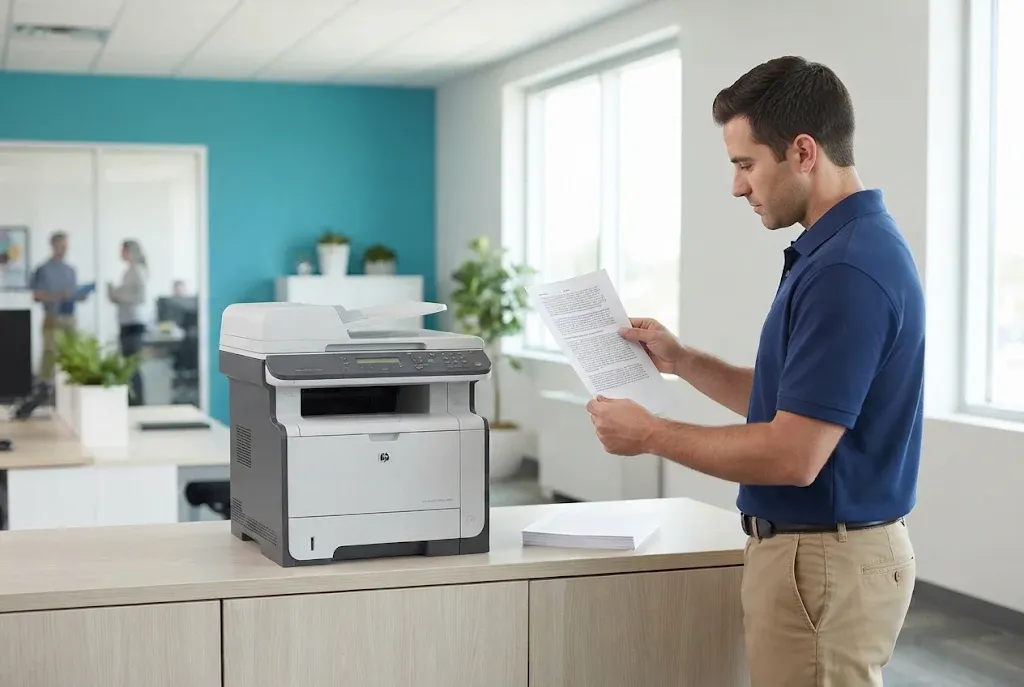
Verification After Installation
- Initialization: the printer warms up and reaches a ready state without a 50-series message.
- Test printing: a run of pages confirms the engine completes jobs normally.
- Toner adhesion: printed pages are checked for toner that rubs or flakes off.
- Paper-path check: sheets exit cleanly, without wrinkles or stops near the rear.
Replaced, Test-Printed, and Warrantied
With more than 20 years in the office equipment industry, we install the correct-voltage fuser assembly using HP Parts, High Quality Parts, or Premium Parts, then check adhesion and the paper path before we leave. Our work and installed parts carry a 6-month / 180-day warranty across Orange County and approved areas of Los Angeles County. Same-day service may be available; email info@printer-repair-experts.net to request a visit.
Repair the Fuser or Retire the Printer?
A single fuser fault does not by itself mean an older P3005 or M3027/M3035 should be retired. The decision depends on the printer’s overall condition, anything else the diagnosis turns up, and how heavily your office relies on that unit. We give you the findings so the decision stays yours.
Pricing questions are answered on our printer repair cost and promotion details page. Our onsite promotion covers the service visit for one printer, and any fuser or other parts needed for the repair are separate.
Keeping HP Laserjet P3005 M3027 M3035 Fuser Error Downtime Short in Orange County and Los Angeles
Some fusing problems are linked to wear and others are not. HP LaserJet maintenance kits address scheduled replacement parts, but kit contents and intervals vary by model. A maintenance need is a separate question from diagnosing a specific 50.X fault.
Following a plan of regular HP printer maintenance, loading media within HP’s specifications, and setting the correct paper type all support print quality and reduce stress on the paper path. None of that can prevent every electrical or temperature-control failure, so a fuser message can still appear on a well-kept printer.
We provide onsite service across Orange County, including Anaheim, Irvine, Santa Ana, Fullerton, Garden Grove, Huntington Beach, and Tustin, and in approved portions of Los Angeles County. For coverage details, see HP LaserJet printer repair in Los Angeles and HP LaserJet printer repair in Orange County. Same-day service may be available, depending on the schedule.
If an HP Laserjet P3005 M3027 M3035 Fuser Error is on your display now, write down the full code and when it appeared, power cycle once, and then call (888) 657-0021 or email info@printer-repair-experts.net. With more than 20 years in the office equipment industry, we diagnose the actual cause and back the completed repair with a 6-month / 180-day warranty on service and installed parts.
FAQ's - Frequently Asked Questions - HP LaserJet P3005, M3027 & M3035 Fuser Errors
Once. HP’s guidance is to note the message and turn the printer off and on. If the same 50-series code comes back, more restarts will not fix a heater, connection, or temperature-sensing fault, so record the code and its timing and request a diagnosis.
No. A 50.1 points toward the heating and power path, a 50.6 points toward temperature feedback, and either can be caused by something other than the fuser assembly. When a fuser is needed, it must match the exact model and voltage version.
No. A sheet stopped near the fuser is a paper-path symptom that can come from media, feed, or debris problems. It becomes a fuser concern when it keeps happening, accompanies a 50-series code, or the fuser shows damage during inspection.
For an HP Laserjet P3005 M3027 M3035 Fuser Error, have the exact model and variant, the complete code shown on the display, when it appears (power-on, warm-up, mid-job, or after idle), how often it has returned, and any related symptoms such as loose toner or wrinkled sheets.
Not when the cause is hardware. Firmware and drivers cannot repair a failed heating element, a damaged connector, or a temperature-sensing fault. They are separate software tasks and are not part of a fuser hardware repair.
The rear output door is meant for clearing paper, and the fuser can remain hot after the printer is turned off. Let the printer cool before clearing a sheet, and do not remove covers or try to pull the fuser; replacement belongs in a service visit.
Not reliably. A maintenance kit replaces scheduled wear parts, and kits differ by model, but it does not address a power-supply fault, damaged wiring, or a temperature-feedback problem. Diagnosis comes first; maintenance is a separate decision.
Our service and the parts we install carry a 6-month / 180-day warranty. Coverage applies to the work we perform and the installed parts we supply; customer-supplied parts are not installed.