
HP LaserJet M604 M605 M606 Printer Repair:
Onsite Service for Fuser Errors, Paper Jams, and Maintenance Kits
HP LaserJet M604 M605 M606 Printer Repair is one of the most frequent onsite service requests we handle across Orange County and parts of Los Angeles County. These three models share one engine platform, the same wear parts, and — after a few hundred thousand pages — the same predictable failures. Printer Repair Experts stocks the fusers and maintenance kits this series needs, and most repairs are finished in a single visit.
This page explains what actually breaks on the M604, M605, and M606, what the control panel messages mean, which fixes your team can handle in-house, and when it pays to bring in an experienced technician.
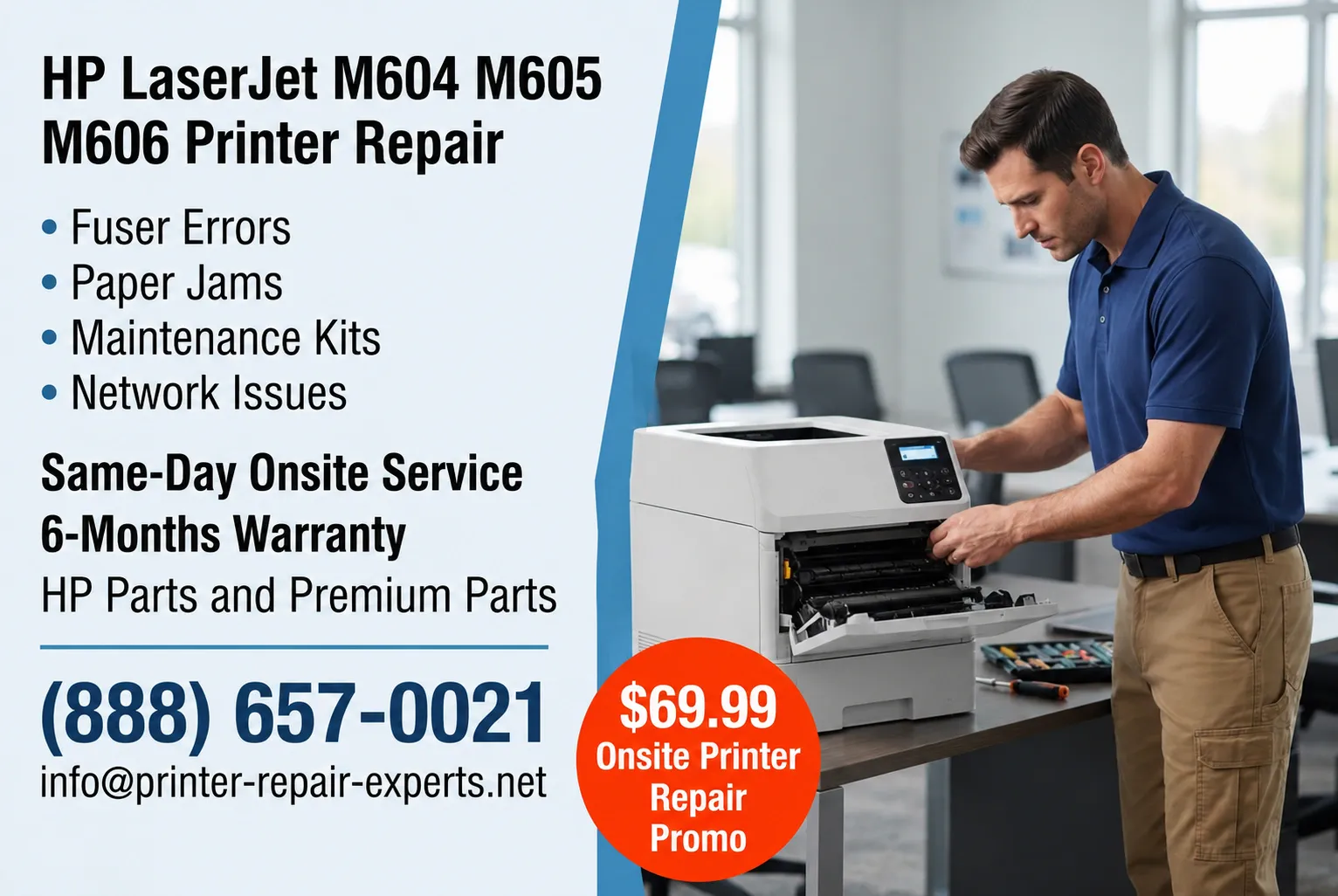
Preview Snapshot — a quick look at what this HP LaserJet M604 M605 M606 Printer Repair guide covers:
- The wear components behind most breakdowns on this series
- What 50.x fuser errors and 13.xx jam codes are really telling you
- How to respond to maintenance kit and fuser kit warnings
- Practical fixes for print quality, jam, and network problems
- Repair-versus-replace guidance for aging units
- A preventive maintenance approach that keeps whole fleets running
Need Fast HP LaserJet M604, M605, or M606 Printer Repair?
Why Do the HP LaserJet M604, M605, and M606 Break Down After Years of Dependable Service?
They break down because their wear parts reach end of life — not because the engine is poorly built. The components that touch paper and heat, meaning the fuser, the transfer roller, and the pickup, feed, and separation rollers, wear out on a predictable page-count curve. The rest of the machine usually keeps going.
That is good news for repair economics. Most Laser Printer Repair work on this series involves replacing worn rubber and heat components rather than expensive electronics. Formatter boards, laser scanners, and power supplies fail far less often than the parts the maintenance kit was designed to renew.
Duty cycle matters, too. Offices that bought an M606 for its speed tend to push it harder than any other machine in the building. The heaviest-used printer in a fleet is nearly always the first to show wear symptoms — which is exactly why it deserves scheduled attention instead of emergency calls.
Our technicians see the same picture on call after call: a machine well past 225,000 pages, original rollers glazed smooth, and a fuser at the end of its rated life. Once those parts are replaced, these printers routinely run for years more.
HP LaserJet M604 M605 M606 Printer Repair: What Does Onsite Service From Printer Repair Experts Include?
Our Onsite Printer Repair service brings the diagnosis, the parts, and the fix to your office in one appointment. We handle HP LaserJet M604 Printer Repair, HP LaserJet M605 Printer Repair, and HP LaserJet M606 Printer Repair, along with HP Laserjet Printer Repair and HP Color Laserjet Printer Repair for the rest of your fleet, including MFP models.
Every visit follows the same sequence. Our technician prints the configuration and supplies status pages, reviews the event log, inspects the paper path, and explains the findings and cost before any work begins. Repairs are completed with HP Parts, Premium Parts, or High Quality Parts and backed by a 6-month warranty on service and installed parts.
Because many fusers and maintenance kits for this series are stocked for immediate installation, same-day service is available for many common failures. That matters when the machine that went down is the one your whole department prints to.
Companies searching for HP Laserjet Printer Repair Orange County, Printer Repair Anaheim CA, or Printer Repair Commerce CA are inside our regular coverage area, which spans Orange County and much of Los Angeles County. If you found this page through a search like Printer Repair Near Me or HP Laserjet Printer Repair Near Me, there is a good chance we already service offices near yours.
What Causes a Fuser Error on the HP LaserJet M604, M605, or M606?
A fuser error — shown as a 50.x code on this series — means the fuser failed to reach or hold its operating temperature, so the printer shuts the engine down to protect itself. A power cycle sometimes clears the message, but rarely for long.
An HP LaserJet M604 Fuser Error, an HP LaserJet M605 Fuser Error, and an HP LaserJet M606 Fuser Error almost always trace back to the same root causes, because all three models use the same fuser assembly. The most common culprit is simply a fuser at or past its rated life.
Two other causes show up regularly in the field. Printers plugged into a UPS, surge strip, or crowded shared circuit can throw fuser errors because the fuser draws more current than those devices deliver cleanly — this series should run from a dedicated wall outlet. Less often, a damaged fuser sleeve or a connector problem is to blame.
The failure usually announces itself gradually. Offices report print that smudges, faint output on one edge of the page, or a new noise from the right side of the machine in the days before the 50.x code finally locks it up. When the Fuser Kit reaches end of life, replacement is the correct fix, and we can usually complete it the same day.
How Do We Fix Paper Jams on the M604, M605, and M606?
The first step is reading the jam code, because 13.xx errors on this series identify where the sheet stopped — and that location points directly at the failing component. An occasional jam is normal; a jam that keeps coming back in the same spot is a mechanical symptom.
A recurring HP LaserJet M604 Paper Jam, HP LaserJet M605 Paper Jam, or HP LaserJet M606 Paper Jam usually means the tray pickup, feed, and separation rollers are glazed or worn. Tired rollers grab the sheet late or pull two sheets at once, and the timing sensors log a jam even though nothing is physically stuck.
Paper feed problems also come from the paper itself. Sheets stored in humid rooms, mixed weights loaded into one tray, and worn tray guides all produce misfeeds that imitate printer failures. Our Printer diagnostics process separates paper-handling issues from genuine mechanical wear before any parts get replaced.
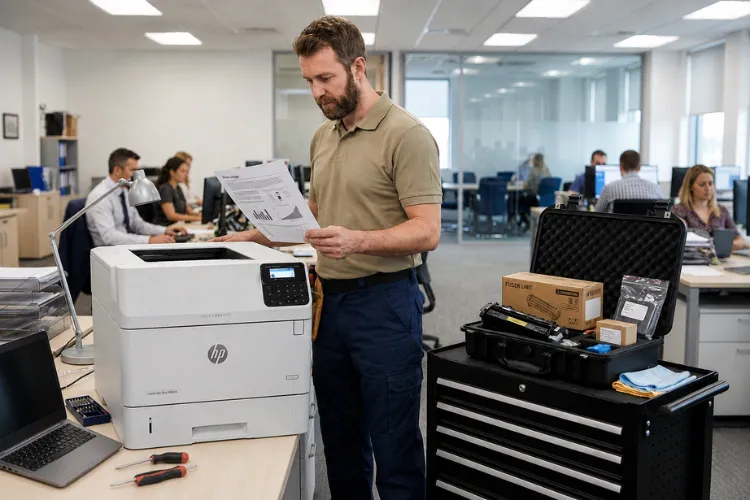
A typical example: a Santa Fe Springs accounting office called us about a jam every ten to fifteen pages during month-end billing. The code pointed to Tray 2, the pickup rollers were glazed smooth, and a fresh roller set plus a paper-path cleaning ended the problem in under an hour. Duplexers and high-capacity feeders carry their own rollers and their own codes, so on multi-tray installations we test each paper path individually.
Have More Than One HP Printer That Needs Service?
What Do the Maintenance Kit Low and Perform Printer Maintenance Messages Mean?
These messages are page-count reminders, not malfunctions. HP recommends a new maintenance kit roughly every 225,000 pages on this series, and the printer tracks the counter automatically. The display begins with a Maintenance Kit Low warning and escalates as the counter runs out. HP’s official LaserJet M604 support documentation
Owners commonly search phrases like HP LaserJet M604 Maintenance Kit Low, HP LaserJet M605 Maintenance Kit Low, or HP LaserJet M606 Maintenance Kit Low the first time the warning appears. Related searches such as HP LaserJet M604 Fuser Kit Low, HP LaserJet M605 Fuser Kit Low, and HP LaserJet M606 Fuser Kit Low point to the same underlying condition: the wear parts are near end of life.
The printer keeps printing after the warning, but jam rates and print defects climb quickly once the display says Perform Printer Maintenance. The smart response is to Replace Maintenance Kit components promptly instead of running the counter tens of thousands of pages past its limit — offices that ignore it start paying in staff time spent clearing jams and reprinting jobs.
An HP Laserjet Printer Maintenance Kit for the M604, M605, and M606 includes a replacement fuser, a transfer roller, and tray pickup, feed, and separation rollers. Some IT teams Replace Fuser Kit parts themselves, and that is a reasonable job for a careful hand. Professional Maintenance kit installation adds the steps that get skipped: cleaning the paper path, resetting the maintenance counter, and test-printing from every tray and the duplexer.
How Can You Fix Poor Print Quality on These Printers?
Start by identifying the exact defect, because each print-quality symptom points to a specific component. Poor print quality on the M604, M605, and M606 usually shows up as one of a handful of patterns:
- Vertical lines or streaks running the length of the page
- Faded or light print across part or all of the page
- Gray background or scattered toner specks
- A mark or blemish that repeats at a fixed interval down the page
Toner smearing that wipes off the page under your finger is a fusing problem — the fuser is no longer bonding toner at full temperature. Repeating defects are measured with a defect ruler, since the repeat interval identifies which roller is damaged. Light or uneven print more often traces to the cartridge or the transfer roller.
Toner quality matters more than most offices realize. Low-grade cartridges leak, contaminate the paper path, and shorten fuser life. We supply high-quality toner backed by a 1-year warranty, which keeps this entire class of problem off your service log.
Before replacing expensive components, Printer Repair Experts prints the engine’s internal test pages to isolate whether a defect originates in the cartridge, the fuser, or the transfer path. That one habit prevents a great deal of unnecessary parts spending.
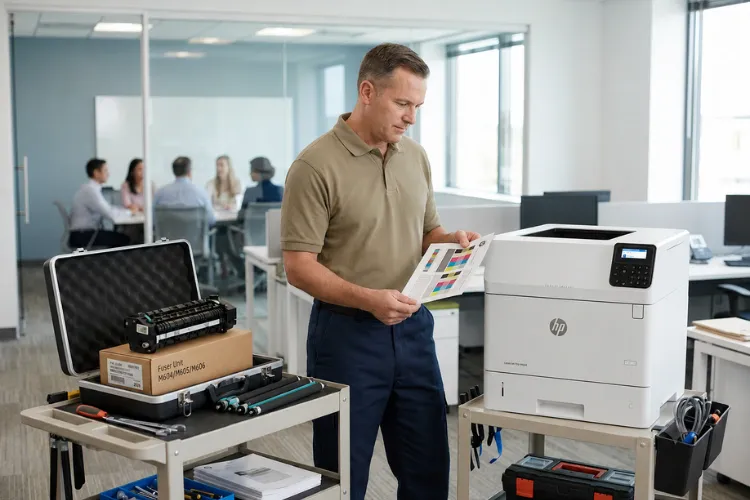
Why Do Network Printing Issues Happen on the M604, M605, and M606?
Most Network printing issues on this series are configuration problems rather than hardware failures. The usual suspects are an IP address that changed under DHCP, a stale or corrupted print driver, a stuck print queue, or a printer that stops answering after it drops into sleep mode.
Network Connectivity Problems also tend to appear right after something else in the office changes — a new router, a server migration, a switch replacement, or a security update. The printer did not break; the environment around it moved. One Fullerton client lost printing for an entire department after an overnight switch upgrade, and the fix was a ten-minute reconfiguration rather than any repair.
Firmware updates matter here as well. HP has released firmware for this series that resolves known connectivity, sleep-mode, and security issues, and we update firmware and drivers as part of any network service call. Assigning the printer a static IP address or a DHCP reservation prevents the most common disappearing-printer complaint entirely.
Don't Let Printer Problems Slow Down Your Business
Should You Repair Your M604, M605, or M606 — or Replace It?
Repair is usually the better business decision when the engine is healthy and the failure involves normal wear parts. A maintenance kit plus a service visit costs a fraction of a comparable new unit, and this series was engineered for a long service life in exactly this kind of duty.
Replacement starts to make sense when a high-mileage machine develops repeated board-level failures, when parts availability declines, or when your monthly volume has simply outgrown the printer. Downtime belongs in the math too: a printer that fails every few weeks costs more in lost productivity and IT interruptions than either decision on its own.
Many offices run mixed fleets, and we support the newer generations as well, including HP LaserJet M607 M608 M609 Printer Repair and HP Laserjet M610 M611 M612 Printer Repair. Those successors develop familiar patterns of their own — an HP Laserjet M607 M608 M609 Fuser Error, an HP LaserJet M607 M608 M609 Paper Jam, an HP LaserJet M610 M611 M612 Fuser Error, or an HP LaserJet M610 M611 M612 Paper Jam — and the diagnostic approach is the same.
Based on our field experience, we recommend getting a diagnosis before making the repair-or-replace call. A surprising number of “dead” M606 units we inspect need nothing more than a fuser.
How Does Preventive Maintenance Keep an HP LaserJet Fleet Out of Trouble?
Preventive printer maintenance replaces wear parts on a schedule instead of waiting for a mid-deadline failure. For a busy office, that difference shows up directly in uptime, print quality, and the number of tickets your IT staff never has to open.
Perform Preventive maintenance on a page-count schedule rather than a calendar one — the maintenance counter on these printers exists for exactly that purpose. Scheduled HP Printer Maintenance visits also catch developing problems while they are still small and inexpensive.
A good Printer service technician does more than swap parts during an HP LaserJet Maintenance visit. The paper path gets cleaned, trays and rollers get inspected, firmware gets checked, and test pages get verified from every paper source before the machine goes back into service.
Basic HP LaserJet Troubleshooting — restarting the printer, reseating the cartridge, printing a cleaning page — is worth handling in-house. When a problem survives those steps, professional HP LaserJet Service or broader HP Printer Service is the faster and usually cheaper route back to production. For fleets, consistency is the payoff: when every unit in the building runs on the same schedule, current firmware, and healthy rollers, printing stops being a recurring agenda item.
Conclusion: Keep the M604, M605, and M606 Printing
The M604, M605, and M606 are among the most repair-friendly machines HP has built, and nearly every common failure on this series has a well-understood fix. Dependable results come down to accurate diagnosis, quality parts, and replacing wear components before they take the machine down with them.
Printer Repair Experts brings over 20 years of office equipment industry experience to every visit, with same-day onsite service available for many issues and a 6-month warranty on service and installed parts. Call (888) 657-0021 or email info@printer-repair-experts.net to schedule — new customers may qualify for our $69.99 onsite service promotion, which is subject to limitations.
FAQ's - Frequently Asked Questions - HP LaserJet M604 M605 M606 Printer Repair
Same-day onsite service is available for many common HP LaserJet issues in our Orange County and Los Angeles County service area. When you call, describe the control panel message or symptom — that tells us which parts to bring so the repair can be finished in one visit.
Many fusers and maintenance kits for the M604, M605, and M606 are stocked for same-day installation, and this series shares parts across all three models. Most fuser errors, jam repairs, and maintenance kit installations are completed in a single appointment.
Two things cause this more than anything else: the printer is plugged into a UPS or power strip that can’t feed the fuser cleanly, or the replacement part itself is defective or incorrectly seated. A dedicated wall outlet and a verified part usually settle it — and if not, the error may point to a connector or DC controller issue worth a professional look.
Usually, yes. If the engine is healthy, a maintenance kit renews every major wear component at a fraction of replacement cost, and these machines commonly run several hundred thousand more pages afterward. We inspect the unit first and tell you honestly if it isn’t a good candidate.
Our service and the parts we install are covered by a 6-month (180-day) warranty.
Yes — the M604, M605, and M606 are qualifying HP LaserJet models. The promotion is a flat labor rate for one qualifying repair visit, is limited to new customers, and is subject to limitations; OfficeJet, DeskJet, Envy, Smart Tank, DesignJet, and non-LaserJet models are excluded.
Yes. We service HP LaserJet, HP Color LaserJet, HP LaserJet MFP, and HP Color LaserJet MFP printers. During the same visit, we can replace a maintenance kit on one printer while also diagnosing and repairing paper jams, print quality issues, network connectivity problems, and other service needs on your additional HP printers.
Our $69.99 onsite promotional service applies to one printer only. However, if you have additional HP printers that need service during the same visit, our standard flat-rate labor charge covers servicing multiple printers without charging a separate labor fee for each one. You’ll only pay for any additional parts required, making it a cost-effective way to have several printers repaired or maintained during a single service call.
