
HP Laserjet Printer Repair Cerritos CA:
Onsite Diagnosis for LaserJet Enterprise and MFP Models
An HP LaserJet that stops feeding, posts a fuser message, or starts streaking rarely picks a convenient afternoon. Our HP LaserJet printer repair Cerritos CA service brings diagnosis and repair to the printer where it already sits, so your staff never has to unplug a heavy LaserJet Enterprise engine and drive it somewhere for service.
This page is for the office managers, administrative staff, and IT coordinators who place that call from Cerritos medical, accounting, professional, and warehouse or distribution offices. It covers the families we service, what to tell us before the visit, how we separate symptoms, and how we confirm the repair. For HP LaserJet printer repair Cerritos CA requests, that preparation often makes the visit more efficient.
Preview Snapshot
- We diagnose and repair HP LaserJet Enterprise M501, M506, M507, M607, M608, M609, M610, M611, and M612 printers, plus the HP LaserJet Enterprise MFP M527 and M528, at your Cerritos location.
- The exact model, the full control-panel message, and the affected tray are the three details that help us prepare most.
- Recurring jams, fuser messages, and print defects each get a structured diagnosis instead of a guess based on one symptom.
- Every HP LaserJet printer repair Cerritos CA visit ends with test printing from the affected tray, plus duplex checks when two-sided printing is involved.
- Service and installed parts carry a 6-month / 180-day warranty.
Onsite HP LaserJet Printer Repair Cerritos CA Service: What the Visit Includes
An onsite visit covers diagnosis, maintenance, and repair of HP LaserJet printers at the Cerritos address where they operate. The technician examines the printer with its own paper, trays, and print queue, which matters because many LaserJet faults appear only under the conditions that produced them.
Work during a visit can include tracing paper-path faults, addressing fuser errors, isolating print-quality defects, and installing a maintenance kit when the printer’s condition calls for one. Onsite HP LaserJet printer repair Cerritos requests generally fall into those three symptom families: paper feed, fusing, and print quality. Every HP LaserJet printer repair Cerritos CA visit follows the same order: diagnose, explain, repair, and verify.
We explain what we found before replacing anything, and you decide whether to proceed. Printer Repair Experts does not operate a Cerritos storefront or walk-in counter; we provide onsite printer repair throughout Orange County and approved portions of Los Angeles County, and Cerritos is part of that coverage. This HP LaserJet printer repair Cerritos CA page is the local companion to our broader HP LaserJet printer repair service.
Which HP LaserJet Families Do We Service at Cerritos Locations?
We concentrate on monochrome HP LaserJet Enterprise printers and monochrome HP LaserJet MFPs. The families below are representative examples rather than a complete compatibility list, and we confirm your exact model when scheduling. Each family has its own control panel, tray options, and maintenance messages, so the model number is the first detail we ask for when scheduling HP LaserJet printer repair Cerritos CA service.
HP LaserJet Enterprise M501, M506, and M507
These compact single-function printers suit reception areas, billing stations, and individual offices. They share a familiar layout with a fold-down 100-sheet multipurpose Tray 1 and a 550-sheet Tray 2, although each generation differs in control panel and firmware. HP LaserJet printer repair Cerritos CA visits for this family use the same intake and verification steps described below; for model-level detail, see our HP LaserJet M501, M506, and M507 repair page.
HP LaserJet Enterprise M607, M608, and M609
The M607, M608, and M609 are larger single-function printers for shared departmental printing, with a 100-sheet multipurpose tray, a 550-sheet Tray 2, and support for additional feeders. Higher monthly volumes mean more wear on paper-path rollers and the fuser, so feed symptoms and maintenance messages on these models are common reasons for HP LaserJet printer repair Cerritos CA requests. Our HP LaserJet M607, M608, and M609 repair page covers the family in more depth.
HP LaserJet Enterprise M610, M611, and M612
The M610, M611, and M612 followed the M607 series; the M611dn, for example, uses an adjustable-angle 4.3-inch color touchscreen. HP documents many of the same jam locations and roller procedures across the M607 through M612 range, which helps an HP LaserJet printer repair Cerritos CA technician when an office runs both generations. See our HP LaserJet M610, M611, and M612 repair page; HP LaserJet Enterprise repair Cerritos CA requests for either generation follow the process below.
HP LaserJet Enterprise MFP M527 and M528
The M527 and M528 add a flatbed scanner and an automatic document feeder above the print engine; the M528dn has a 100-sheet ADF and an 8-inch touchscreen. That creates two feed paths, one for originals and one for paper, and our HP LaserJet M527 and M528 MFP repair page covers model-specific issues.
HP LaserJet MFP repair Cerritos visits address print, scan, and document-feeder faults on these LaserJet MFPs. An HP LaserJet printer repair Cerritos CA request for an M528 is still a LaserJet repair; we do not offer general copier repair.
HP Color LaserJet Printer Repair Cerritos CA involves color-specific diagnosis, so this page stays with monochrome equipment. Inkjet printers and copiers are outside our scope.
One Cerritos LaserJet, One Promotional Visit
Book one HP LaserJet under our $69.99 Onsite Printer Repair Promotion and we come to your Cerritos address. Call (888) 657-0021 or email info@printer-repair-experts.net to schedule HP LaserJet printer repair Cerritos CA service. Limitations may apply.
What Should You Tell Us Before the Technician Arrives?
A few specific details let us prepare for the right fault before anyone reaches your door. When you contact Printer Repair Experts to request HP LaserJet printer repair Cerritos CA service, stand at the printer if you can and gather the following.
- Exact model. The full name, such as HP LaserJet Enterprise M608dn, from the front panel or configuration page.
- Control-panel message. The complete text and any numeric code, written down or photographed before it clears.
- Affected tray. Whether the problem follows Tray 1, Tray 2, an optional feeder, or every source.
- Paper size and type. Letter, legal, labels, envelopes, or heavy stock, and whether the tray settings match.
- Simplex or duplex. Whether one-sided jobs print cleanly while two-sided jobs fail.
- Pattern. Intermittent or reproducible, and roughly when it started.
- Service location. The Cerritos address, suite, and where the printer sits in the building.
Each item narrows the investigation. A jam that follows only Tray 2 points somewhere different from one on every tray. The simplex-versus-duplex question is also the quickest way to separate HP LaserJet Duplex Printing Problems from single-sided feed faults.
If the fault comes and goes, a short log of which jobs failed, from which tray, and when is useful. That record lets an HP LaserJet printer repair Cerritos CA visit start from evidence rather than memory.
Why Does the Same HP LaserJet Tray Keep Jamming?
A recurring jam is a symptom, not a diagnosis. Repeated jams do not prove that one specific part has failed, because loading, paper condition, tray settings, worn feed rollers, and sensors can each produce the same message. Clearing an isolated jam is routine; diagnosing a feed-path fault that keeps returning means checking each possibility in order, and that is most of what HP LaserJet printer repair Cerritos CA work on feed problems involves.
On the M607 through M612 families, HP organizes jam messages by location. For example, HP’s 13.A1 jam document for the Tray 1 feed sensor on the M607 through M612 walks through clearing the output bin, Tray 1, and the rear door, then recommends service if the error persists. HP publishes separate documents for jams in Trays 2 through 5 and in the rear door and fuser area, and interpretation varies by exact model.
Paper-feed symptoms we diagnose
HP LaserJet paper feed problems Cerritos offices describe usually include one or more of these: the printer fails to pick up paper, pulls several sheets at once, feeds pages skewed, jams repeatedly, or misbehaves from only one tray. Each points toward a different part of the paper path. For background on paper condition, loading, and feed wear, see our guide on why a printer keeps jamming.
| Symptom | Recurring jams or pick failures, often from one tray, sometimes with multi-sheet feeds or skew. |
|---|---|
| Root cause | Loading errors, damp or curled paper, mismatched tray settings, worn rollers, or a sensor not reading correctly. |
| Diagnosis | Confirm the jam location from the message, compare trays with fresh paper, inspect rollers, and check sensors where documentation supports it. |
| Remedy | Correct loading or settings; clean or replace worn feed components when inspection shows wear. |
| Repair component | On the M607 through M612, HP documents the Tray 1 pickup roller, Tray 1 separation roller, and Tray 2-x rollers. |
| When we recommend service | When jams return after paper and settings are checked, or one tray keeps failing. That is when an HP LaserJet printer repair Cerritos CA visit makes sense. |
Before any HP LaserJet paper jam repair Cerritos visit, pull jammed paper gently and stop if it tears or resists. Torn fragments near rollers cause new jams, and the fuser area can be hot.
Same Tray, Same Jam, Every Week?
A repeating jam or fuser message needs a diagnosis, not another reset. We trace it to the tray, roller, sensor, or fuser involved before recommending a repair. Call (888) 657-0021 with the model and control-panel message, and we will plan the HP LaserJet printer repair Cerritos CA visit around it.
What Does an HP LaserJet Fuser Error Actually Tell You?
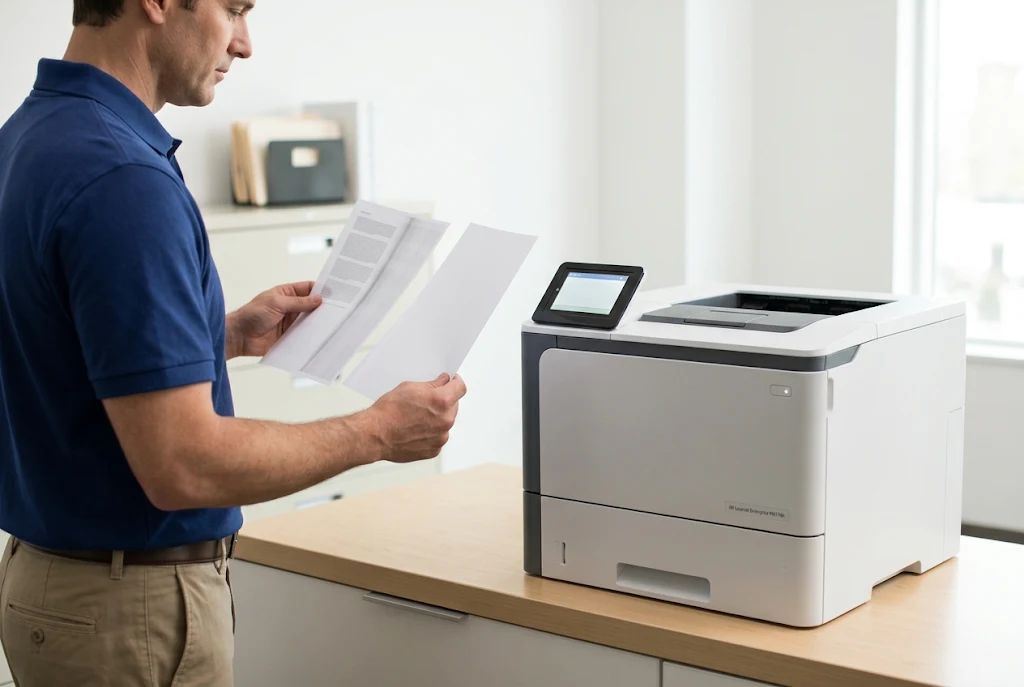
A fuser error tells you the printer detected a fault in or around the fusing system, but it does not by itself identify the failed part. HP reports fuser errors as 50.x-series messages on many LaserJet models; on the M607 through M609, for example, HP documents a 50.7F.00 fuser error. Code meanings and corrective steps depend on the exact model and firmware, so we keep code-by-code detail on our page about HP printer fuser errors.
HP’s general first steps for a 50.x message are simple: turn the printer off, wait at least 30 seconds, and plug it directly into a wall outlet rather than a surge protector or power strip. If the message returns, the printer needs professional diagnosis through an HP LaserJet printer repair Cerritos CA visit. The fuser operates at high temperature, so we do not recommend opening the printer to inspect it.
| Symptom | A fuser error, toner that rubs off, or recurring wrinkles or smudges. |
|---|---|
| Root cause | A failing fuser assembly, or power problems, an unseated fuser, a media setting that does not match the stock, or other drive and control faults. |
| Diagnosis | Record the full message, confirm power conditions and media settings, and follow HP’s model-specific steps before condemning the fuser. |
| Remedy | Correct the power or settings issue, or replace the fuser assembly when diagnosis confirms failure. |
| Repair component | Fuser assembly. We do not rebuild fusers onsite; applicable assemblies are replaced. |
| When we recommend service | When the message survives a power cycle on a wall outlet or returns within days. That calls for an HP LaserJet printer repair Cerritos CA visit, not repeated resets. |
Poor toner adhesion deserves a careful look. Toner that wipes off a label sheet printed under a plain-paper setting may reflect a settings mismatch rather than a failed fuser. That distinction is why our HP LaserJet fuser error repair Cerritos visits begin with diagnosis rather than a part swap.
Streaks, Light Pages, Smears, or Repeating Marks: Supply, Media, or Mechanism?
Print-quality complaints can come from the toner cartridge, the paper, or the printer’s own mechanism, and the defect’s shape usually tells us where to start. We do not promise a diagnosis before an HP LaserJet printer repair Cerritos CA technician has inspected the output and the printer. The comparisons below are where an HP LaserJet print quality repair Cerritos visit begins.
- Streaking. Lines can come from the cartridge, paper-path contamination, or a worn part; whether the streak follows a cartridge swap is the first test.
- Light output. Faded pages may reflect a low cartridge, a density or economy setting, damp paper, or a transfer problem.
- Smearing. Toner that wipes off points toward fusing, media settings, or the paper.
- Repeating marks. Defects at a fixed interval usually trace to a rotating component; comparing the spacing with HP’s repetitive-defect information for that model narrows the source.
| Symptom | Streaks, light pages, smears, or repeating marks. |
|---|---|
| Root cause | Supply, media, or settings, or a printer component such as the transfer roller or fuser. |
| Diagnosis | Internal quality pages, tray and paper comparisons, a known-good cartridge, and measurement of repeating defects. |
| Remedy | Replace the supply, correct media or settings, or service the identified component. |
| Repair component | Depends on the result; the transfer roller and fuser assembly are printer-side candidates, and the toner cartridge contains its own imaging drum. |
| When we recommend service | When defects survive a known-good cartridge and fresh paper. An HP LaserJet printer repair Cerritos CA visit can then isolate the component. |
Internal test pages separate many problems quickly. A defect on an internal page involves the printer or cartridge; clean internal pages with flawed documents from one application point to the job itself. Persistent HP LaserJet Print Quality Problems belong with an HP LaserJet printer repair Cerritos CA technician once the cartridge and paper are ruled out.
Tested at Your Printer Before We Leave
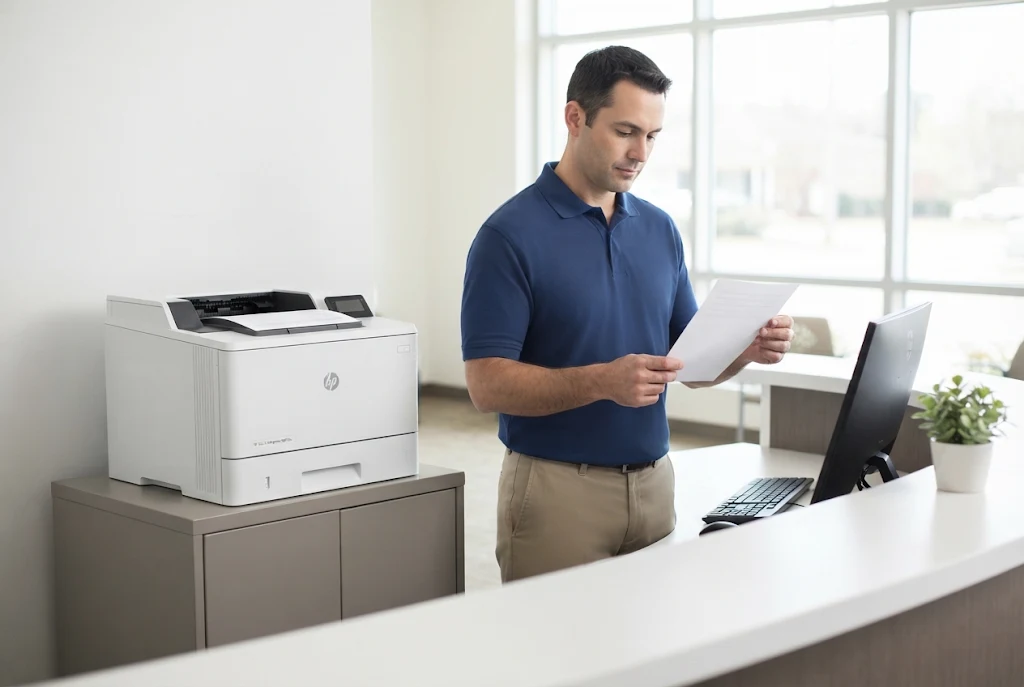
More than 20 years in office equipment, onsite service at your Cerritos location, and a 6-month / 180-day warranty on service and installed parts. Same-day service may be available. Email info@printer-repair-experts.net to schedule HP LaserJet printer repair Cerritos CA service.
How Maintenance Needs Differ Across These HP LaserJet Families
Maintenance on an HP LaserJet depends on how the printer is used, not just on its age. Page count, paper types, operating conditions, and recurring feed symptoms all shape what a printer needs from an HP LaserJet printer repair Cerritos CA maintenance visit. Our article on regular HP printer maintenance covers the general question; the points below apply to Cerritos service visits.
HP describes a LaserJet maintenance kit as including paper pickup rollers, feed and separation rollers, a transfer roller, and a fuser assembly. Kit contents, intervals, and reset steps are model-specific, so the M501, M506, and M507 do not necessarily share a schedule with the M607 through M612. An MFP’s document feeder also has its own rollers; HP lists a separate ADF roller replacement kit for the M528.
The printer often signals when maintenance is due. On HP LaserJet Enterprise models, a message such as “Maintenance Kit very low” may appear, and HP recommends printing a Supplies Status Page to check the kit’s remaining life. HP notes that this message can appear earlier than a simple page count would suggest, depending on how the printer is used.
HP LaserJet printer maintenance Cerritos visits combine that status information with what we see: roller condition, recurring feed symptoms, and output quality. When a printer shows wear without a message, we explain the evidence and let you decide. Planning an HP LaserJet printer repair Cerritos CA visit for maintenance lets the office choose the timing instead of waiting for a fault.
How We Confirm the Repair Before Leaving
A repair is finished when the reported symptom is gone under the conditions that produced it. That is why we verify with the same trays, paper, and job types that failed before the visit, not just a single internal test page.
- Test prints from the affected tray, then the other installed trays, before the HP LaserJet printer repair Cerritos CA visit closes.
- Duplex checks when two-sided printing is used or was part of the complaint.
- A comparison of new output against the defect samples you saved.
- Confirmation that the control-panel message has cleared and does not return during test printing.
- A short explanation of what we found, what we did, and anything still worth watching.
An intermittent fault may not reappear during an HP LaserJet printer repair Cerritos CA visit, even after a correct repair. In that case we explain what was found and corrected, and what to record if the symptom returns. Service and installed parts carry a 6-month / 180-day warranty on the HP LaserJet printer repair Cerritos CA work we perform.
Pricing, Nearby Coverage, and Scheduling Your Cerritos Service Call
When pricing comes up for HP LaserJet printer repair Cerritos CA service, our approved offer is the $69.99 Onsite Printer Repair Promotion. It covers one printer per onsite visit, does not include parts, and is subject to limitations. It is a promotional service charge rather than a guaranteed total repair price; our overview of how much printer repair costs explains what else affects a repair bill.
A few terms are worth knowing in advance. When two or more printers need service during the same visit, pricing reverts to our Standard Flat Labor Rate. The promotional charge still applies if you choose not to proceed after diagnosis, while an applicable return visit to install approved parts does not add a second labor charge.
We do not install customer-supplied parts. The promotion also does not apply to software updates, network connectivity work, or firmware upgrades.
Cerritos sits beside several cities we serve. This HP LaserJet printer repair Cerritos CA page covers equipment at Cerritos addresses; for printers located in Norwalk, see our page on HP LaserJet printer repair in Norwalk. The same onsite process applies to HP LaserJet Printer Repair Artesia CA and HP LaserJet Printer Repair Lakewood CA requests, and to neighboring Orange County cities such as La Palma, Buena Park, and Cypress.
If you found this page searching for HP LaserJet repair near me in Cerritos, scheduling starts with the details listed earlier. Call (888) 657-0021 or email info@printer-repair-experts.net with the model, the message, the affected tray, and your address. Same-day service may be available, depending on the schedule.
A single M507 at a reception desk and a row of M608 printers on a warehouse office floor start the same way, so business HP laser printer repair Cerritos requests use one intake. Reliable HP LaserJet printer repair Cerritos CA service comes down to a sequence: clear details before the visit, diagnosis before parts, and verification before the technician leaves. With more than 20 years in the office equipment industry, that is the order we follow.
FAQ's - Frequently Asked Questions - HP LaserJet Printer Repair Cerritos CA
No. We do not operate a Cerritos storefront or accept walk-in repairs. HP LaserJet printer repair Cerritos CA service is performed onsite at your business address, so the printer stays connected to your network and paper supply while we work.
Yes. The affected printer will be offline during HP LaserJet printer repair Cerritos CA diagnosis and testing, but the rest of the office can keep working. Tell us in advance about restricted areas, check-in procedures, or a printer that holds sensitive documents in its output bin.
Often it is, but the answer depends on the printer’s condition, which components are involved, and how it fits the rest of your equipment. Every HP LaserJet printer repair Cerritos CA visit starts with an explanation of the findings and the likely repair cost, so the repair-or-replace decision stays with you.
Our warranty covers service and installed parts for 6 months, or 180 days. If the problem we repaired returns within that period, contact us with the model and the symptom so we can review the earlier HP LaserJet printer repair Cerritos CA work.
Yes. The $69.99 promotion applies to one printer per onsite visit, so when two or more printers need service during the same visit, pricing reverts to our Standard Flat Labor Rate. Listing every affected printer when you call helps us plan the visit.
Clearing visible paper by following the control-panel instructions is fine. Stop if the sheet tears or resists, avoid the hot fuser area, and do not remove covers or internal parts. Note the exact message first, because it often clears once the paper is out and is the most useful detail for an HP LaserJet printer repair Cerritos CA request.
Yes. Scan and ADF faults on the HP LaserJet Enterprise MFP M527 and M528 are part of our MFP service. We treat these machines as LaserJet MFPs; we do not offer general copier repair.
We explain what the diagnosis found and which part is needed, and, with your approval, schedule a return visit to install it. Under the promotion, an applicable return visit to install approved parts does not carry a second labor charge for that HP LaserJet printer repair Cerritos CA job.