
HP Laserjet Printer Repair Norwalk CA:
Onsite Diagnosis for Recurring Printing Interruptions
An HP LaserJet that jams once is an annoyance; one that stops the same way every few days is reporting a fault. HP LaserJet printer repair Norwalk CA work at Printer Repair Experts begins with that pattern, because where and how often a printer interrupts a job narrows the cause before any cover comes off.
We provide onsite service at business locations throughout Norwalk for monochrome HP LaserJet, HP LaserJet Enterprise, and HP LaserJet multifunction printers. There is no Norwalk storefront or walk-in counter. Seeing the printer in its working setting matters, since a misfeed tied to one paper stock or one tray can vanish on a bench, and our main HP LaserJet printer repair page describes the wider service.
For an accounting office closing the month or a legal office facing a filing deadline, a printer that stops twice a day costs more than one long repair. An HP LaserJet printer repair Norwalk CA visit is most useful when it ends the repeat interruptions instead of clearing today’s jam.
Preview Snapshot
- We read the interruption pattern first: which tray, which kind of job, how often, and the exact control-panel message.
- Recurring jams are separated into loading or settings issues versus worn pickup, feed, and separation rollers.
- Fuser messages, including 50.7F.00 on the M607–M609 and MFP M631–M633, start the diagnosis rather than end it.
- Print-queue and connection symptoms are ruled out before we recommend a hardware repair.
- Representative families: M501/M506/M507, M607/M608/M609, and MFP M631/M632/M633.
- Every HP LaserJet printer repair Norwalk CA visit happens at your business, with visit pricing explained plainly below.
Why HP LaserJet Printer Repair Norwalk CA Starts With the Interruption Pattern
Most printer complaints arrive as one sentence, such as “it keeps jamming.” That sentence can describe very different faults, and the details that separate them come from the people who use the printer daily.
Office laser printer diagnosis Norwalk businesses can act on rests on four observations: where the interruption happens, what job was running, how often it repeats, and what the control panel displayed. Each pattern points HP LaserJet printer repair Norwalk CA diagnosis toward a starting area.
| Pattern you notice | What it often points to | What we check first |
|---|---|---|
| Jams from one tray only | That tray’s rollers, guides, or settings | Tray settings, loaded paper, roller wear |
| Jams only on two-sided jobs | The duplex paper path | Jam code, paper type, duplex path |
| Several sheets feeding at once | Separation roller or pad wear, or paper condition | Paper stock, separation components |
| Fuser message | The fuser assembly or a condition it reports | Full code, recurrence after restart |
| Marks repeating at even spacing | A rotating component matching that spacing | Measured spacing on a test page |
| Jobs stall in the queue | Driver, queue, or connection | Internal test pages, configuration page |
No pattern proves a cause on its own; it decides where diagnosis begins. An HP LaserJet printer repair Norwalk CA technician who works from the pattern is far less likely to replace a component that was never the problem.
One-Time Misfeed or Worn Feed Mechanism?
A single jam after someone loaded curled paper is a loading problem. Repeat jams from the same tray usually point to the feed mechanism. Our guide to why a printer keeps jamming covers general causes. Here, we show how an HP LaserJet printer repair Norwalk CA technician approaches the HP LaserJet paper jam repair Norwalk offices request.
Symptom and root cause
HP LaserJet paper-feed problems Norwalk offices report include failure to pick up paper, several sheets pulled at once, and jams limited to one tray. Pickup, feed, and separation rollers wear with use, and a glazed roller grips paper less reliably. Damp paper, or tray settings that do not match what is loaded, can cause the same symptoms on a healthy printer.
Diagnosis: reading the jam code
On HP LaserJet Enterprise models, jam messages use a code beginning with 13, and the characters that follow identify the location. HP documents 13.A1 as a jam at the Tray 1 feed sensor on the M607 through M612, and 13.D3 as a duplexer jam on both the M607-series and MFP M631-series printers. HP also notes that a residual jam detected at power-on may not display on the control panel and is listed in the event log instead.
During HP LaserJet printer repair Norwalk CA diagnosis, we compare that code history with the tray, paper, and job type your staff describe. Codes that repeat at one location focus attention on the components along that path, while codes that wander make settings, paper, or a different fault more likely.
HP’s troubleshooting manual lists the paper path test and paper path sensors test for the M506 and M507 but not for the HP LaserJet Pro M501, so HP LaserJet printer repair Norwalk CA diagnosis on an M501 leans more on observation and controlled test prints.
Remedy, repair component, and when we recommend service
When paper and settings are ruled out, the usual remedy is replacing the worn roller set for the affected tray. HP documents tray roller replacement for the M501/M506 family and for Trays 2 and up on the M607 through M612, with the M501/M506 Tray 1 pickup roller and separation pad as separate components. HP LaserJet duplex paper-feed problems that appear only on two-sided jobs are traced along the duplex path first.
We recommend onsite service when jams return within days, when one tray keeps failing after its settings are checked, or when paper tears inside the printer. Staff can safely pull out a sheet the on-screen animation points to; anything behind covers or near the fuser should wait for us. Before an HP LaserJet printer repair Norwalk CA visit ends, we run jobs from the repaired tray.
Onsite LaserJet Promotion for Norwalk Offices
One printer, one onsite visit: the $69.99 Onsite Printer Repair Promotion puts HP LaserJet printer repair Norwalk CA service at your door. Phone (888) 657-0021 or write to info@printer-repair-experts.net with the model and what its screen shows. Limitations may apply.
Fuser Messages: What the Control Panel Can and Cannot Prove
A fuser message identifies the system that reported a fault, not necessarily the component that failed. The fuser bonds toner to paper with heat and pressure, and conditions around it can surface as a fuser error too, so HP LaserJet printer repair Norwalk CA diagnosis treats the message as a lead.
The 50.7F.00 message on the M607–M609 and MFP M631–M633
HP publishes a dedicated support document for the 50.7F.00 fuser error on the M607–M609 and MFP M631–M633. It describes the message as an issue with the fuser and includes reseating the fuser among its corrective steps. On the single-function M607, M608, and M609, the fuser sits inside the rear door; on the MFP M631, M632, and M633, it sits inside the right door.
Reseating belongs to someone prepared to work around a component that may still be hot. For office staff, the practical steps are to note the full code, restart the printer once, and record whether the message returns. If you are arranging HP LaserJet printer repair Norwalk CA service for a fuser message, send us that full code and when it appeared.
When fuser repair is the right call
HP LaserJet fuser error repair Norwalk offices need usually follows one of three signs: the message returns after a restart, it appears at the same point in every job, or pages come out wrinkled or with toner that rubs off. In those cases the fuser assembly becomes a likely repair component. We do not rebuild fusers onsite; when diagnosis confirms the fuser, the assembly is replaced and the printer is tested with your own paper.
When the evidence points elsewhere, we say so rather than replacing a fuser that tested normally. A repair aimed at the component that actually caused the message is what an HP LaserJet printer repair Norwalk CA visit should deliver.
Faded Pages, Streaks, and Marks That Repeat Down the Sheet
HP LaserJet print-quality problems Norwalk offices describe fall into a few groups: faded or light output, vertical streaks, smudging, toner that rubs off, and marks that repeat at regular intervals. The same defect can come from the toner cartridge, the paper, or the printer, so HP LaserJet printer repair Norwalk CA work isolates the source before recommending anything.
Consumable, media, or printer?
A cartridge reported as very low on the supplies status page is the first suspect for faded output. Damp or unusually smooth paper can bond poorly, and the media-type setting needs to match what is loaded. Smearing or toner that rubs off a finished page often leads back to fusing, which is where print-quality and fuser diagnosis overlap.
Internal test pages are the quickest split during HP LaserJet printer repair Norwalk CA diagnosis. If an internal page carries the defect, the problem lives in the printer or cartridge; if it prints cleanly, look next at the file, the application, or the driver sending it.
Using defect spacing as evidence
For HP LaserJet faded print and repeating defects, spacing matters. HP’s print-quality guidance tells technicians to measure the distance between two identical repeating marks, because that interval corresponds to the circumference of the rotating component producing them. The measurement points toward the cartridge, the transfer roller, or the fuser instead of leaving the choice to guesswork.
The remedy follows the measurement: a new cartridge when the cartridge is implicated, or a transfer roller or fuser assembly when spacing and test pages point there. We recommend service when a defect survives a cartridge change, repeats at a fixed interval, or appears together with fuser messages. Keep a sample page beside the printer for the HP LaserJet printer repair Norwalk CA technician.
Measure the Mark Before Replacing Anything
Evenly spaced marks, faded text, and fuser codes each leave evidence on the page. Our technician reads that evidence at your printer, names the component behind it, and only then recommends work. Describe the page when you call (888) 657-0021, and the HP LaserJet printer repair Norwalk CA visit starts from there.
Maintenance Messages and Usage History on Shared Office Printers
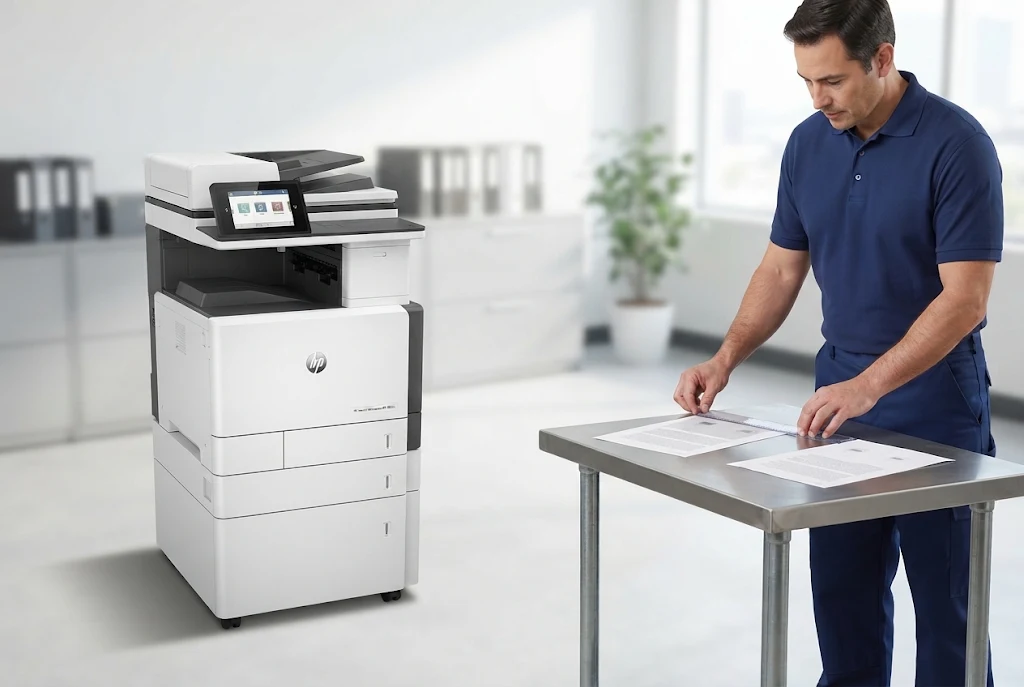
HP LaserJet maintenance messages Norwalk offices see are planning signals rather than emergencies. On HP LaserJet Enterprise printers, maintenance kit status appears on the supplies status page, and the control panel reports when the kit is low or very low. HP describes a LaserJet maintenance kit as pickup rollers, feed and separation rollers, a transfer roller, and a fuser assembly.
HP rates each family’s kit for an estimated page life, but that figure is a planning estimate rather than a schedule. A printer feeding heavy stock from one tray all day wears differently from one running short duplex jobs, so HP LaserJet printer repair Norwalk CA planning reads usage history and the supplies status page together.
HP LaserJet printer maintenance Norwalk offices schedule in response to a message is less disruptive than waiting for repeated jams. Our article on regular HP printer maintenance covers planning in more depth.
When an HP LaserJet printer repair Norwalk CA visit includes maintenance, we confirm the correct kit for the exact model, install it, and verify that the printer recognizes the new kit before testing each tray.
Hardware Fault or Print-Queue Problem?
Not every “printer down” report is a printer fault. When jobs stall in a queue or fail only from certain computers, the print engine may be working normally. Before an HP LaserJet printer repair Norwalk CA visit promises a hardware repair, we confirm the printer produces its own internal pages.
A configuration page shows the network settings, and comparing several users separates a workstation problem from a printer problem. If the printer prints internally but jobs never arrive, the issue belongs with the network, driver, or queue.
Network connectivity, driver, and firmware work is separate from hardware repair and is not part of the onsite promotion. Telling us whether internal pages print normally helps plan the right HP LaserJet printer repair Norwalk CA visit.
HP LaserJet Families We Service at Norwalk Businesses
The families below are representative examples, not a complete compatibility list. Every HP LaserJet printer repair Norwalk CA request starts with the exact model, because control panels, tray options, and diagnostic tools differ even within a family.
HP LaserJet Pro M501 and HP LaserJet Enterprise M506/M507
This single-function family fits desk-side and front-counter printing. On the M507n and M507dn, a 2.7-inch display with keypad sits above a 100-sheet multipurpose Tray 1 and a 550-sheet Tray 2, while the M507x moves to a 4.3-inch touchscreen. On the M507, HP assigns 13.A2 through 13.A5 to jams in Trays 2 through 5 and 13.E1 to the output bin. Deeper model guidance is on our HP LaserJet M501, M506, and M507 repair page.
HP LaserJet Enterprise M607/M608/M609
Built for workgroup volume, the M607, M608, and M609 pair a 100-sheet Tray 1 and a 550-sheet Tray 2 with optional 550-sheet feeders. All that paper crosses the same rollers and fuser, so repeating feed symptoms or maintenance messages justify HP LaserJet Enterprise printer repair Norwalk requests sooner rather than later. One HP LaserJet printer repair Norwalk CA visit can address both, and the HP LaserJet M607, M608, and M609 repair page goes further into the family.
HP LaserJet Enterprise MFP M631/M632/M633
On top of the print engine, these MFPs carry a flatbed scanner and a 150-sheet automatic document feeder, and models such as the M631dn use an 8-inch touchscreen. Originals and paper travel separate paths: HP assigns 31.13 to a document-feeder jam, distinct from the 13-series print-path codes. HP LaserJet MFP repair Norwalk CA work therefore covers the printing, scanning, and feeder sides of the machine. Family troubleshooting sits on our HP LaserJet M631, M632, and M633 MFP repair page.
Color printers bring their own diagnostic questions, which our HP Color LaserJet printer repair page addresses; everything here concerns monochrome equipment. We do not service inkjet printers or copiers.
From M507 to M633, Repaired Where It Sits
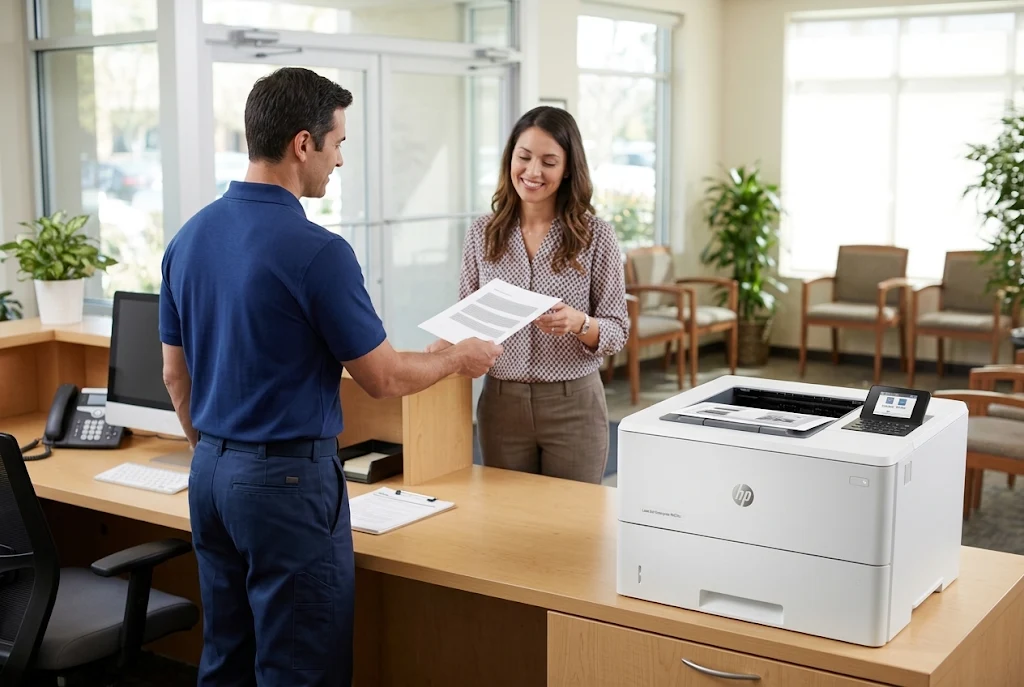
More than two decades in the office equipment industry stand behind every Norwalk visit, and completed work carries a 6-month / 180-day warranty. Same-day service may be available. Send the model and symptoms to info@printer-repair-experts.net to set up HP LaserJet printer repair Norwalk CA service.
Arranging the Onsite Visit and Understanding Visit Pricing
Our onsite printer repair model means diagnosis happens at your business, with the printer connected to your network and loaded with your paper. A few details before the visit let us prepare for the right fault.
When you contact Printer Repair Experts, include the exact model, the complete message or code, the tray or function involved, how often it happens, and the Norwalk street address. Suite numbers, parking, and check-in rules help too, especially at medical or legal offices with restricted areas.
Business HP LaserJet repair Norwalk visits go best when someone who knows the printer’s recent history is available, such as the office manager or the IT coordinator who manages the print queue. That person often holds the detail that shortens HP LaserJet printer repair Norwalk CA diagnosis.
How visit pricing works
The $69.99 Onsite Printer Repair Promotion is the one price we publish. It covers the onsite visit for one printer and carries limitations; it is not a completed-repair price, and any replacement components are quoted separately. Our overview of printer repair costs and the onsite promotion walks through what else shapes the total for HP LaserJet printer repair Norwalk CA work.
A few terms apply. Service on a second printer during the same visit moves the visit to our Standard Flat Labor Rate. If diagnosis is complete and you decide not to go ahead, the promotional charge remains, while a needed return trip to install approved components carries no second labor charge. Software updates, network connectivity, and firmware upgrades sit outside the promotion.
Nearby Service Areas and the Next Step for Norwalk Offices
Norwalk sits in southeast Los Angeles County, bordered by Downey, Bellflower, Cerritos, Artesia, Santa Fe Springs, and Whittier. For equipment in Cerritos, see our page on HP LaserJet repair in Cerritos, and for sites to the north, our page on printer repair in Santa Fe Springs.
Requests for HP LaserJet Printer Repair Downey CA or HP LaserJet Printer Repair Bellflower CA follow the same onsite process, and we confirm coverage for any address when you call. Norwalk remains the focus of every HP LaserJet printer repair Norwalk CA visit described here.
An HP LaserJet repair technician serving Norwalk is most useful when the visit ends with an explanation, not just a cleared message. A finished HP LaserJet printer repair Norwalk CA visit leaves you with a named cause, the component involved, and test prints from your own trays.
If an M507 at a front desk, an M608 in a workroom, or an M632 at a copy station keeps interrupting the same job, start with the pattern you have noticed. Call (888) 657-0021 or email info@printer-repair-experts.net to arrange Onsite HP LaserJet printer repair Norwalk CA service, and we will plan the visit around what your printer has been reporting.
FAQ's - Frequently Asked Questions - HP LaserJet Printer Repair Norwalk CA
Often, yes. Jams limited to two-sided printing point to the duplex path rather than the input tray, and HP lists 13.D3 as a duplexer jam on this family. Note the full code and paper type so the diagnosis can start on that path.
Yes. The automatic document feeder has its own rollers and feed path, so it can fail while flatbed scanning works normally. HP documents 31.13 as a document-feeder jam on the M631 series, which helps an HP LaserJet printer repair Norwalk CA technician separate a feeder fault from a print-path fault.
If the supplies status page shows the cartridge as very low, replacing it first is reasonable. If fading continues with a cartridge that reports adequate life, or the defect repeats at even spacing, the printer needs diagnosis as part of HP LaserJet printer repair Norwalk CA service.
Record the full code and keep printing normally. If the same message returns, appears at the same point in each job, or comes with wrinkled or smudged pages, schedule service. Avoid opening the fuser area yourself, because it may still be hot.
Usually, yes. A low or very low maintenance kit message is a planning signal, not an immediate stop. It is a good time to schedule the work, especially if feed problems or print defects have started to appear.
No. The promotional service charge still applies once diagnosis is complete, and we explain what we found before any repair proceeds. Approved work carries our 6-month / 180-day warranty.
It helps when the symptom could involve the network or print queue. If internal test pages print normally, your IT contact can confirm queue and network settings while we check the hardware. Network, driver, and firmware work is separate from the onsite promotion.
Note the date, the job, the tray, and the exact message each time it happens, and save one affected page when print quality is involved. A week of entries shows an HP LaserJet printer repair Norwalk CA technician a pattern that a single description cannot.