
HP Laserjet Printer Repair Fullerton CA:
Onsite Diagnosis That Starts With the Failed Function
HP Laserjet Printer Repair Fullerton CA starts with a question we ask before anyone touches a part: which function of the printer actually failed? We diagnose and repair monochrome HP LaserJet, HP LaserJet Enterprise, and HP LaserJet MFP printers at Fullerton businesses, and that answer decides whether the fix is a roller, a fuser, a setting, or something else.
A tray that refuses paper, a page that smears, and an MFP feeder that chews originals are different faults with different repairs. Most HP Laserjet Printer Repair Fullerton CA requests involve a shared printer a whole department depends on, so a correct first diagnosis matters more than a fast guess.
Preview Snapshot
- HP Laserjet Printer Repair Fullerton CA happens at your location; there is no storefront or drop-off counter.
- Identifying the failed function (pickup, fusing, imaging, duplexing, or document feeding) comes before any part recommendation.
- The exact model, the full control-panel message, and the affected tray shorten diagnosis.
- Jams and fuser messages that keep returning usually point to worn or failing components.
- Repair-or-replace advice follows diagnosis and depends on condition, usage, and parts.
Who We Serve in Fullerton and Which LaserJet Printers We Repair
We work with Fullerton business owners, office managers, administrative staff, and IT personnel responsible for shared HP LaserJet printers. Accounting and legal practices, medical-office administrative teams, and warehouse or distribution offices account for many HP Laserjet Printer Repair Fullerton CA calls, because a stalled printer there holds up invoices, filings, patient paperwork, or shipping documents.
Our broader HP LaserJet printer repair service covers more equipment than this page describes. For HP Laserjet Printer Repair Fullerton CA work we concentrate on monochrome families Fullerton workplaces commonly share, used as examples rather than a complete list:
- Single-function workgroup printers: the HP LaserJet M501, M506, and M507; see our page on HP LaserJet M501, M506, and M507 repair.
- Higher-volume single-function printers: the HP LaserJet Enterprise M607, M608, and M609, and the family covered by our HP LaserJet M610, M611, and M612 repair page.
- Multifunction printers: the HP LaserJet Enterprise MFP M527 and M528, where printing and document feeding fail independently.
These families do not share identical components or procedures. Every HP LaserJet Enterprise repair Fullerton customers request is diagnosed against the exact model and configuration, and parts are chosen only after that identification.
Fullerton sits within our HP LaserJet repair throughout Orange County, and readers nearby can find the same onsite process for printer repair in Brea or printer repair in La Habra. We have no Fullerton storefront or branch; HP Laserjet Printer Repair Fullerton CA service brings the technician to the printer.
That service does not cover HP OfficeJet, DeskJet, ENVY, Smart Tank, DesignJet, or PageWide models, other inkjet printers, or copiers. HP Color LaserJet repair is available, but color-specific faults sit outside this page’s focus.
Printing, Duplexing, or Document Feeding: Which Function Failed?
Notice when the problem appears; it is the first question in any HP Laserjet Printer Repair Fullerton CA diagnosis. A fault on every job from every computer points toward the printer’s hardware, while one limited to a single workstation points elsewhere.
| What staff notice | Function involved | What we check first |
|---|---|---|
| One tray will not feed, or reports a size mismatch | Paper pickup | Tray guides and settings, paper, pickup and separation rollers |
| Sheets stop partway or arrive crooked | Feed path | Feed rollers, obstructions, jam sensors |
| Two-sided jobs jam, one-sided jobs run | Duplex path | Duplexer and output path |
| Toner rubs off, or a fuser message appears | Fusing | Paper-type setting, media, fuser |
| Streaks, fading, or repeating marks | Imaging | Toner cartridge, media, settings, image-path rollers |
| Copies jam, printed jobs are fine | Document feeder (MFP) | Feeder rollers and path |
| Jobs never arrive, or one user is affected | Print system | Queue, driver, connection, firmware |
On multifunction equipment, separating a paper-path jam from a document-feeder jam saves real time. HP’s documentation for the LaserJet Enterprise MFP M527 and M528 reports document-feeder jams as 31.13 codes, while Tray 2 through Tray 5 jams appear as 13.A2 through 13.A5.
So HP LaserJet MFP repair Fullerton offices schedule with us starts with a comparison: does a computer print job run cleanly while feeder copies fail? If so, attention moves to the feeder, which has wear parts of its own; HP lists an ADF roller replacement kit among the M528 series supplies.
When the feeder is at fault, the remedy is replacing its worn rollers with the kit specified for that model, then confirming feeding with a stack of the office’s own originals. Request service when feeder jams continue after staples, folds, and torn pages have been ruled out.
During an HP Laserjet Printer Repair Fullerton CA visit, queue, driver, connection, and firmware checks serve only to separate a communication problem from a mechanical one. Network, driver, and firmware projects are handled separately.
Fullerton LaserJet Down? Start With Our Promotion
Our $69.99 Onsite Printer Repair Promotion covers one HP LaserJet per onsite visit at your Fullerton location; parts are not included. Call (888) 657-0021 or email info@printer-repair-experts.net to book HP Laserjet Printer Repair Fullerton CA service. Limitations may apply.
HP Laserjet Printer Repair Fullerton CA for Pickup Failures and Repeated Jams
Pickup and feeding faults are the most common reason for HP Laserjet Printer Repair Fullerton CA calls. Clearing the sheet restores printing, but it does not explain why the sheet stopped; our guide to recurring printer paper jams explains why a returning jam usually has a cause removal cannot fix.
- Symptom: A tray will not feed, feeds several sheets at once, skews pages, or jams in the same area repeatedly.
- Root cause: Misadjusted tray guides, a size or type setting that does not match the paper, damp or static-bound paper, worn pickup, feed, or separation rollers, a torn scrap in the path, or a sticking sensor flag.
- Diagnosis: We confirm which tray fails, whether others feed cleanly, where the sheet stops, and whether fresh paper changes the result, then inspect rollers for glazing and wear.
- Remedy: Correct the tray setup or paper when either is the cause; when rollers are worn, replace that tray’s pickup, feed, and separation rollers together and run repeated test jobs.
- Repair component: For the M607 through M612 families, HP documents separate procedures for the Tray 1 pickup roller, Tray 1 separation roller, and Trays 2-x rollers.
- When we recommend service: Book HP Laserjet Printer Repair Fullerton CA service when a tray jams again after paper and guides are checked, when sheets feed together, or when jams leave torn paper inside.
Many HP LaserJet paper jam repair Fullerton visits come down to worn rollers on the busiest tray. We still treat HP printer pickup roller replacement Fullerton requests as a diagnosis first, because a tray-setting error or a damaged sensor flag can look nearly identical.
If one-sided jobs run cleanly but two-sided jobs jam, the duplex path becomes the focus instead of the trays. Noting which kind of job failed points an HP Laserjet Printer Repair Fullerton CA technician in the right direction.
Toner That Smudges, Wipes Off, or Triggers a Fuser Message
The fuser bonds toner to paper with heat and pressure. When it can no longer do that consistently, pages smudge, toner rubs off, or a fuser-related error appears, although the message alone does not prove the fuser has failed.
- Symptom: Toner wipes off with a finger, output smears, a defect repeats down the page, or the control panel reports a fuser error.
- Root cause: A worn or damaged fuser assembly, or a paper-type setting that does not match the media, unsuitable or damp paper, or the way the printer is powered.
- Diagnosis: We review the exact message and when it appears, test suitable paper at the correct setting, and inspect output for fuser-related patterns.
- Remedy: Correct the settings or media when they are responsible; if the fuser assembly has failed, it is replaced, since we do not rebuild fuser assemblies onsite.
- Repair component: The fuser assembly, which on many HP LaserJet Enterprise models is voltage-specific, so a 110-volt printer needs the 110-volt part.
- When we recommend service: Request HP Laserjet Printer Repair Fullerton CA service when a fuser message persists after a restart, when toner will not stay on the page, or whenever the hot fuser area is involved.
Please leave the fuser alone; it runs hot and sits beside assemblies not designed for customer handling. Our article on HP printer fuser errors covers the troubleshooting background, while HP Laserjet Printer Repair Fullerton CA visits handle the hot-component work.
After an HP LaserJet fuser replacement Fullerton customers approve, we print test pages on the office’s own paper and confirm toner adhesion. Every HP Laserjet Printer Repair Fullerton CA fuser job ends that way, because a media or setting problem can bring the symptom back.
Which Part of the Printer Actually Failed?
Before any part is ordered, we confirm whether the trouble sits in paper pickup, fusing, imaging, the duplex path, or an MFP document feeder. Bring us the exact model and the full control-panel message at (888) 657-0021.
Streaks, Fading, and Repeating Marks Need Assessment Before Parts
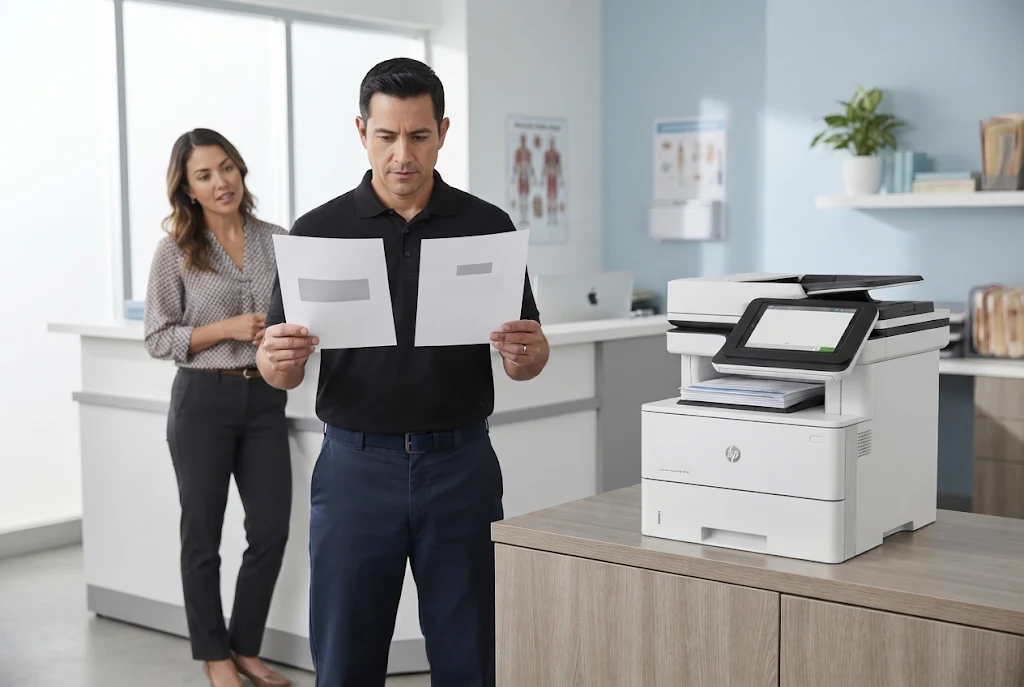
Toner, paper, print settings, and several components can each produce streaks, smudging, faded output, or repeating marks. Replacing a part before those are separated is guesswork.
- Symptom: Vertical streaks, light or faded areas, gray background, smudging, or a mark that repeats down the page.
- Root cause: A cartridge near the end of its life or with a damaged imaging drum, paper outside HP’s specifications, an unsuitable setting, or a worn part in the image or transfer path.
- Diagnosis: We compare a sample defective print with internal test pages, check supplies status, confirm the paper-type setting, and measure the spacing of any repeating mark.
- Remedy: Replace the cartridge when it is the cause, correct media and settings when they are, and replace the identified component when the defect traces to hardware.
- Repair component: The toner cartridge, transfer roller, fuser, or another part in the path; HP publishes a transfer roller removal procedure covering the M607 through M612 families.
- When we recommend service: Schedule HP Laserjet Printer Repair Fullerton CA service when a new cartridge does not clear the defect, when a mark repeats at a fixed interval, or when every tray is affected.
HP’s own guidance for resolving mono print quality problems on LaserJet Enterprise printers follows a similar order, working through supplies, paper, and environment before hardware, as our HP Laserjet Printer Repair Fullerton CA assessments do.
We approach HP LaserJet print quality repair Fullerton calls as an assessment first: a cartridge fault needs no new rollers, and a roller fault is not fixed by a new cartridge. When toner is the answer, our high-quality third-party toner carries a 1-year / 365-day warranty.
Keep the defective pages, because a sample print lets an HP Laserjet Printer Repair Fullerton CA technician measure the defect instead of relying on a description.
Maintenance Messages and Choosing the Right Kit for the Exact Model
HP LaserJet Enterprise printers can display a maintenance-related message when wear components approach their expected service interval. It is a reminder rather than a fault, but ignored for long it tends to resurface as feeding or fusing problems.
Kit contents vary by model and voltage. HP lists its 110-volt kit for the M607 and M608, L0H24A, with a 110-volt fuser unit, while other descriptions of that kit also mention tray rollers. Our overview of HP LaserJet maintenance kits explains why contents are confirmed against the exact printer.
A busy M607, M608, or M609 combining recurring feeding faults, fuser symptoms, and a maintenance message is usually telling one story; our HP LaserJet M607, M608, and M609 repair page covers that family.
- Symptom: A maintenance message appears, often alongside more frequent jams or weaker fusing.
- Root cause: Rollers and the fuser wear with use, which the printer tracks against an expected interval.
- Diagnosis: We confirm model, voltage, and installed trays, then inspect the components the kit would replace.
- Remedy: Install the correct kit, reset the maintenance count as that model’s procedure requires, and verify feeding and fusing.
- Repair component: The model-specific maintenance kit, using HP Parts, High Quality Parts, or Premium Parts as appropriate.
- When we recommend service: Book HP Laserjet Printer Repair Fullerton CA maintenance when the message first appears, while the printer still works.
HP LaserJet maintenance kit installation Fullerton requests are easy to plan, because the printer is usually still running. Scheduling HP Laserjet Printer Repair Fullerton CA maintenance early lets the office pick a time around its busiest hours.
Recording the Details That Make a Service Visit Productive
Information gathered before a visit often decides how quickly the right part is identified. Our page on onsite printer diagnosis and repair explains how service at your business works; these details help most with an HP Laserjet Printer Repair Fullerton CA request:
- The exact model from the label, including suffixes such as dn or x, plus added trays.
- The full control-panel message, photographed or written down.
- The affected tray or function: printing, duplexing, copying, or scanning.
- A sample defective print labeled with its tray.
- How often it happens, and whether it began after an event such as a new paper delivery.
Safe checks are worthwhile: confirm the tray guides touch the stack, the tray setting matches the paper, and the paper is dry and fanned. Do not open the fuser area, remove internal covers, or handle electrical components.
One jam after a ream of damp paper is an event; three a week from the same tray is a trend. Office laser printer diagnosis Fullerton staff can begin themselves with a short log of date, tray, and message, which makes an HP Laserjet Printer Repair Fullerton CA visit far more productive.
When ready, contact Printer Repair Experts with the printer model, displayed error, symptoms, and your Fullerton service location. Those details anchor every HP Laserjet Printer Repair Fullerton CA request.
Our approved $69.99 Onsite Printer Repair Promotion applies to one printer per onsite visit, does not include parts, and is subject to limitations. If two or more printers need service during the same visit, pricing reverts to our Standard Flat Labor Rate.
The promotional service charge still applies if you decide not to proceed after diagnosis, while an applicable return visit to install approved parts adds no second labor charge. We do not install customer-supplied parts, and the promotion does not cover software updates, network connectivity, or firmware upgrades.
20+ Years of LaserJet Work, Brought to Fullerton
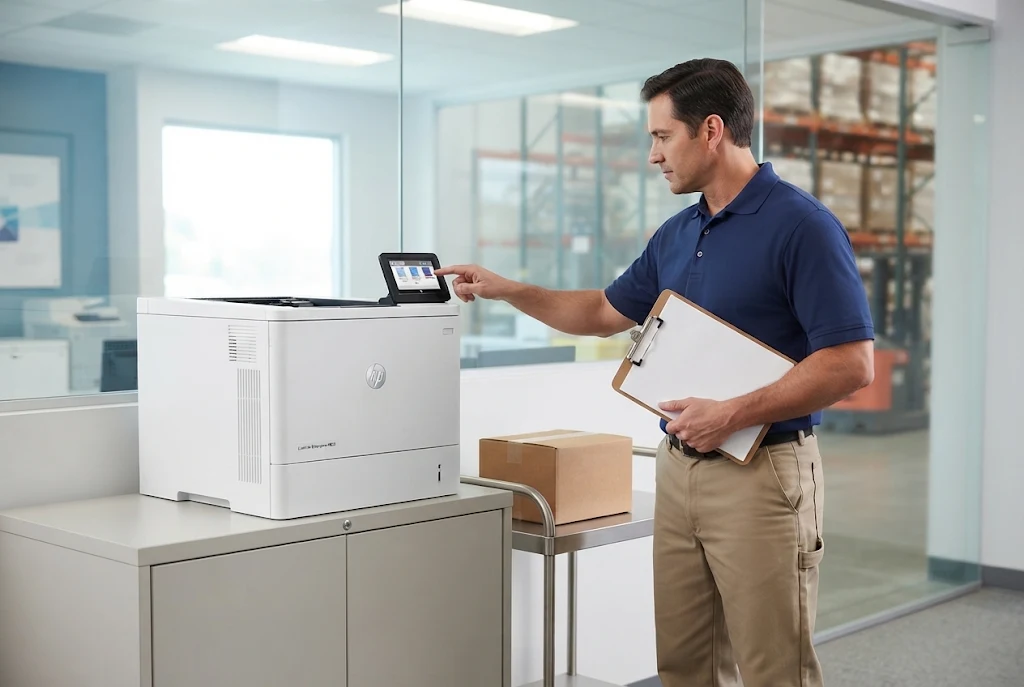
We service HP LaserJet, LaserJet Enterprise, and LaserJet MFP printers at Fullerton businesses with HP Parts, High Quality Parts, or Premium Parts. Service and installed parts carry a 6-month / 180-day warranty. Same-day service may be available. Email info@printer-repair-experts.net or call (888) 657-0021.
Repair or Replace? How Condition, Usage, and Parts Shape the Recommendation
A sound HP LaserJet repair or replacement assessment cannot happen before diagnosis, because the answer depends on what failed. An HP Laserjet Printer Repair Fullerton CA recommendation weighs these factors together:
- Model and configuration: the printer, its trays, and whether parts are practical to obtain.
- Diagnosed condition: one worn component, or several assemblies failing together.
- Usage: the volume it now supports compared with the work it was chosen for.
- Required parts: what the repair needs against the printer’s remaining usefulness.
- Interruption history: whether the same failure keeps returning.
An M507 at a medical-office front desk with a worn pickup roller is usually a straightforward repair. A heavily used warehouse-office printer failing across several systems may justify a replacement conversation, and we say so plainly after diagnosis.
Many searches for business printer repair Fullerton CA come from a manager weighing this decision, and a documented HP Laserjet Printer Repair Fullerton CA diagnosis supports either choice. Repairs use HP Parts, High Quality Parts, or Premium Parts, and service and installed parts carry a 6-month / 180-day warranty.
Scheduling Onsite LaserJet Service in Fullerton
Onsite HP LaserJet printer repair Fullerton businesses schedule with us follows one order: details before the visit, diagnosis before parts, verification before the technician leaves. Same-day service may be available when the schedule allows.
A Fullerton accounting practice with one M507 and a distribution office running several M608 printers start in the same place. Each HP Laserjet Printer Repair Fullerton CA request begins by naming the failed function, then matches the repair to that printer’s condition and workload.
We bring more than 20 years in the office equipment industry to that first conversation. Call (888) 657-0021 or email info@printer-repair-experts.net with the model, message, affected tray or function, and address, and HP Laserjet Printer Repair Fullerton CA service will begin from evidence rather than a guess.
FAQ's - Frequently Asked Questions - HP LaserJet Service in Fullerton
Often, yes, if the other trays feed cleanly. Avoid forcing jobs through the failing tray, since repeated attempts can tear paper inside the path and add work to the repair.
No. Leave it powered on, connected, and where it normally sits. Clearing space around its doors and trays lets the technician reproduce the fault in its real location.
Not necessarily. These messages often come from tray guides or a tray setting that does not match the paper loaded. If the message returns after both are corrected, an HP Laserjet Printer Repair Fullerton CA diagnosis can check the pickup hardware.
The promotion covers one printer per onsite visit. When two or more printers need service during the same visit, pricing reverts to our Standard Flat Labor Rate, which we confirm before work begins.
No. We do not install customer-supplied parts. Parts are selected after diagnosis confirms the exact model, voltage, and configuration, so the installed part is one our warranty can stand behind.
It covers our service and the parts we install for 6 months / 180 days. Unrelated components that fail later are diagnosed on their own, as a separate HP Laserjet Printer Repair Fullerton CA request.
Often, yes. The feeder and the print engine are separate systems, so printing from a computer may continue while the feeder awaits repair. Note which function still works when you call.
Not yet. The cartridge may not be the cause, and a sample defective print tells us more than a fresh cartridge. If toner is the answer, our HP Laserjet Printer Repair Fullerton CA visit can supply high-quality third-party toner with a 1-year / 365-day warranty.