
HP Color LaserJet Printer Repair
for Pro, MFP, and Enterprise Models
HP Color LaserJet printer repair works best when the technician knows which of three different machines is waiting: a single-function Color LaserJet Pro M452, a Color LaserJet Pro MFP M477 or M479, or a Color LaserJet Enterprise M552, M553, or M554. We provide onsite HP Color LaserJet printer repair for all three families across Orange County and approved portions of Los Angeles County, with diagnosis done at the printer.
This guide to HP Color LaserJet printer repair is built around the evidence your printer already produces. The model number, the exact error message, the tray involved, and a sample page usually narrow a fault before anyone opens a door.
Preview Snapshot
- The HP Color LaserJet Pro, MFP, and Enterprise models we service.
- Four details to gather before you call.
- How recurring jams, fuser faults, and toner that rubs off are told apart.
- Using test pages and repeat spacing to trace streaks and misregistration.
- A print-versus-copy comparison that isolates lines on the M477 and M479.
- Onsite diagnosis, parts, warranty, and service area.
Three HP Color LaserJet Families, Three Different Machines
Before scheduling HP Color LaserJet printer repair, it helps to know which family your unit belongs to, because access doors, trays, cartridges, and replacement kits change from one family to the next.
| Family | Models covered | Configuration | Toner cartridge series |
|---|---|---|---|
| Color LaserJet Pro | M452nw, M452dn, M452dw | Single-function desktop printer | HP 410A / 410X |
| Color LaserJet Pro MFP | M477 and M479 series | Print, copy, and scan with flatbed and document feeder | HP 410A / 410X (M477); HP 414A / 414X (M479) |
| Color LaserJet Enterprise | M552dn, M553n, M553dn, M553x, M554dn | Single-function printer for higher volumes | HP 508A / 508X (M552, M553); HP 212A / 212X (M554) |
Color LaserJet Pro M452
The M452 is a print-only desktop unit with a 50-sheet multipurpose Tray 1, a 250-sheet Tray 2, and an optional 550-sheet Tray 3. Cartridges sit behind a front door, and a rear door opens the print path. Most HP Color LaserJet Pro repair on this model involves feed rollers, the fuser, or an image defect traced to a cartridge or transfer component.
Color LaserJet Pro MFP M477 and M479
The M477 and M479 add a flatbed scanner and an automatic document feeder above the print engine. Because a line on a copy can start in the scanner rather than the engine, HP Color LaserJet MFP repair tests the scan path separately. Model-level detail is on our page for HP Color LaserJet Pro M452, M477 and M479 repair.
Color LaserJet Enterprise M552, M553, and M554
The Enterprise models carry a 100-sheet Tray 1 and a 550-sheet Tray 2, with optional 550-sheet feeders underneath. Jams near the fuser are cleared through a right door. HP Color LaserJet Enterprise repair on these printers often centers on that right-door area and on the transfer components; our HP Color LaserJet Enterprise M552, M553 and M554 repair page covers the platform in depth.
Printing Only in Black?
A printer that prints only black is a monochrome model and belongs with our HP LaserJet printer repair service instead.
What to Send Us Before an HP Color LaserJet Printer Repair Visit
Four details shorten nearly every HP Color LaserJet printer repair call, because the technician arrives knowing which kits and access doors are likely involved.
- Full model number. “M553” is not enough, because the M553n, M553dn, and M553x differ in control panels and tray count. The full name appears on the front of the printer and on its configuration page.
- The exact message or code. Photograph the control panel or copy every character, including the digits after each period.
- The affected tray or paper path. Note whether the trouble follows Tray 1, Tray 2, an optional tray, two-sided jobs only, or every job.
- A sample page. Keep one printed sheet that shows the defect, plus a copy from the scanner if the printer is an M477 or M479.
None of this requires tools. It turns “the printer is acting up” into evidence, and it keeps HP Color LaserJet printer repair aimed at the right assembly from the first minute.
Recurring Jams: Reading Where the Paper Stops
A jam that returns after every clearing is a mechanical symptom. HP Color LaserJet paper jam repair begins by noting where the sheet stopped and how it behaved, because a sheet that never left the tray and a sheet caught at the fuser have unrelated causes.
Pickup Failures and Multiple-Sheet Feeds
- Symptom: The printer reports a tray jam with no paper visible inside, or several sheets enter together and stop early.
- Root cause: Worn or glazed pickup and feed rollers lose grip, and a worn separation roller lets extra sheets slip through. Tray guides set to the wrong size, or damp and curled paper, make both problems worse.
- Diagnosis: We check whether the fault follows one tray, inspect the rollers, confirm guide positions and paper condition, and run test jobs from each tray.
- Remedy and repair component: Replace the pickup, feed, and separation rollers for the affected tray. For the M552 and M553, HP packages these as the Tray 1 Roller kit and the Tray 2-X Roller kit.
- When we recommend service: When misfeeds continue after loading fresh paper from a sealed ream and resetting the guides.
This is the most frequent form of HP Color LaserJet paper feed repair, and rollers alone often resolve it.
Jams at the Registration, Duplex, or Fuser Area
When a sheet stops farther along, the cause moves with it. HP’s support document for 13.B2, 13.B4, and 13.B9 jams groups those codes as jams in the right door and fuser area of the Enterprise M552, M553, and M554, which tells us to inspect that path before the trays.
- Symptom: The sheet stops at the right door, in the two-sided path, or partway through the fuser, often creased.
- Root cause: Torn fragments left from an earlier jam, worn rollers along the path, or a fuser that no longer releases sheets cleanly.
- Diagnosis: We open the access doors, look for retained scraps, check rollers, and compare one-sided and two-sided jobs to test the duplex path.
- Remedy and repair component: Remove debris and replace the worn path component. When the fuser is the source, we replace the fuser assembly.
- When we recommend service: When the same code returns after clearing and a paper-type check.
Those right-door codes come up often in HP Color LaserJet M552 M553 M554 Paper Jam calls. For the general pattern behind repeat misfeeds and path jams, our article on why your printer keeps jamming walks through the common causes.
Promotional Onsite Visit for Your Color LaserJet
Our $69.99 Onsite Printer Repair Promotion applies to HP Color LaserJet printer repair for one printer per visit; parts are separate. Call (888) 657-0021 or email info@printer-repair-experts.net with your full model number and error message. Limitations may apply.
Fuser Errors and Toner That Rubs Off the Page
The fuser bonds toner to paper with heat and pressure. A failing fuser either stops the printer with a message or produces pages that smear. For a general explanation first, read what an HP fuser error means; this section covers how we handle it during HP Color LaserJet printer repair.
Check the Paper Setting Before Blaming the Fuser
Smearing does not always mean a failed fuser. HP lists the paper-type setting as an early print-quality check, because heavy, glossy, or label stock printed under a plain-paper setting may not receive enough heat. Confirm the paper type on the control panel and in the driver, then reprint.
Fuser Fault or Fuser-Area Jam?
A fuser fault is reported as an error, commonly in the 50.x range on HP LaserJet engines, and points to heating or sensing. A fuser-area jam is paper that stopped in the fuser path. Recording the exact code tells us which one we are facing before HP Color LaserJet printer repair begins.
- Symptom: A fuser error, smearing on the correct paper setting, or wrinkles across the page.
- Root cause: Wear or failure inside the fuser assembly, such as the heating element, temperature sensing, or the pressure roller and fuser sleeve.
- Diagnosis: We record the code, confirm media settings, power-cycle to see whether the fault repeats, and examine the fuser for wear or damage.
- Remedy: Replace the fuser assembly. We do not rebuild fusers onsite.
- Repair component: The fuser assembly for the exact model, supplied as HP Parts or High Quality Parts. For the M552 and M553, HP sells it as the HP Fuser kit.
- When we recommend service: When a fuser error returns after a restart.
The fuser runs hot, so let the printer cool before opening any door near it. HP Color LaserJet fuser error repair on the Enterprise models has enough code-level detail for its own page; read about M552, M553 and M554 fuser errors for model-specific diagnosis.
Streaks, Repeating Marks, and Colors Out of Register
HP Color LaserJet print quality repair relies on three clues from a defective page: which color is affected, whether the mark repeats, and how far apart the repeats fall.
Start With a Printer-Generated Page
A page printed from the printer’s own menu removes the computer and driver from the question; if the defect appears there, the cause is inside the printer. HP’s guidance also calls for a cleaning page, a cartridge status check, and color calibration, and we confirm each before HP Color LaserJet printer repair moves to parts.
What Each Clue Points To
- One color only: Generally points to that color’s toner cartridge.
- Every color in the same position: Points to a part all colors pass through, such as the transfer belt, transfer roller, or fuser.
- Repeating marks: The spacing between repeats matches the circumference of the rotating part responsible, so measuring it separates a cartridge drum from a transfer roller or fuser roller.
- Uneven density or faded areas: Low toner, cartridge wear, paper condition, or transfer problems.
- Color misregistration: Calibration first, then an inspection of the transfer belt and its drive.
The remedy in HP Color LaserJet printer repair follows the result: a toner cartridge, a transfer component, or a fuser assembly. For the M552 and M553, HP lists an ITB and T2 Roller kit and a Secondary Transfer Roller kit. We recommend service once calibration and a cleaning page have not cleared the defect.
Enterprise defects that survive these checks fall under the wider subject of HP Color LaserJet M552 M553 M554 Print Quality Problems, where the transfer components usually become the focus.
Streaks, Codes, or Misfeeds? We Trace the Cause
A streak’s spacing, a right-door jam code, or a fuser message tells our technician where to look. We test the printer onsite, show you the failed component, and quote HP Parts or High Quality Parts before any HP Color LaserJet printer repair begins.
Print Engine or Scanner? Isolating Lines on the M477 and M479
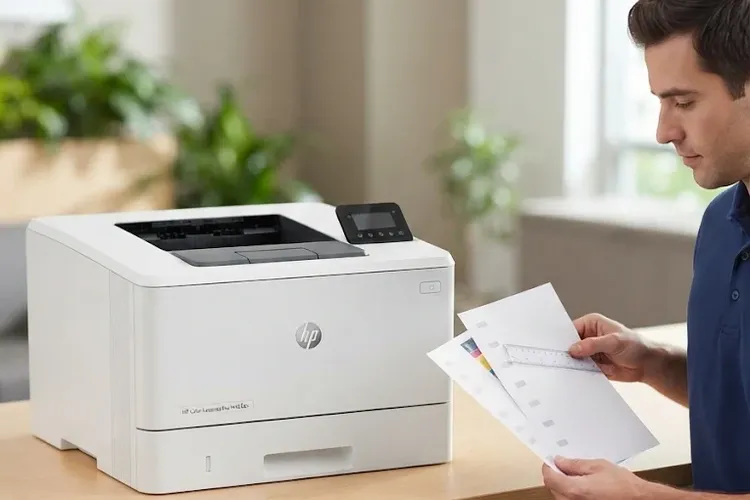
On an MFP, HP Color LaserJet printer repair starts by asking where a line on a copy began. We produce three versions of the same page and compare them.
- An internal print, such as a configuration page.
- A copy made from the flatbed glass.
- A copy made through the automatic document feeder.
| Line appears on | Likely origin | Next step |
|---|---|---|
| Internal print and both copies | Print engine | Follow the cartridge, transfer, and fuser checks above |
| Both copies, but not the internal print | Scanner | Clean and inspect the flatbed glass and scan components |
| Document-feeder copies only | Document feeder scan path | Clean the feeder scanning strip; inspect feeder rollers |
A feeder-only line is frequently correction fluid, adhesive, or toner on the narrow glass strip the originals pass over. Cleaning that strip is a reasonable first step for your staff. When the line survives cleaning, or the feeder skews originals, the feeder rollers or scan assembly need professional HP Color LaserJet printer repair.
That three-way comparison sits at the center of HP Color LaserJet Pro M477 M479 Scanner and Document Feeder Repair, and it prevents replacing toner to fix a scanner problem.
What Happens During Onsite HP Color LaserJet Repair
Onsite HP Color LaserJet repair keeps the printer at its desk and on its network. The technician confirms the symptom, runs the relevant test pages, and identifies the failed component before recommending work. Read more about how our onsite printer repair visits are handled.
In HP Color LaserJet printer repair, diagnosis decides both the work and whether replacement parts are needed. A misfeed may need only rollers, while a fuser fault needs a fuser assembly. Our article on what affects printer repair cost explains the factors in more detail.
We install HP Parts, High Quality Parts, or Premium Parts and explain the choice before any HP Color LaserJet printer repair begins. We do not install customer-supplied parts. When a part has to be ordered, the technician returns to install it once it arrives.
Every completed HP Color LaserJet printer repair carries our 6-month / 180-day warranty on service and installed parts. Same-day service may be available, depending on the schedule and your location.
Wear Items, Maintenance, and the Repair-or-Replace Question
Rollers, fusers, and transfer components wear by design. Repeated feed problems, visible roller wear, or a maintenance message signal that HP Color LaserJet printer repair or maintenance is due; our guide on when HP printers need regular maintenance explains the timing.
Wear Items by Family
- Pro M452, MFP M477, and MFP M479: pickup and separation rollers for Tray 1 and Tray 2, the fuser assembly, and the transfer components.
- Enterprise M552 and M553: HP lists the HP Fuser kit, ITB and T2 Roller kit, Secondary Transfer Roller kit, Tray 1 Roller kit, and Tray 2-X Roller kit.
- Enterprise M554: comparable fuser, transfer, and roller service items on a newer platform; we confirm part numbers from the full model number before scheduling HP Color LaserJet printer repair.
Repair or Replace?
HP Color LaserJet printer repair usually makes sense when the frame, formatter, and print engine are sound and the fault traces to a wear part. Replacement deserves a look when several major assemblies are failing at once. We give you the diagnosis and a parts quote so the decision stays yours.
Pro, MFP, or Enterprise: One Team for All Three
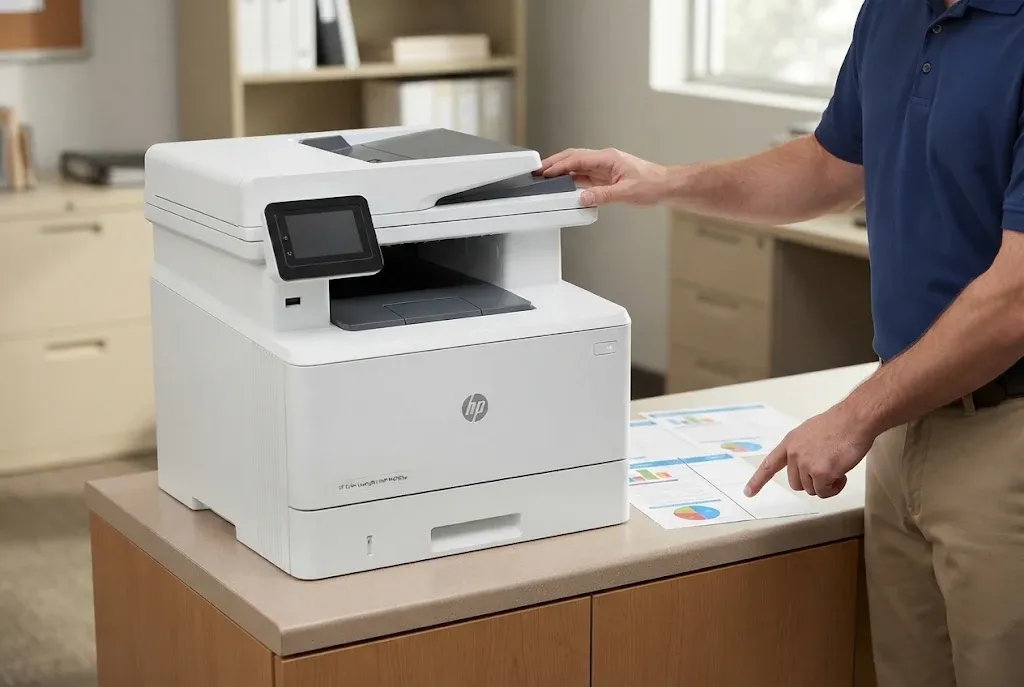
More than 20 years in the office equipment industry stand behind every HP Color LaserJet printer repair we complete, along with a 6-month / 180-day warranty on service and installed parts. Same-day service may be available. Call (888) 657-0021 or email info@printer-repair-experts.net.
HP Color LaserJet Printer Repair Across Orange County and Los Angeles County
We provide HP Color LaserJet printer repair at offices throughout Orange County, including Anaheim, Irvine, Santa Ana, Fullerton, Huntington Beach, Garden Grove, Tustin, and Orange, and in approved portions of Los Angeles County. Orange County readers can check HP LaserJet repair in Orange County for local coverage, and readers farther north can review HP LaserJet repair in the Los Angeles area to confirm their location.
The most useful step toward a well-targeted HP Color LaserJet printer repair costs nothing: gather the model number, the exact message, the tray involved, and one sample page.
Send those details to info@printer-repair-experts.net or call (888) 657-0021. Whether it is an M452 at reception, an M479 handling scans for accounting, or an M554 serving a department, we will confirm the part, schedule the visit, and stand behind the HP Color LaserJet printer repair with our 180-day warranty.
FAQ's - Frequently Asked Questions - HP Color LaserJet Printer Repair
Yes, but it usually points to the scanner. Clean the flatbed glass and the feeder scanning strip first. If the line remains on copies only, the scan assembly or document feeder needs service.
You can, but record the exact code. A fault that reappears, or toner that smears on the correct paper setting, means the fuser assembly should be inspected during an HP Color LaserJet printer repair visit.
No. We install only HP Parts, High Quality Parts, or Premium Parts that we supply, because we cannot verify or warrant customer-supplied parts.
Our 6-month / 180-day warranty covers the service we performed and the parts we installed, not unrelated faults that develop later.
Quality varies widely between suppliers. The high-quality third-party toner we offer carries a 1-year / 365-day warranty, and we can tell you when a print defect traces to a cartridge rather than the printer.
Yes. Calibration and a cleaning page are quick steps HP provides through the control panel, and on many models through the Embedded Web Server. If colors stay offset or streaks remain afterward, the cause is likely a hardware component that needs HP Color LaserJet printer repair.
Under the onsite promotion, an applicable return visit to install approved parts does not carry a second labor charge. Parts themselves are always billed separately.
No. Our color service covers HP Color LaserJet printers and HP Color LaserJet MFPs. We do not repair HP OfficeJet, DeskJet, ENVY, Smart Tank, DesignJet, or PageWide models, or copiers.